



2.8' LCD Screen IR Night Vision PIR Motion Detection Digital Electronic Viewer Bell Door Peephole HD Camera Photo Video Recordin
Hurry up, only 4 items left in stock.
SPECIFICATIONS
Alarm: No
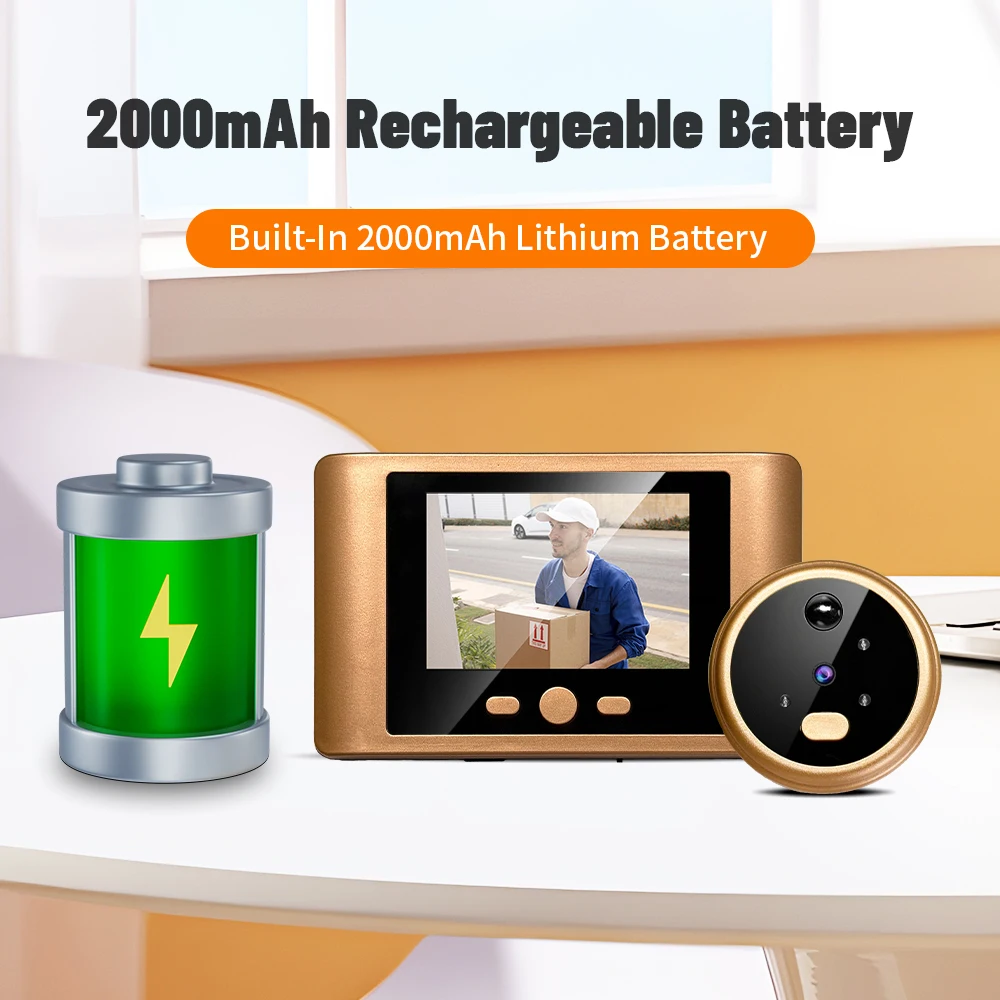
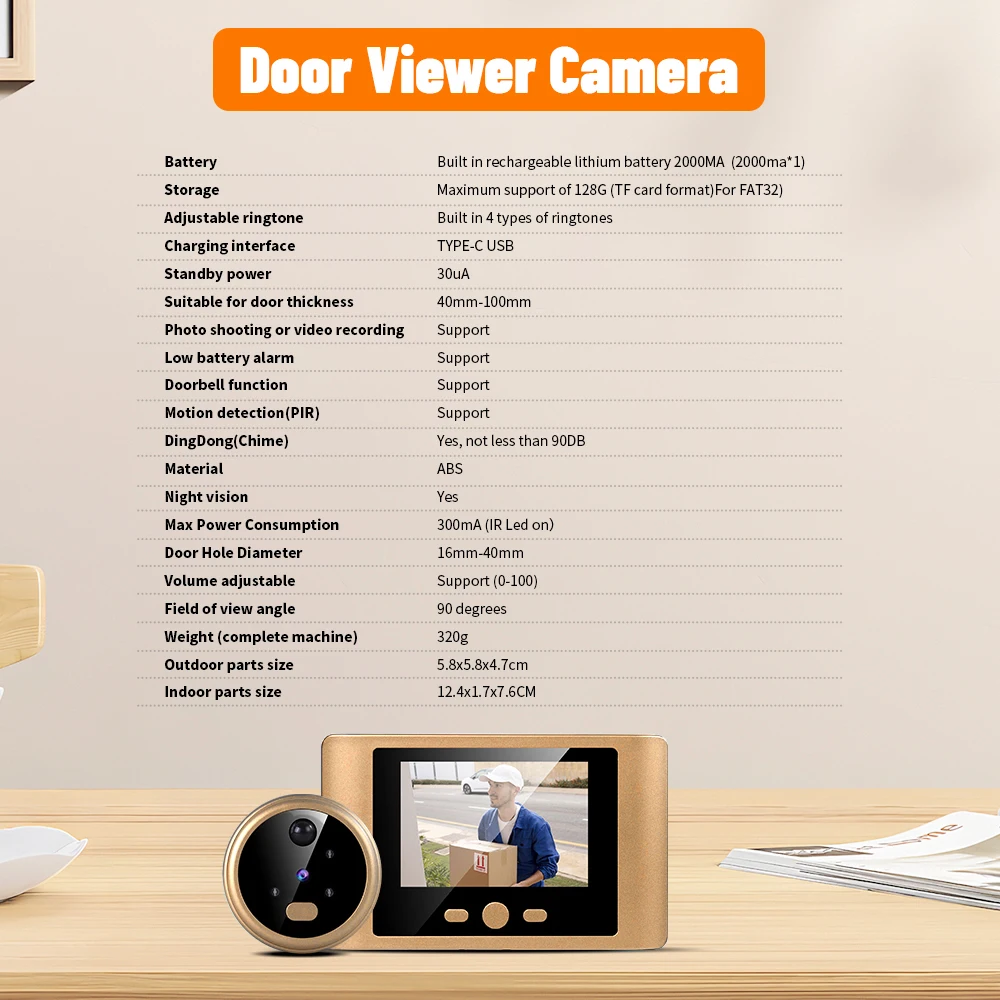
Battery Capacity: 2000mAh rechargebale built-in
Brand Name: REHENTINT
Certification: CE,RoHS
Charging Time: Full charged about 8-10 hours via 5V 1A Power Adapter
Choice: yes
Communication Interface: Wired
Display: Color
Doorbell Button: Have doorbell button on camera part
Feature: Photograph,Video
Hardware Connect Way: Camera connect monitor via Cable
High-concerned chemical: none
Item Type: VIDEO DOORBELL
Itercom: No
PIR Motion detection: PIR detected,monitor will on and record event if tf card installed
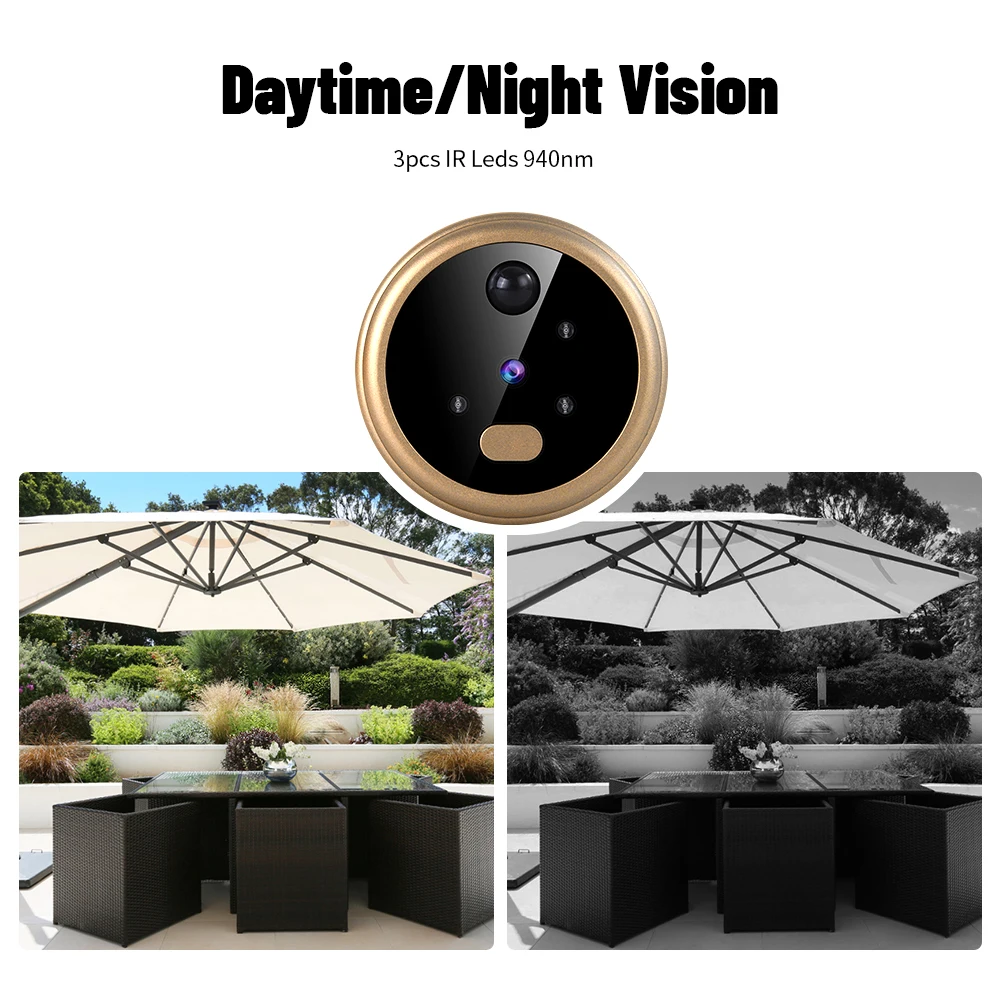
Peephole Night Vision: Support Infrared Night Vision
Power: Dry battery
Screen Size: 2.8 Inch
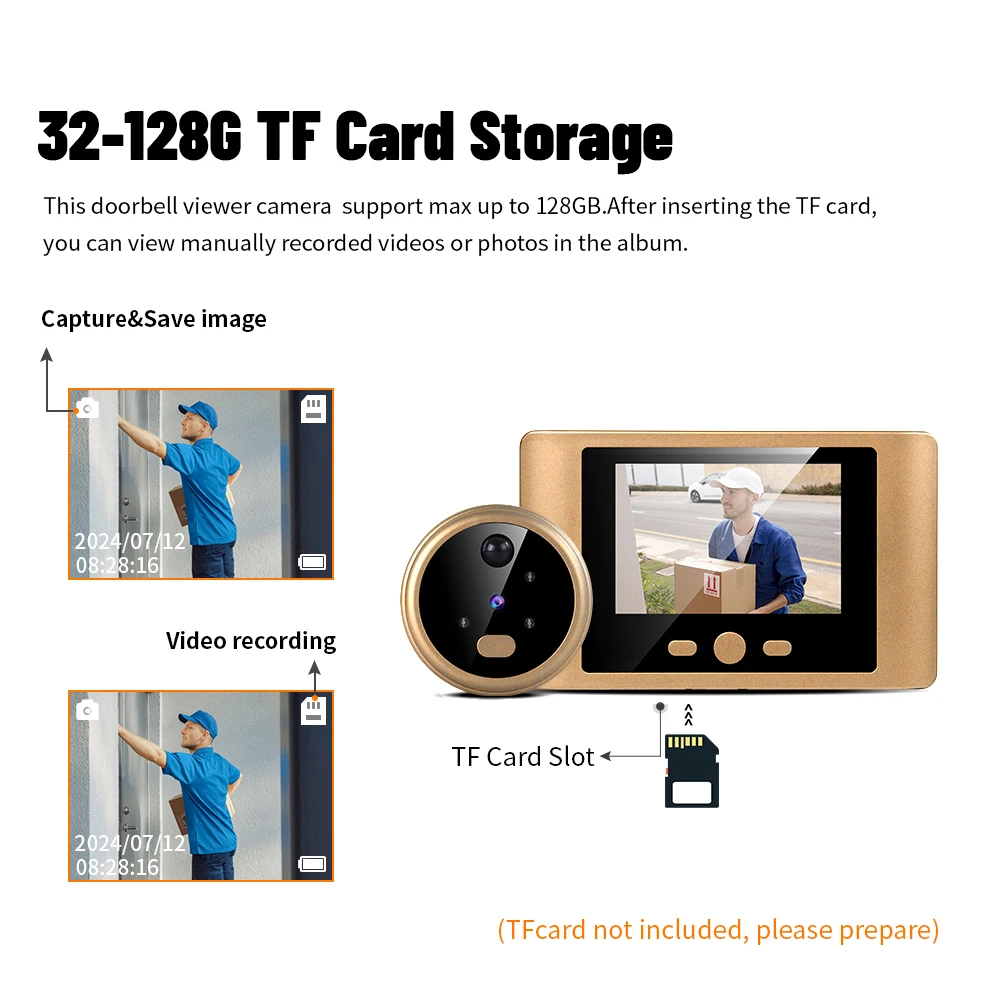
TF Card Capacity: Max. 128G TF Card (Not Include) or Cloud Storage
Working Mode: Phone or Video Record
This Doorbell Peephole Door Camera DO NOT REQUIRE APP,NETWORK,SUBSCRIPTION
1. This door viewer does not connect to the Internet.
2.The front camera is not wireless and it should be always connected to the indoor unit.
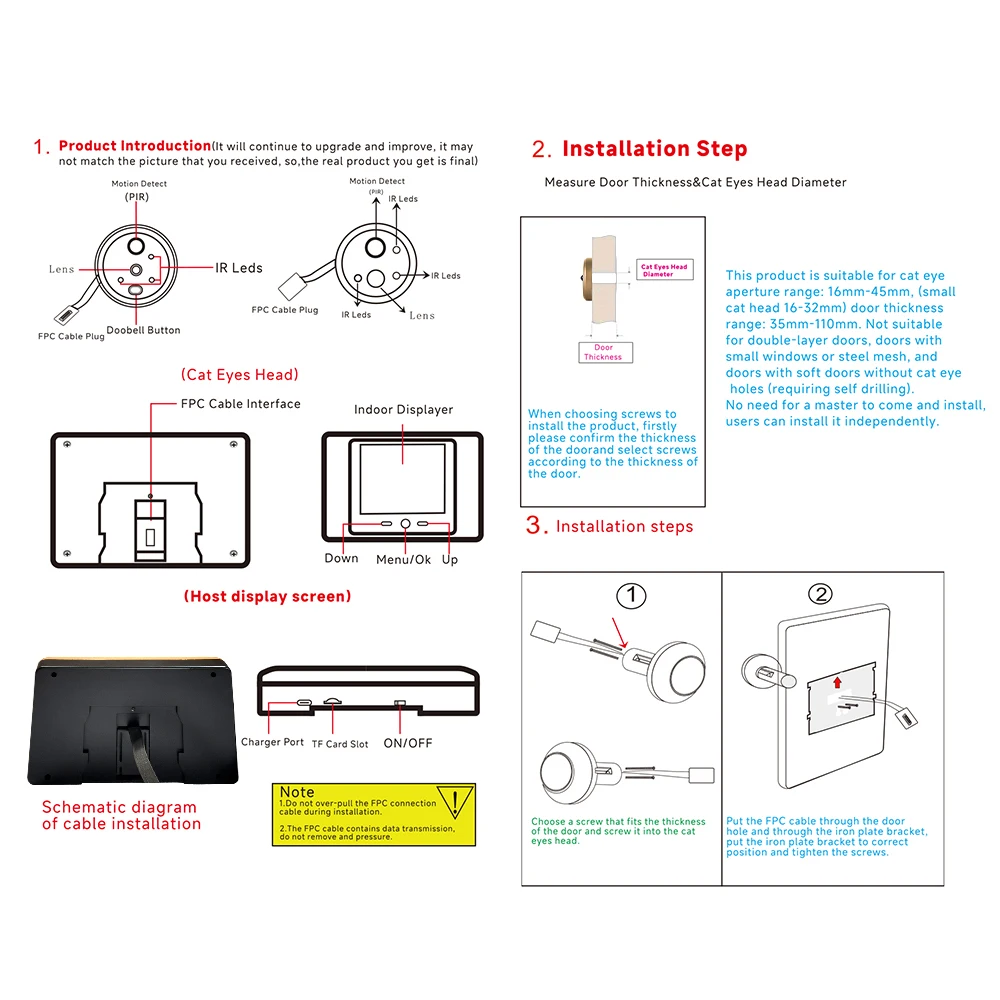
3. Make sure there is an existing peephole on your front door before purchasing, otherwise, you have to drill that one.
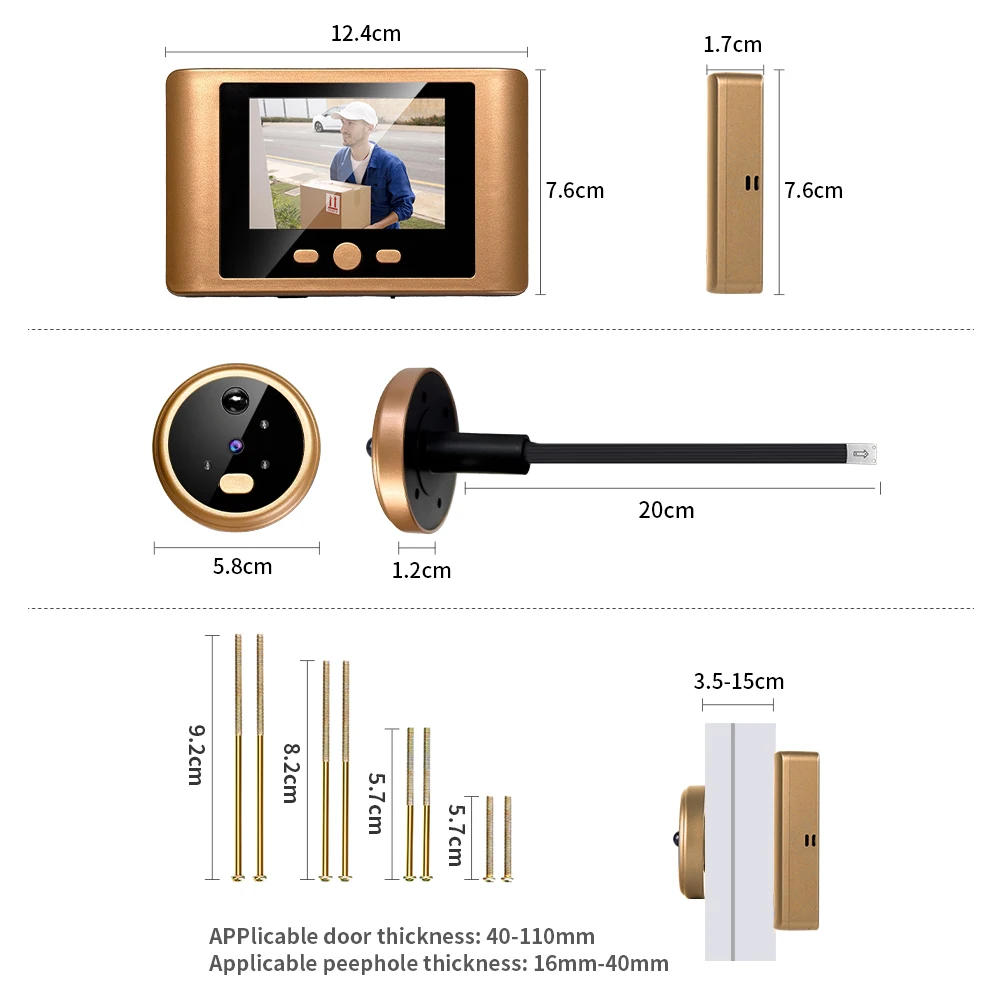
Door thickness requirements:40-110MM;
Hole diameter requirements:16-40MM
4. Please be advised, the camera resolution is 1MP 720P Camera. The photo resolution is 640*480;The video format is .AVI with resolution is 640*480.
How long should i hold the Menu/OK button to wake up the screen?
You need hold the Menu/OK button more than 2S to wake up the screen.
Digital Door Peephole Camera working Mode
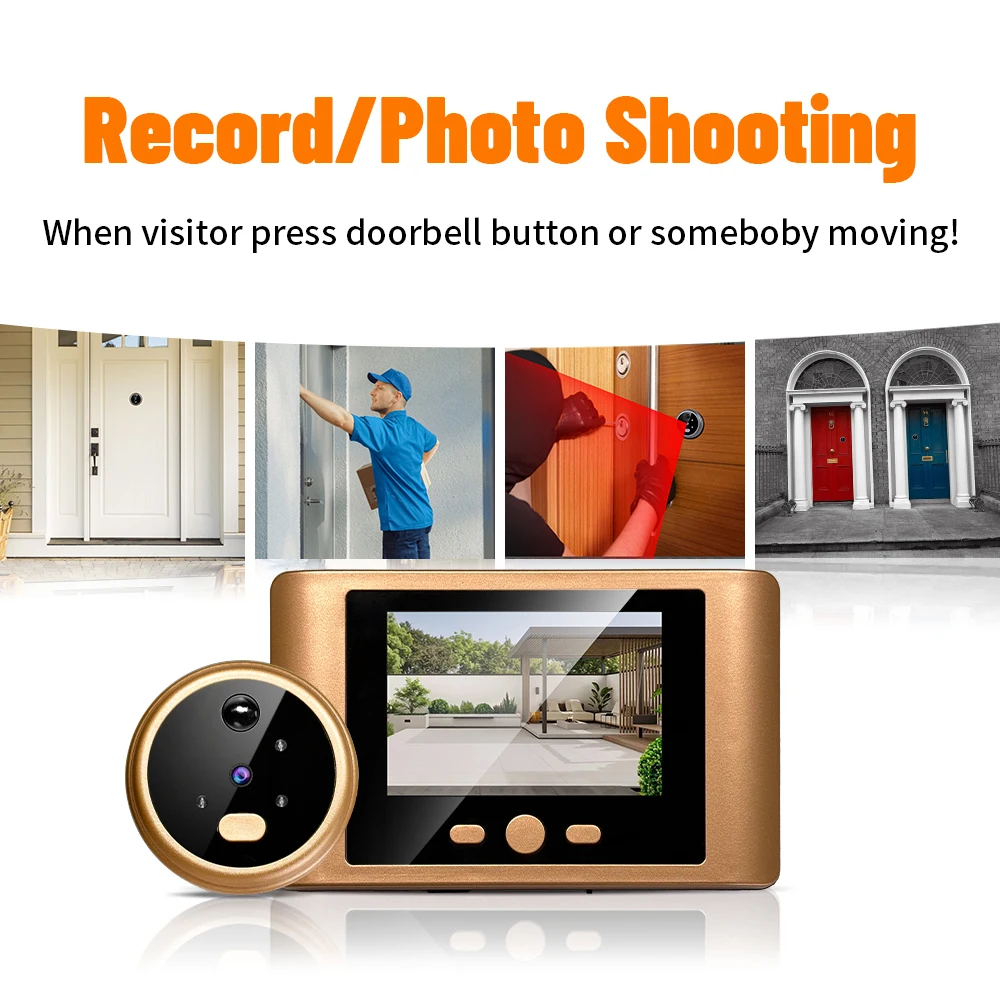
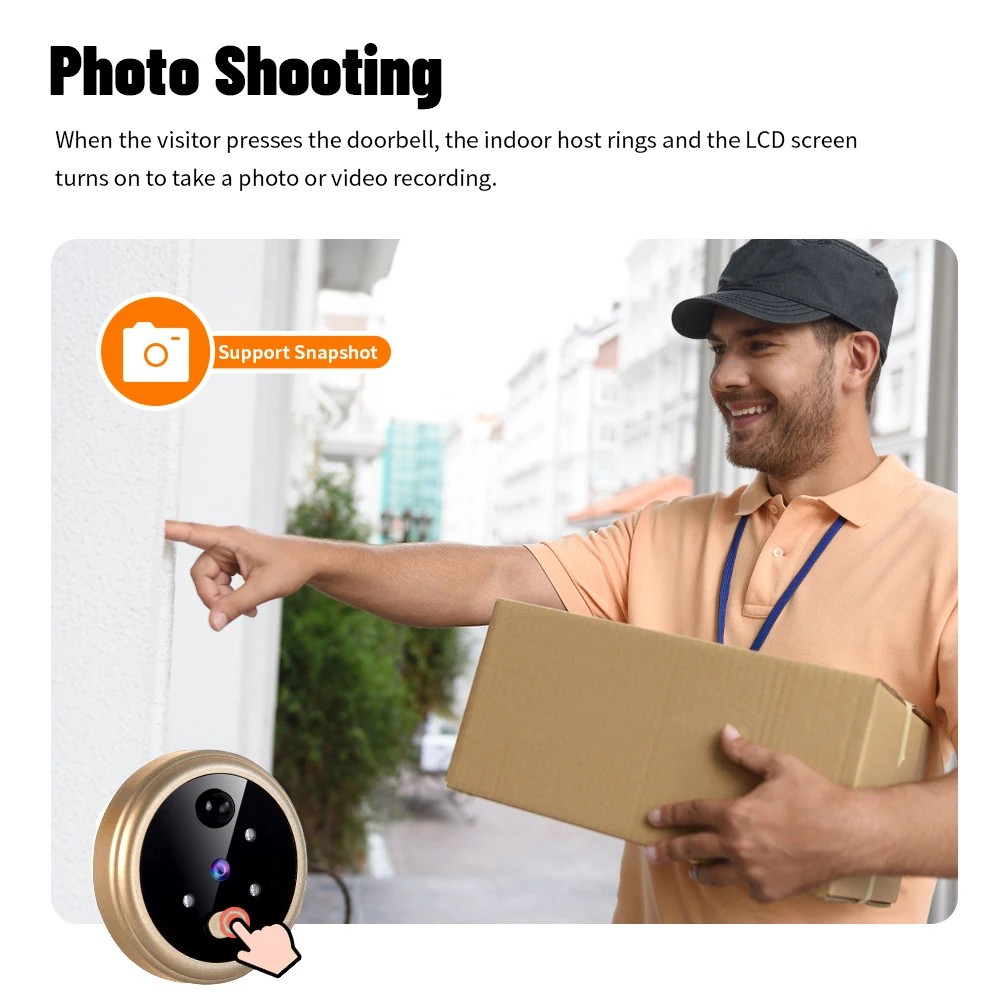
This digital door peephole camera support Photo/Video record.
If you set photo record, when someone press doorbell, or pir detect movement, it can save the photo.The photo resolution is VGA 640x680
If you set the video record, when someone press doorbell, or pir detect movement, it can record the events. Video format is .AVI with 640x480 resolution
MAKE SURE YOU HAVE INSERT THE TF CARD TO DOORBELL.
Digital Door Peephole Camera Date Setting
You need to set the date first before you use the doorbell.
BE NOTED: Every time you turn on the doorbell, you need to set the DATE again.
Digital Door Peephole Camera Automation Shut Down Setting
You can set " Close" / "10 Seconds"/20 Seconds"/"30 Seconds"
If you set close, the indoor screen will always on. If you use this function, it is recommended to plug it in to avoid the battery draining quickly and causing the product to stop working.
If you set "10 Seconds"/20 Seconds"/"30 Seconds",when pir detected or someone pressdoorbell, the monitor will on and auto off after "10 Seconds"/20 Seconds"/"30 Seconds".
Digital Door Peephole Camera Laguange Support
This doorbell support 4 languages: Chinese, English, Russia and Spanish
Digital Door Peephole Camera TF Card Capacity
This doorbell screen support insert the TF Card, the TF Card capacity max. 128G ( Not Include).
Digital Door Peephole Camera NO Disturbing Setting
You can set "Close" or " Open". If you set the "Open", someone press the door camera, you will not hear the ringtone
Digital Door Peephole Camera Motion Detection
This doorbell peephole camera support PIR detection. You can set the motion detection ON/OFF
Digital Door Peephole Camera Ringtons Setting
It is support four ringtons and you can set the ringtons sound with Low/Middle/High three level to choose.
Digital Door Peephole Camera LCD Switch setting
You can set LCD switch "Open" /"Close".
If you select the "Close", the screen will not on if the pir detected or press the doorbell button. Only hold the screen Menu/OK button more than 1 seconds to wake up the screen.
Couldn't load pickup availability
Your payment information is processed securely. We do not store credit card details nor have access to your credit card information.

