



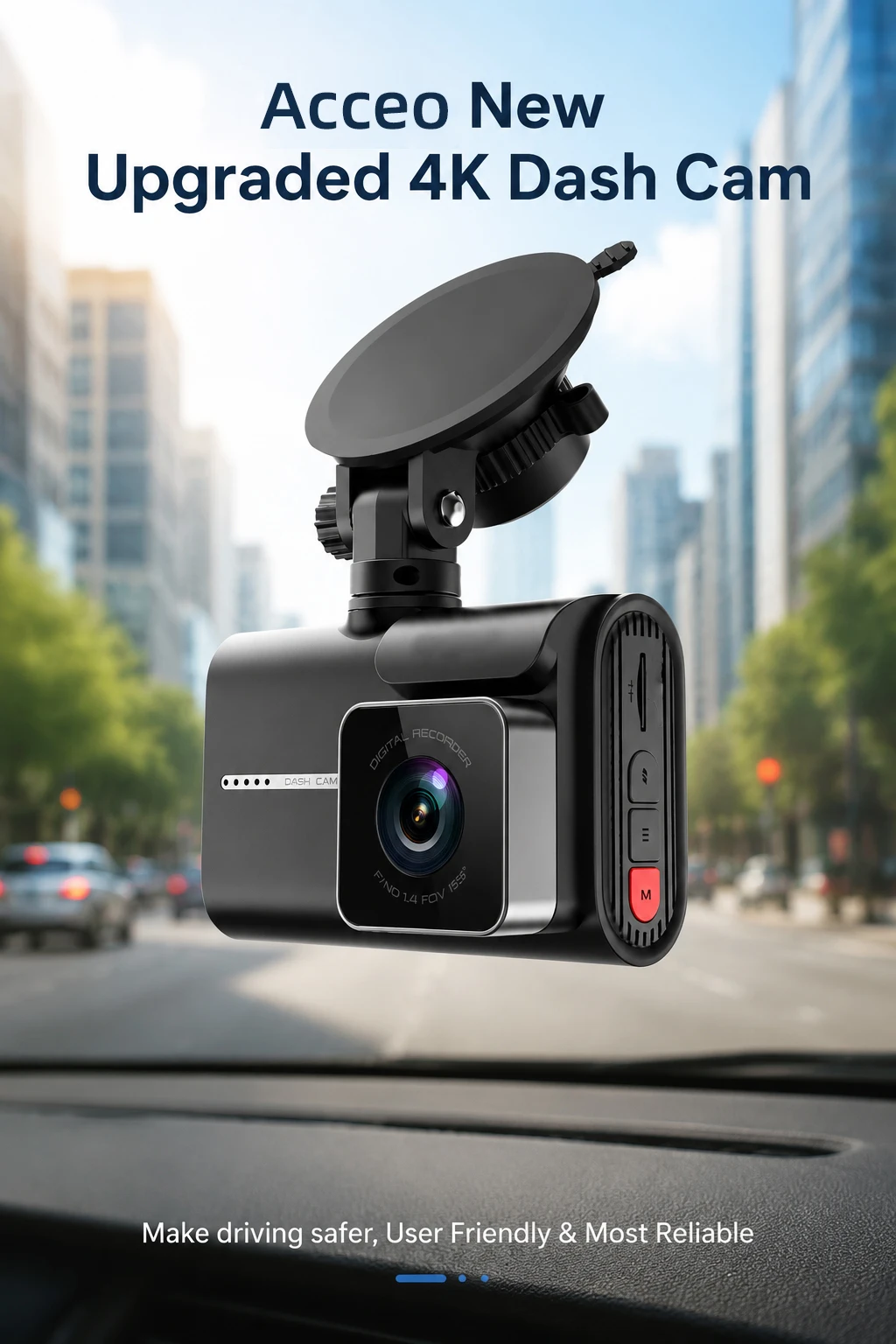
ACCEO Dash Cam 4k Front Lens Car Driving Recorder Built-in WiFi Optional 2K Rear Camera HD Night Vision Support GPS Car DVR
Available in stock (100)
SPECIFICATIONS
Assembly Mode: Portable Recorder
Audio Recorded: Yes
Brand Name: Acceo
Built-in Screen: Yes
Camera Resolution: 3840x2160
Certification: RoHS,CE
Chipset Manufacturer: Allwinner
Choice: yes
Display: IPS
Display Size: 3"-5"
Frames Per Second: 30
High-concerned chemical: none
Is Batteries Included: Yes
Item Type: Car DVR
Loop-Cycle Recording Feature: Yes
Memory Card Required Reding Speed: Class 10
NightShot Function: Yes
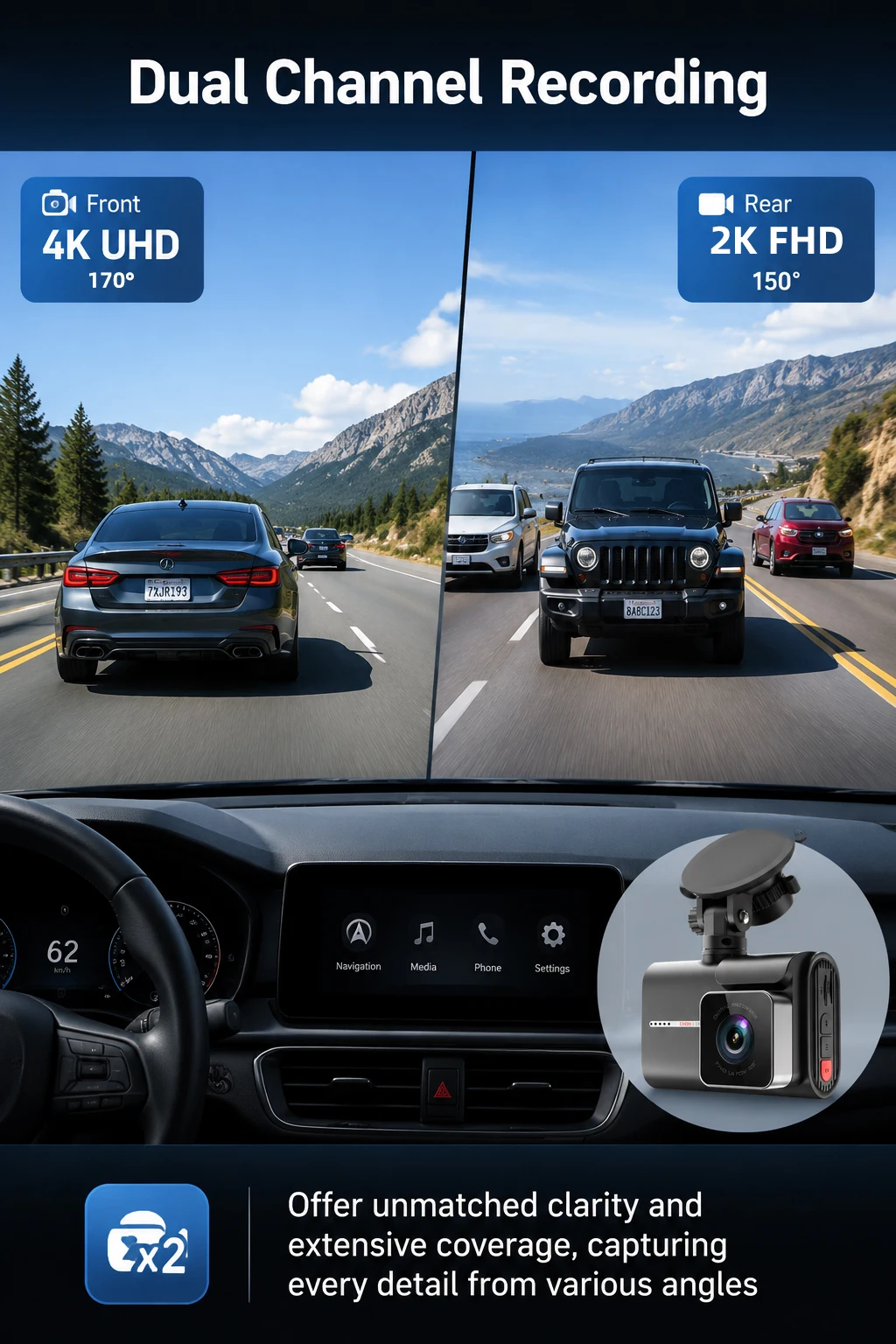
Number Of Lenses: 2
Original Package: Yes
Pixels: 500Mega
Power Source: Corded electric
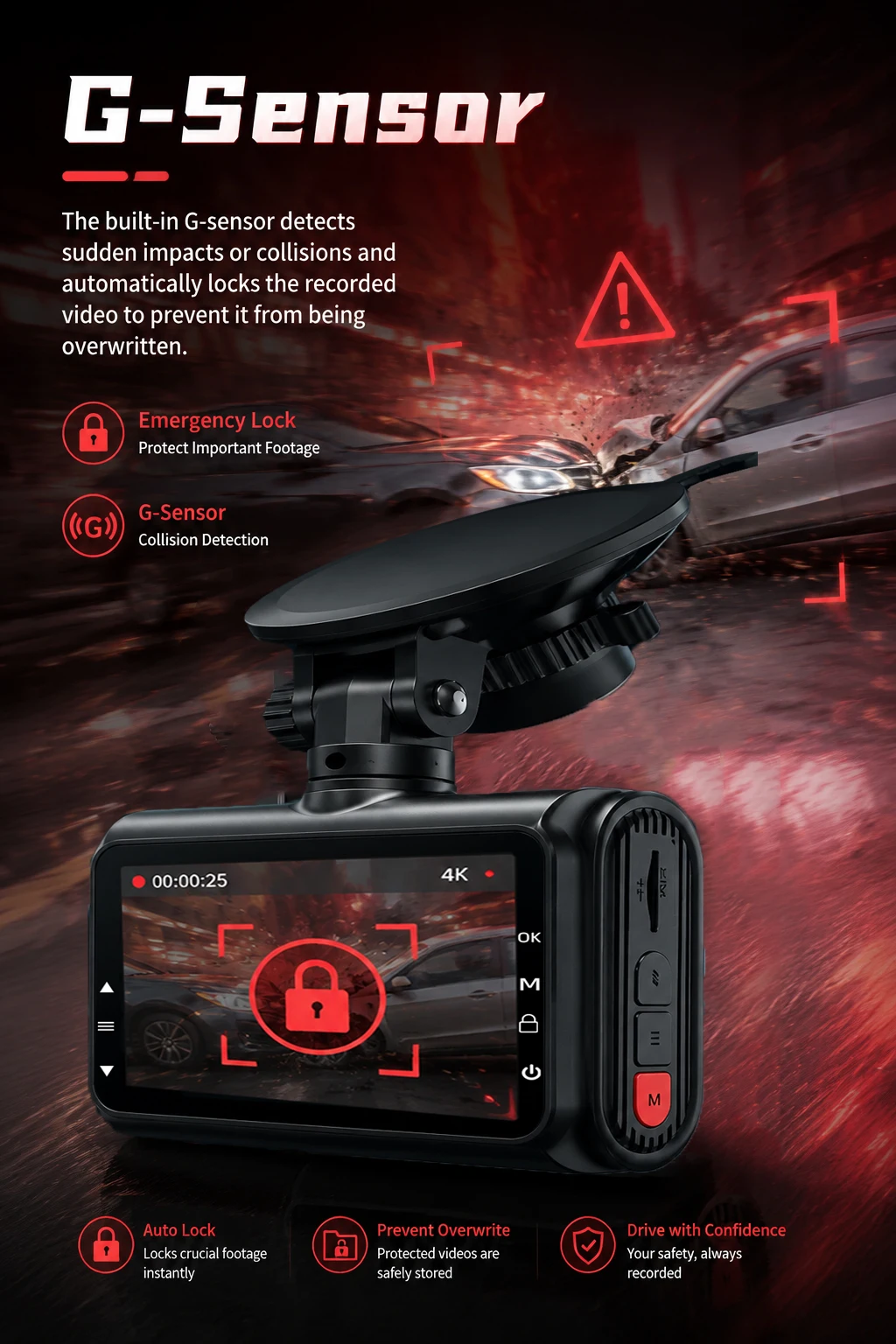
Special Features: G-Sensor,sd/mmc card,Waterproof,Real Time Surveillance,Anti Fog,Automatic White Balance,Anti Vibration,Wide Dynamic Range,wifi function,Parking Monitor,Anti Surge Voltage Impact
Touch Screen: no
Video Code: H.264
View angle: 170°+150°
Special Note:
1.Prohibit the use of data cable to connect the machine to boot, it will lead to insufficient voltage on the machine motherboard to repeat the boot or can not start, easy to make the machine damaged!
2.Since electronic products have strict voltage requirements, please use our standard car charger for power supply. If we do not configure the charger, the machine may not work normally. Please use our products correctly to avoid damage to the machine caused by improper operation.
3.The driving recorder has high requirements for memory cards. Please use a professional driving recorder card with a CLASS10 or higher memory card, otherwise it may cause issues such as inability to record videos and video lag.
4.Please ask the customer to carefully review the accessories included in the package main image before placing an order based on their needs. Please refer to the main images of each package for accuracy. (The items included in the SKU package are subject to the package pictures),f you only ordered a DVR and later want to order a rear camera, please contact us to match the correct rear camera to avoid other home rear cameras not matching our machine
5.Before use, please format the memory card according to the prompts.
Features and Specifications
➤Model Number: B84
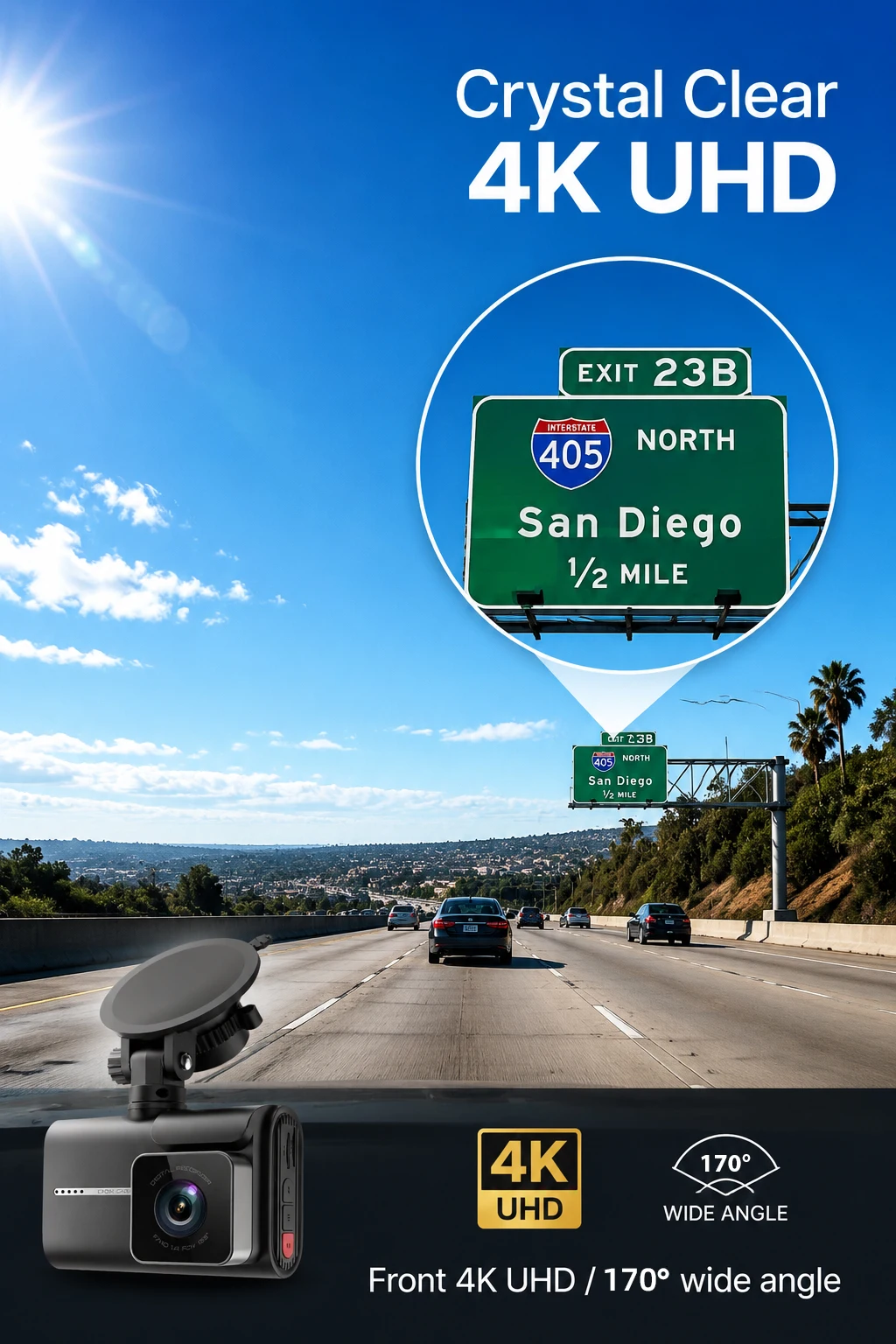
➤Camera Lens(Front): 6 Glass + 170 Degree Angle + F2.0 Aperture
➤Camera Lens(Rear): 6 Glass + 150 Degree Angle + F1.8 Aperture
➤Video Resolution(Front): 4K 3840*2160P
➤Video Resolution(Rear): 2K 2560*1440P
➤Photo Resolution: 12M
➤OSD Languages: Support all languages at App.
➤Basic Features: G-Sensor, Cycle Recording, Parking Monitor, Time&Data Display, Wide Dynamic Range
➤Memory Card: Micro SD Card, class 10 and 16GB to 256GB (Not included)
➤Rear Camera Upgrade: Support max 10 meters cable Rear Camera
➤Add Features: Night Vision, 3840x2160P Front ,Rear Camera (Optional), WiFi, GPS (Optional)
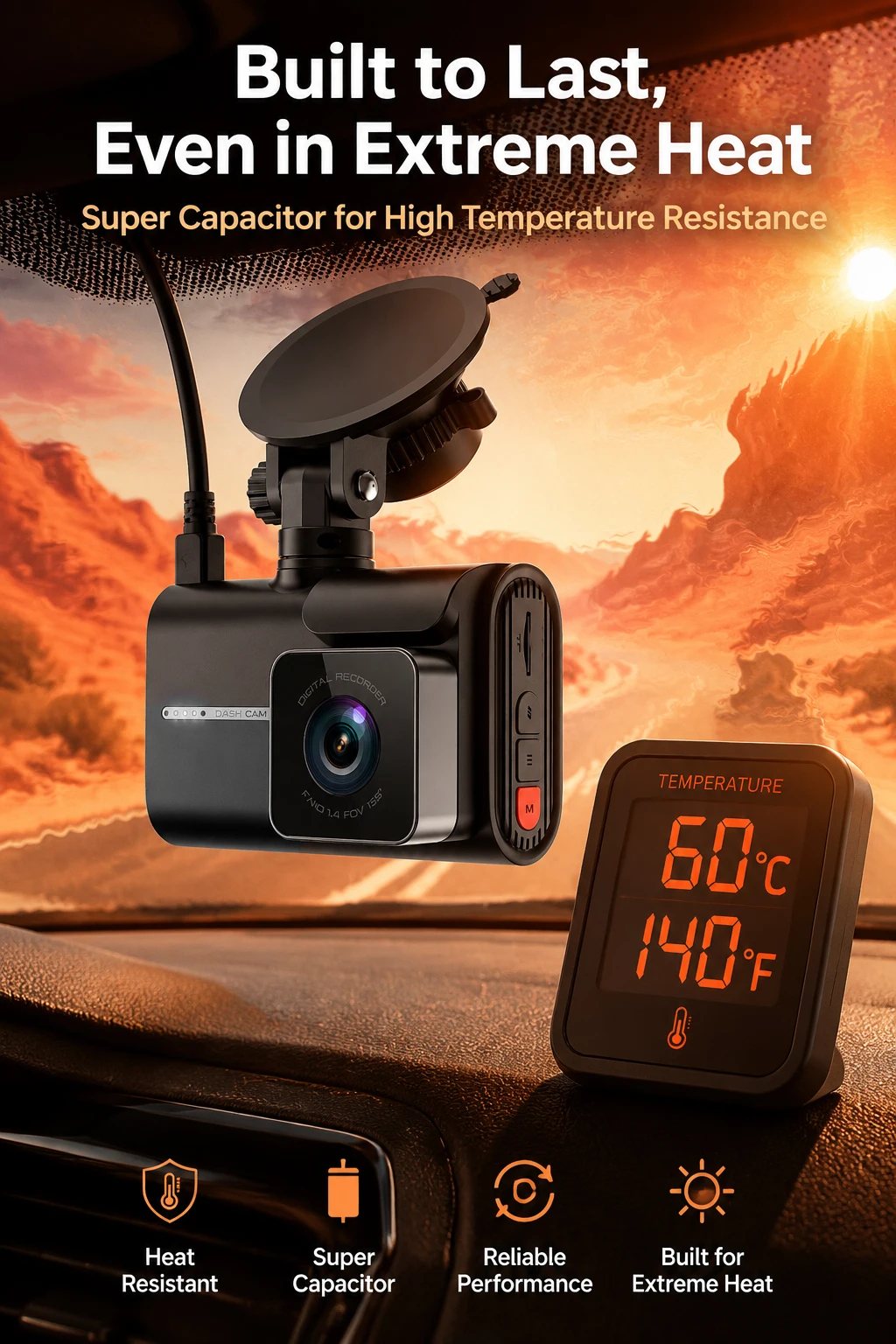
➤Battery: Built-In supercapacitor and coincell (Battery is very small, can not support working, only for save time&setting, please use original power charger when working)
Packing List
1 x DVR
1 x Electrostatic sticker
1 x charger cable
1 x User manual
1 x USB Card Reader(Gift)
1 x GPS(Optional)
1 x 2K Rearview Camera With 6 Meters Cable(Optional)
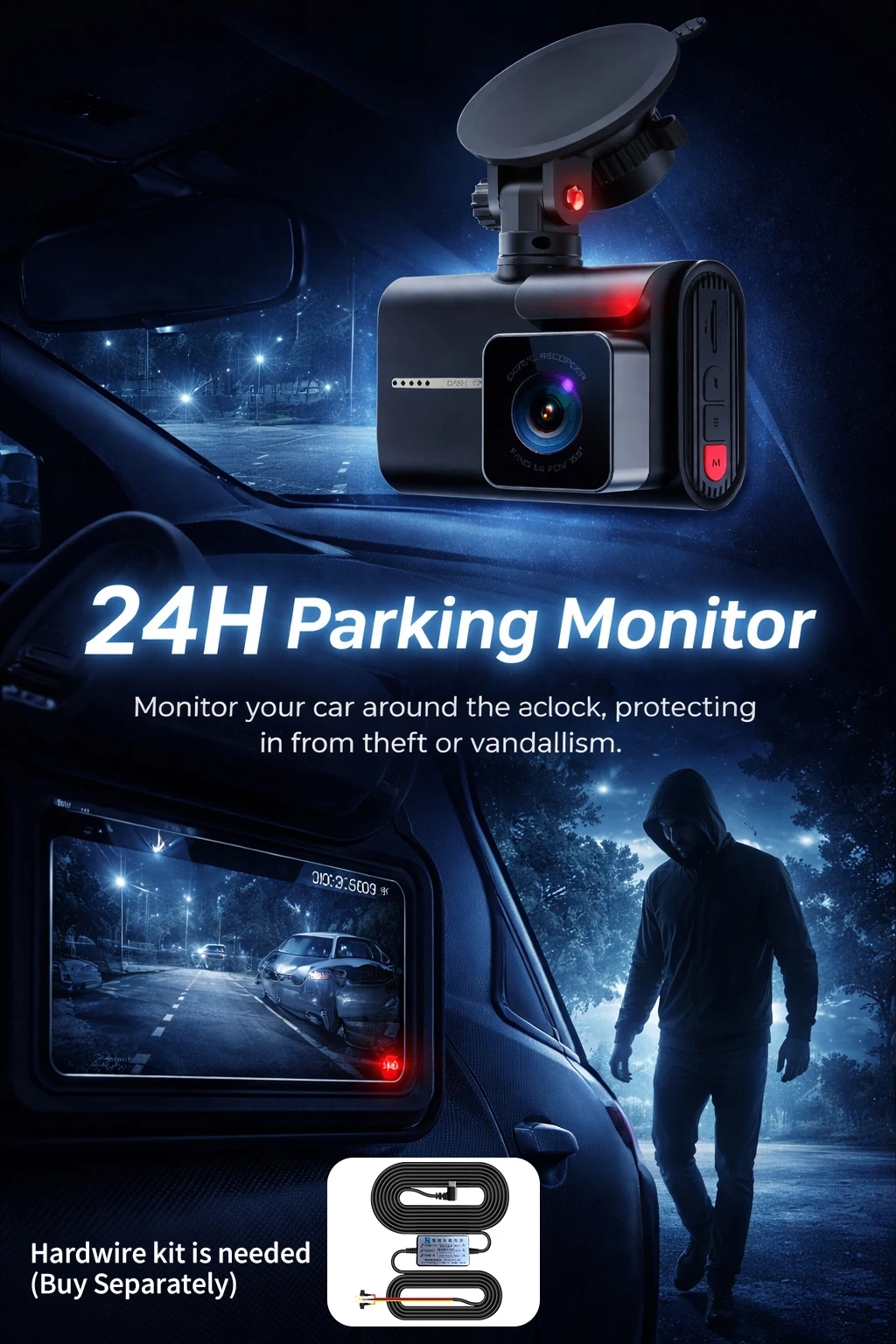
1 x Hardwire Kit For 24H Parking Monitoring(Optional)
1 x Real class10 High Speed TF Card(Optional)
Pay Attention
●About 24h Monitoring:
The DVR is only compatible with cars that have a 12V power supply. A 24V power supply will burn the motherboard. If you want to use 24V, please add a 24V to 12V Converter(BL).
●About Video:
Our Car DVR is FHD 4K Video Recorder,must use high quality class10 TF Card, any low quality/low speed TF card all can't support our DVRs work normally, if you can't make sure you have good TF Card,please buy our Original TF Card together
● About Rear Camera:
Because the Chipset and Camera Sensor are different with other seller, we only guarantee that our Original rear Camera can work well with our Dashcam.
About WIFI Connection:
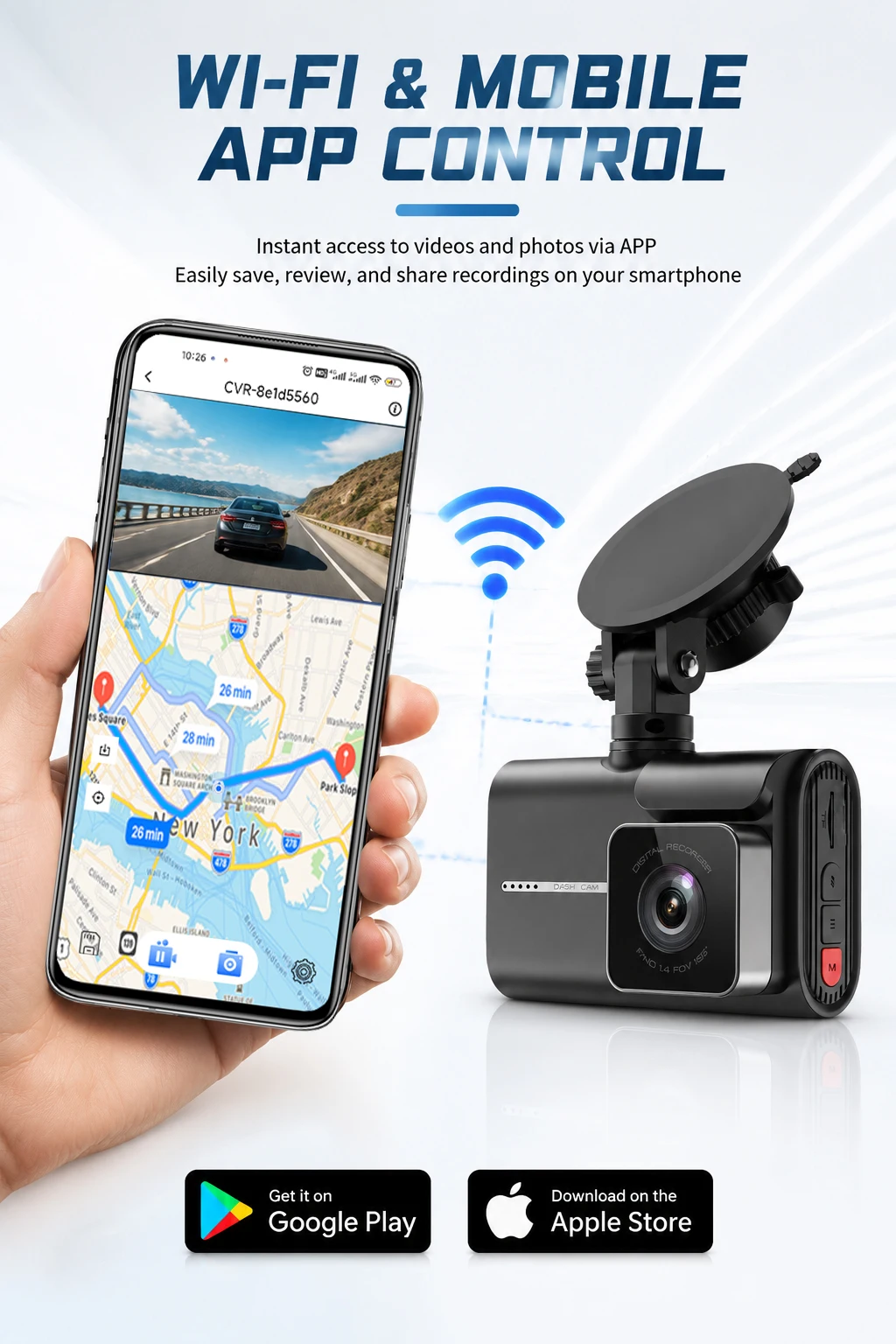
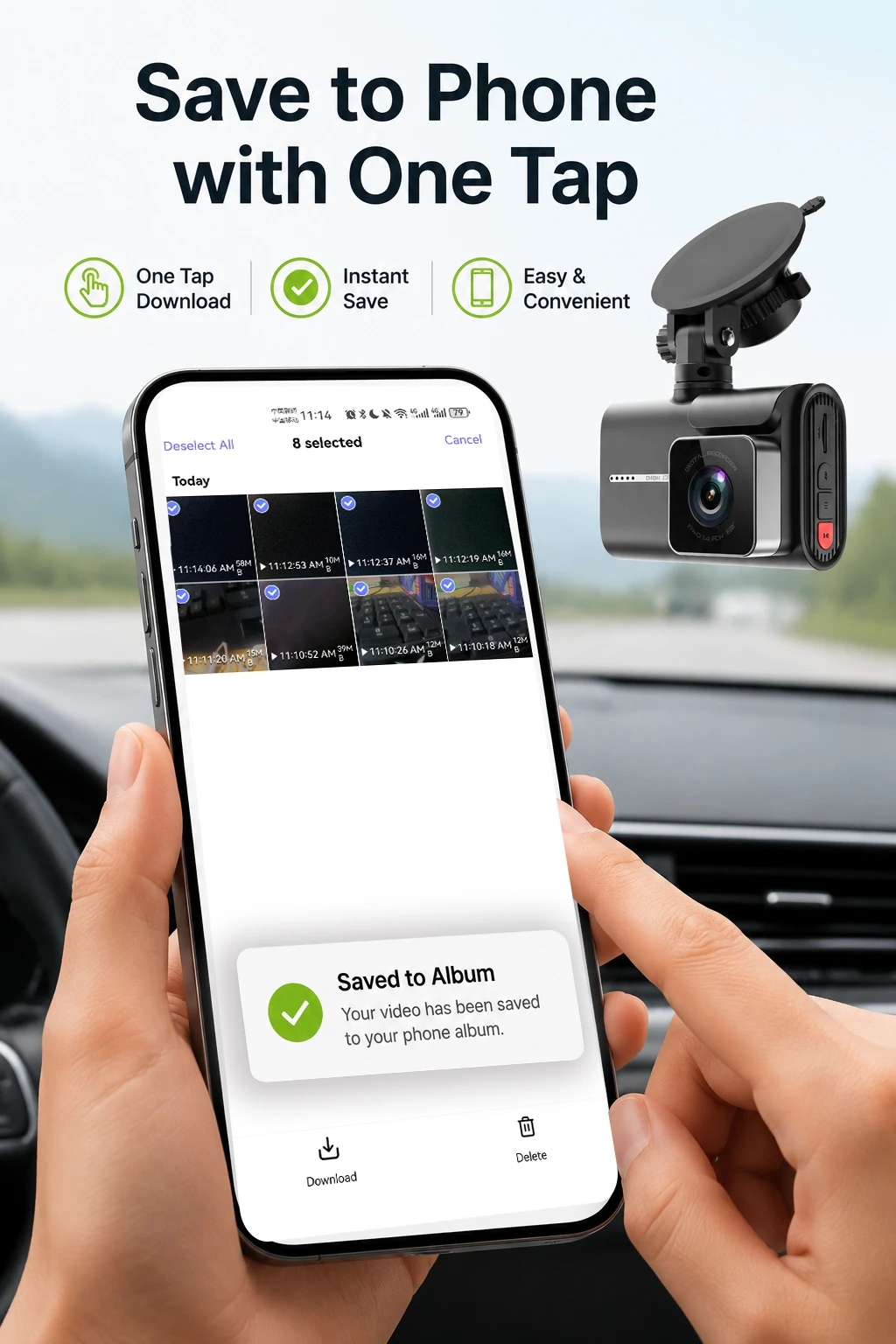
1. Before connecting to the DVR on the phone, it is necessary to install the WIFI connection app "Viidure APP" in advance.You can search for "Viidure" installation in the Apple App Store or Google App Market.
2.Open the "Viidure" APP on your phone, enter the configuration mode, turn on the wifi function of the phone, follow the prompts to find the SSID wifi signal(***) of the DVR and enter the password(12345678) to connect;
3.After successful configuration, you can connect and operate the DVR through the "Viidure" APP.
About 24-Hour Parking Monitoring:
If you need the 24 hour parking monitoring function, you can order the corresponding Buck Line accessories to replace the car charger.Through Buck Line, the DVR power can be obtained directly from the car battery or car ACC, so that the DVR can maintain normal recording work even when the car is turned off.(Since different car models have different battery interfaces or ACC interfaces, it is not recommended to install it by yourself. It is recommended to find a professional to install the Buck Line.)
About The Installation And Use Of GPS:
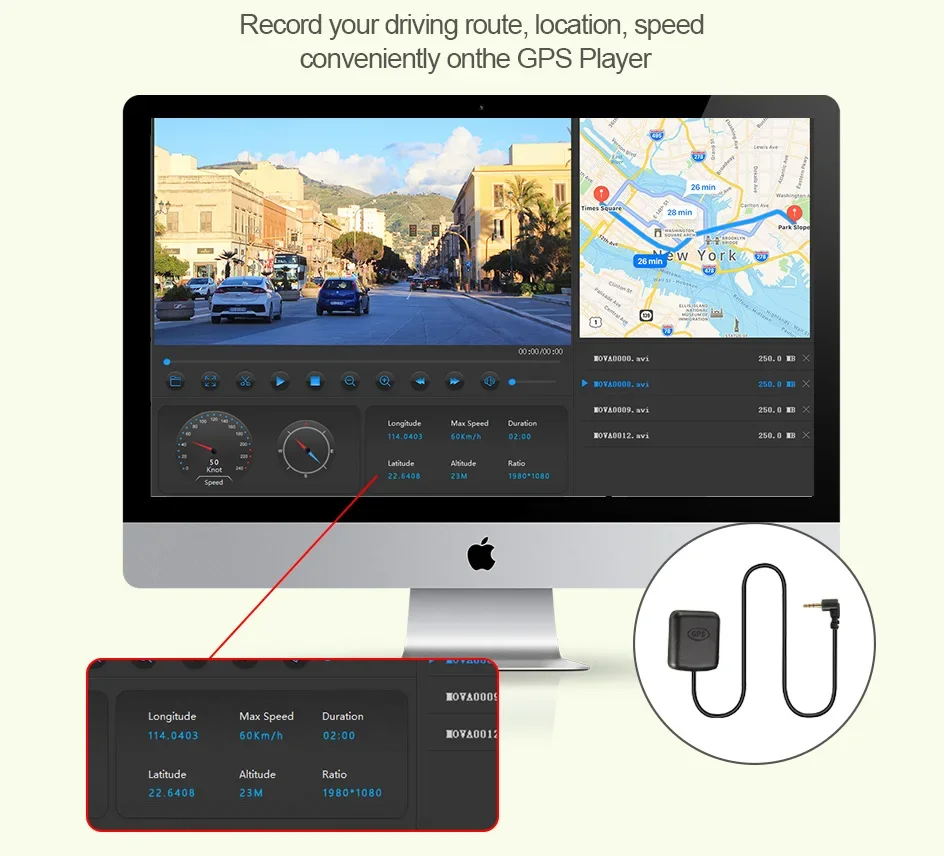
1. Connect the GPS module to the DVR;
2. Install the DVR on the car and start the recording mode. Start the car outdoors and drive for a certain distance. The GPS module will automatically capture the satellite signal and the DVR will automatically record the video with the GPS driving track.
Buck Line
Use the buck line to not occupy the cigarette lighter interface.
First, connect the negative pole( Hardwire Kit) of the Hardwire Kit to the ground of the car fuse box;
Secondly, if you want to continue monitoring after parking (the DVR works 24 hours), connect the positive pole(red line) of the Hardwire Kit to the BAT interface of the car fuse box;
If you want to stop monitoring after parking (the DVR does not work after parking), connect the positive pole of the Hardwire Kit to the fuse box ACC interface.
Couldn't load pickup availability
Your payment information is processed securely. We do not store credit card details nor have access to your credit card information.

