



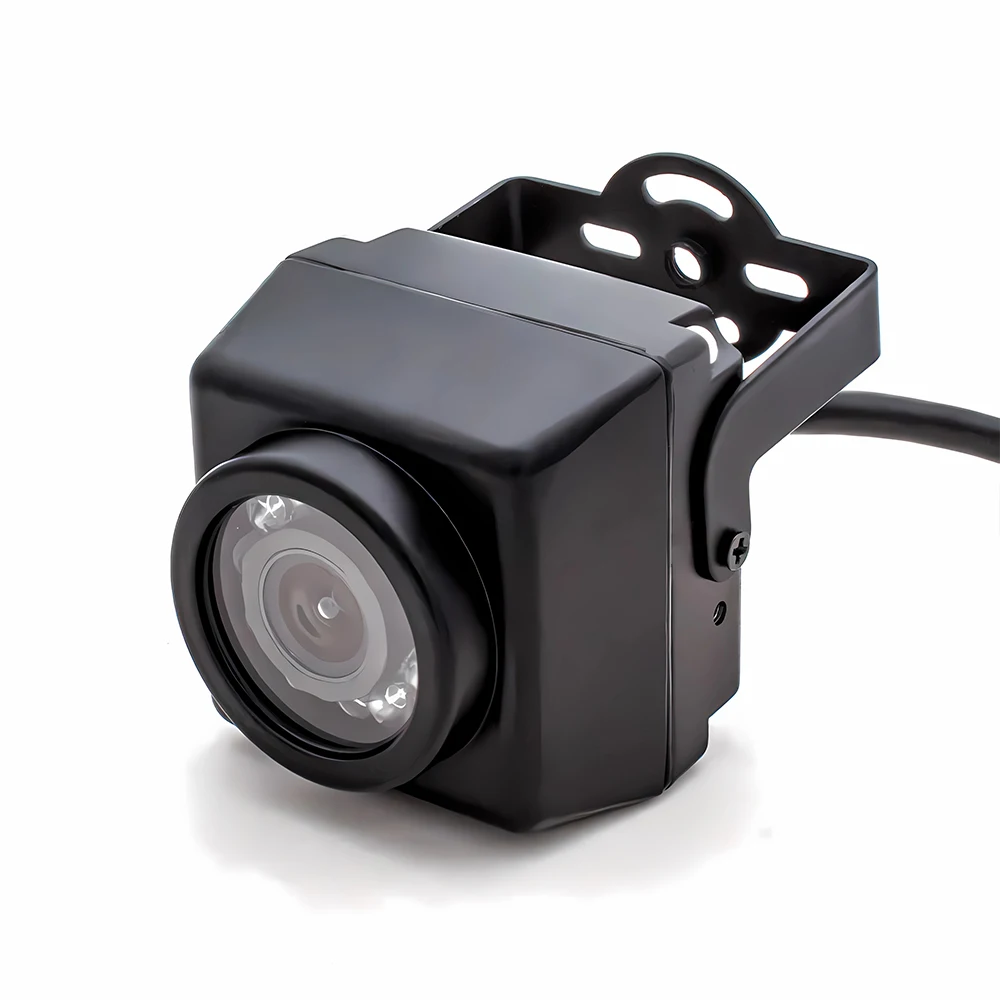
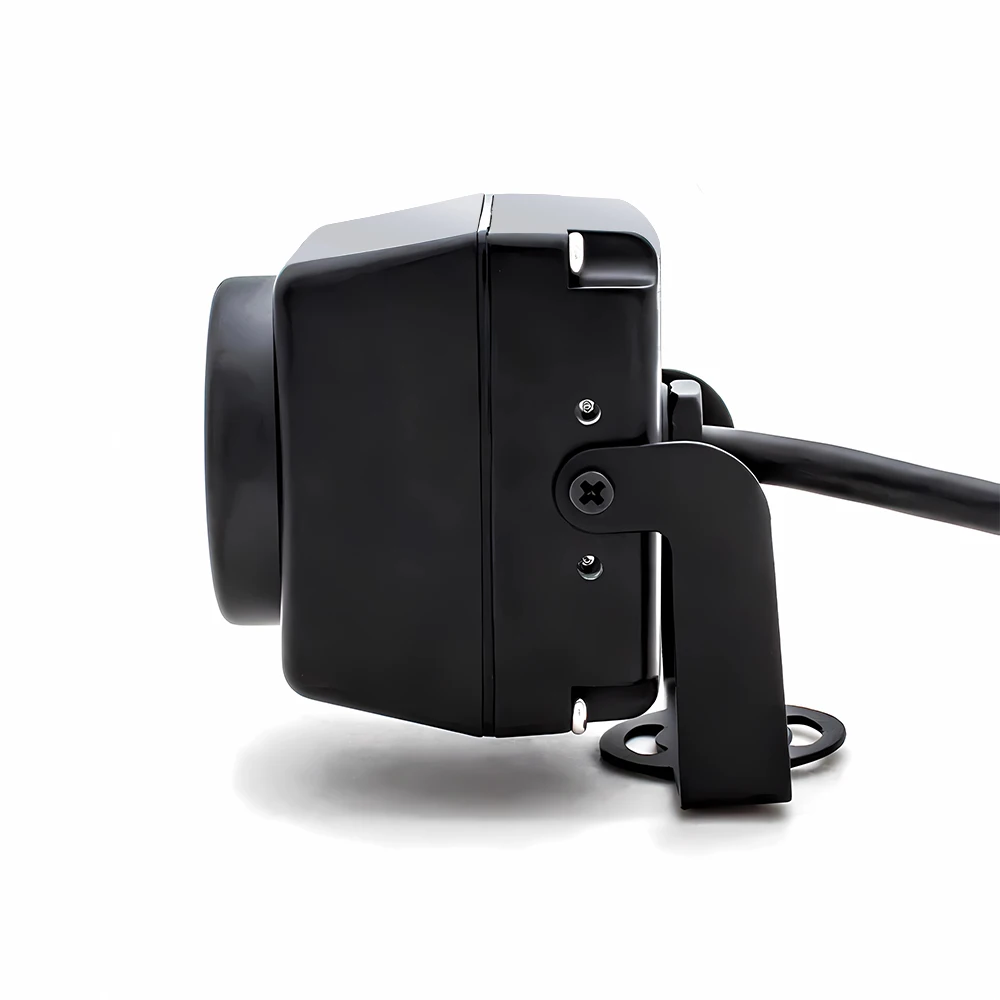
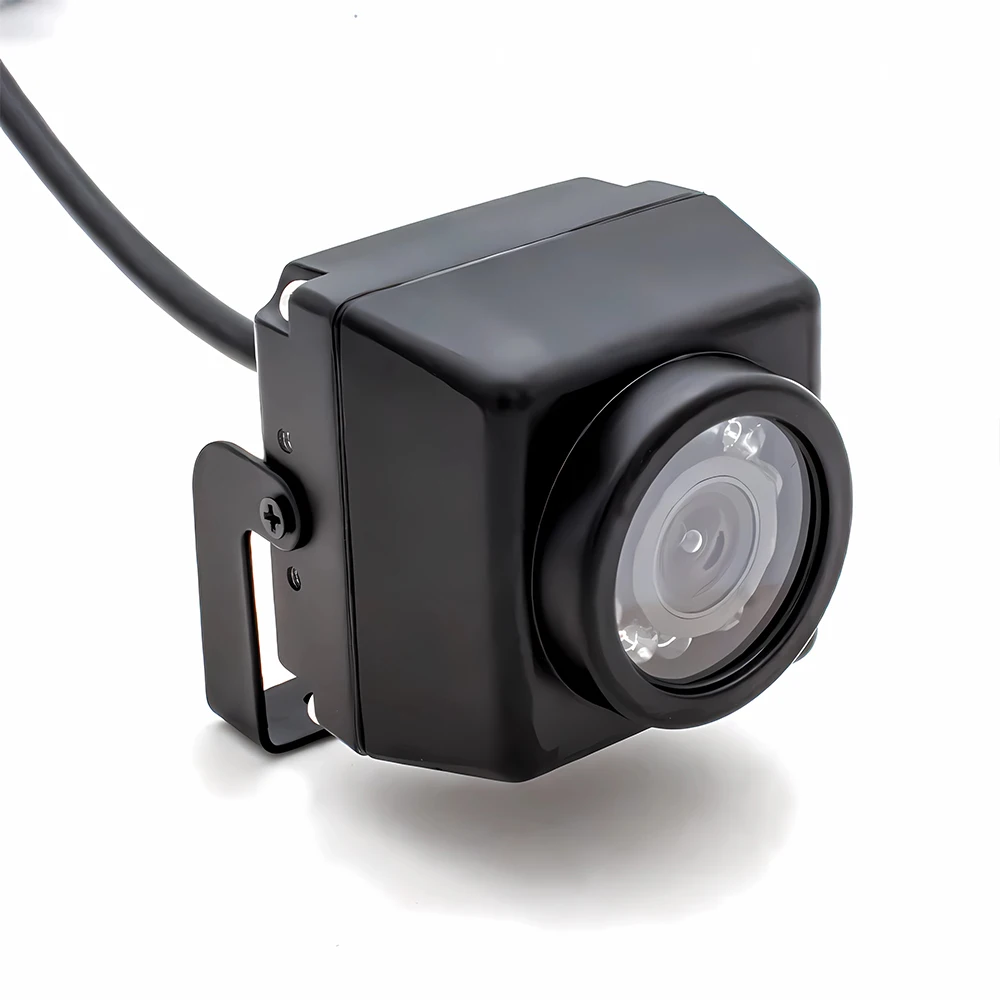
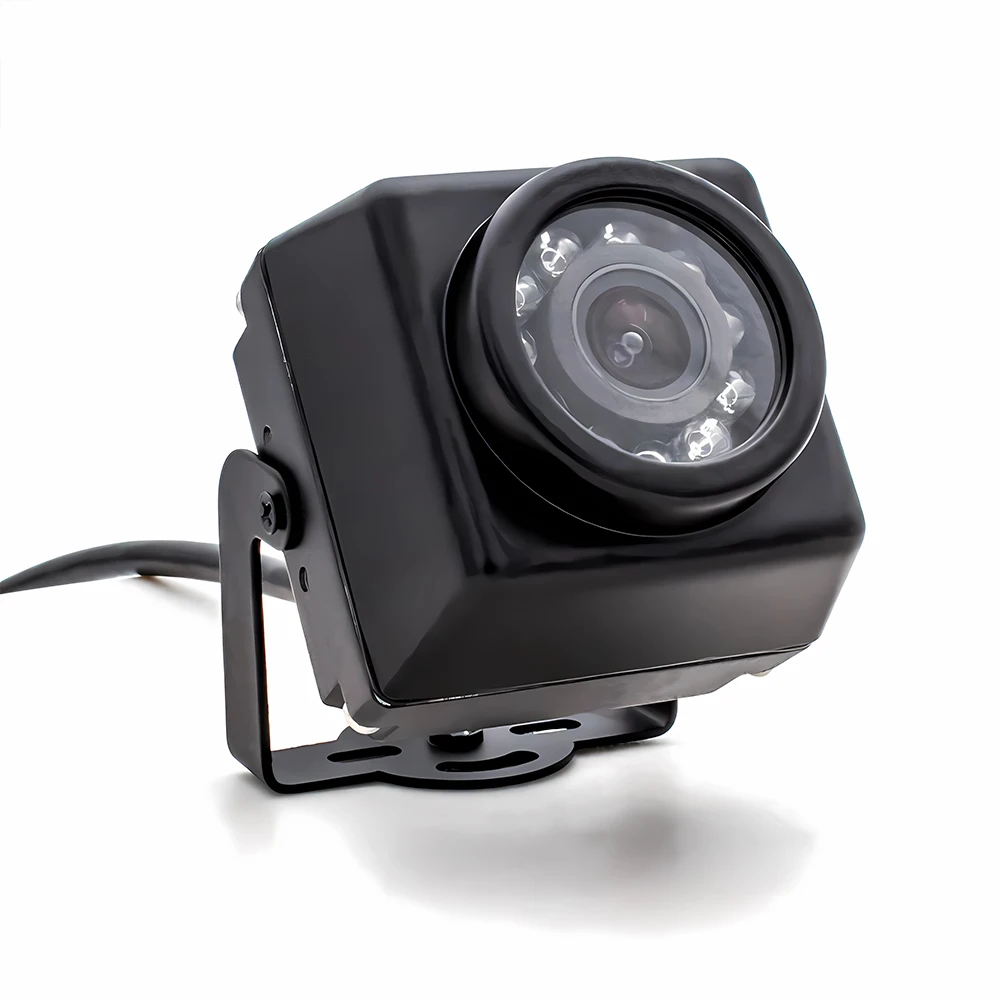
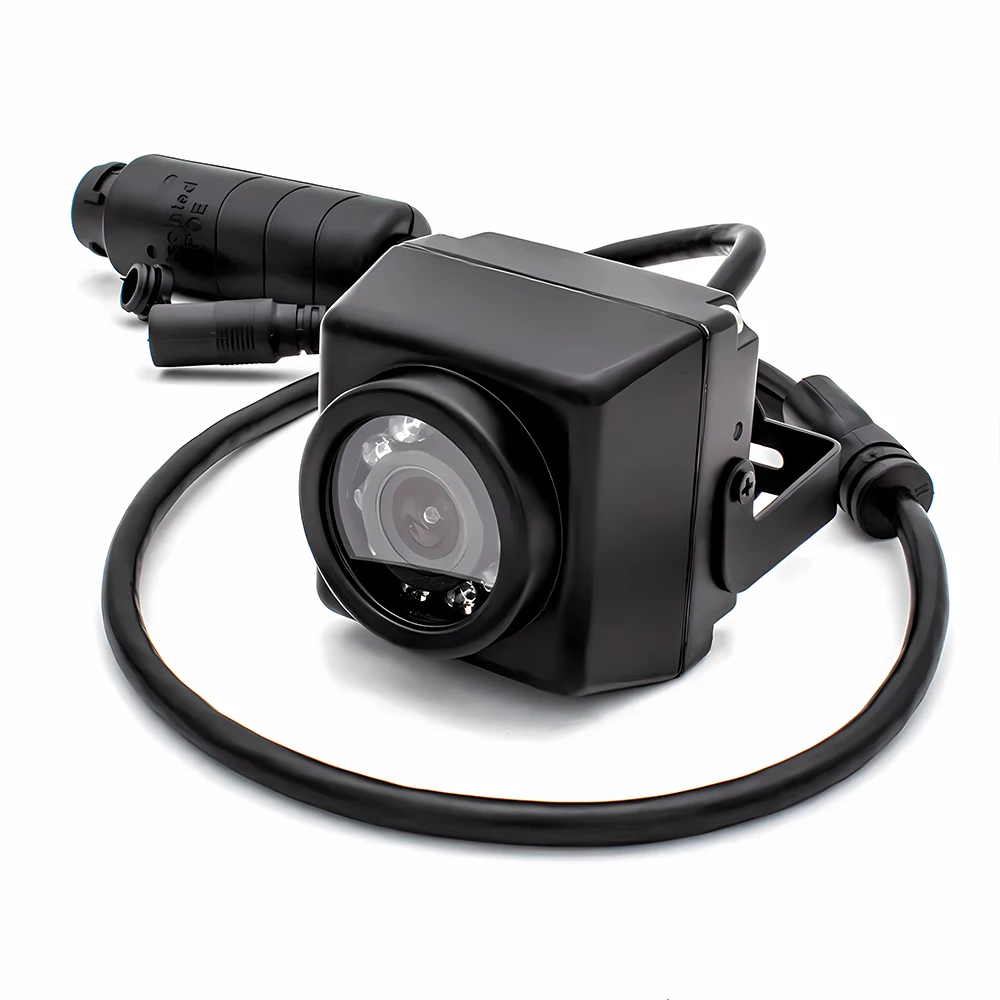
IP67 POE IP Camera 4K Webcam IR Night Vision Support Onvif RTSP H.265 Outdoor Waterproof Security Protection Industrial Camera
Available in stock (499)
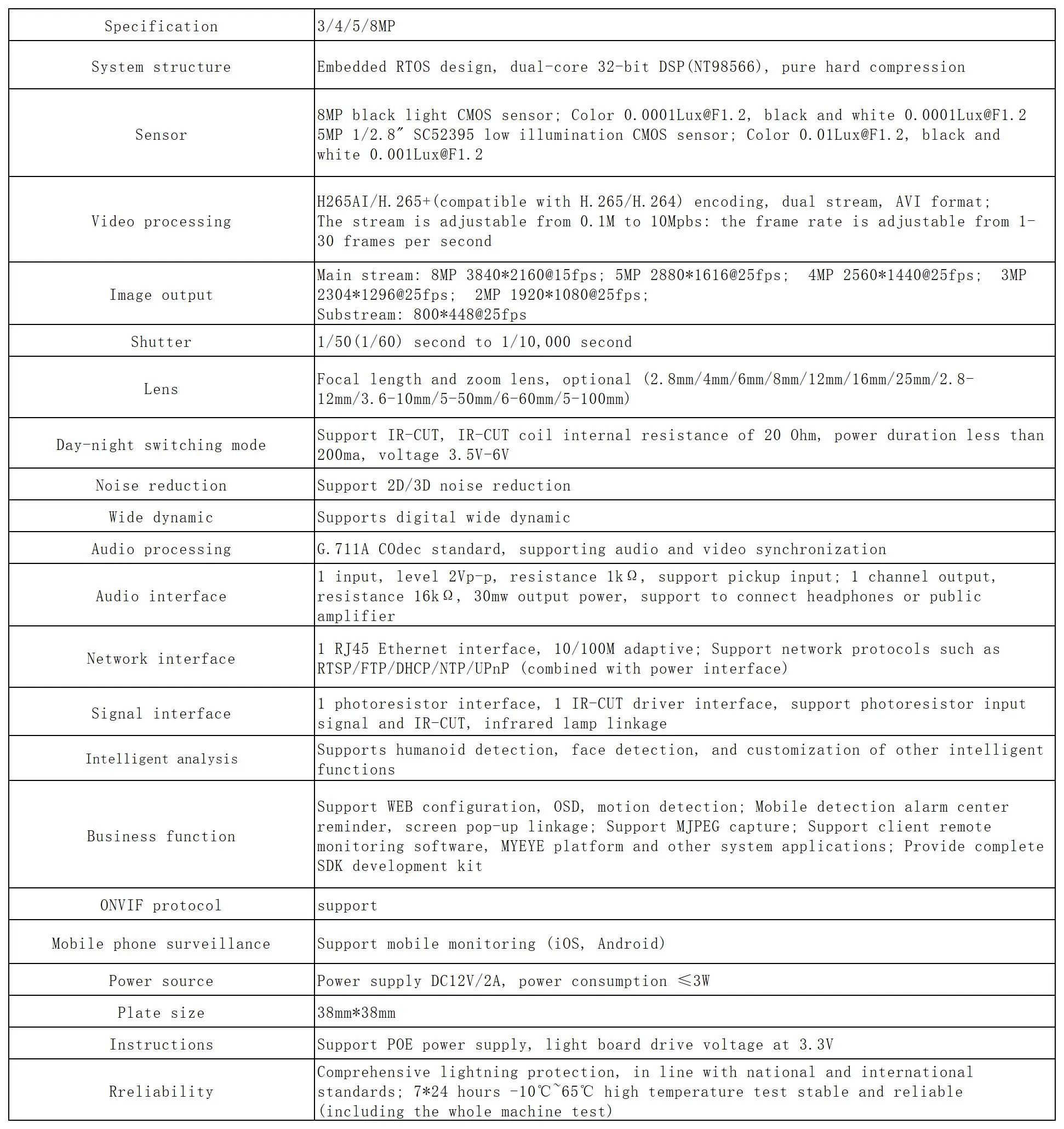
SPECIFICATIONS
AI Functions: Motion Detection
APP: XMEye
App name: Other
Brand Name: WGWK
Certification: CE,FCC,RoHS
Color: black
Color Night Vision: no
Connectivity: IP/Network Wired
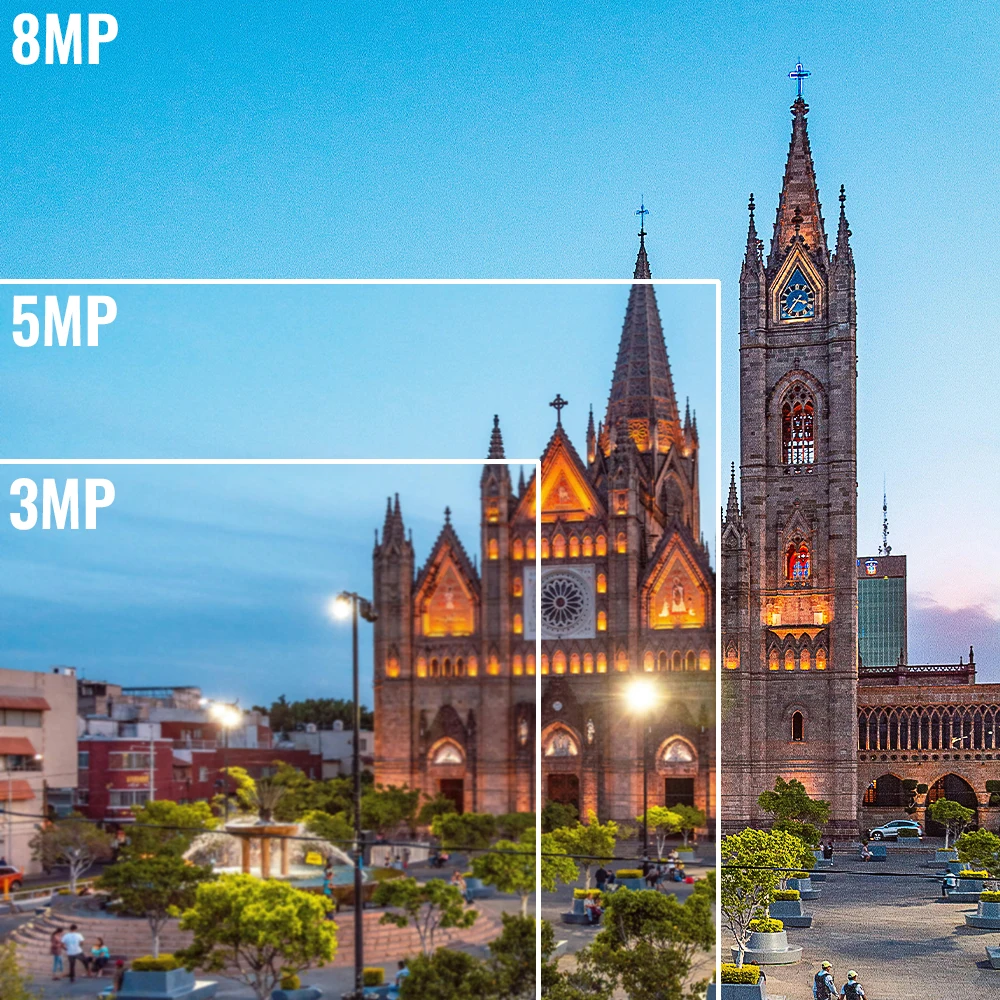
High Definition: 8.0 Megapixels
High-concerned chemical: none
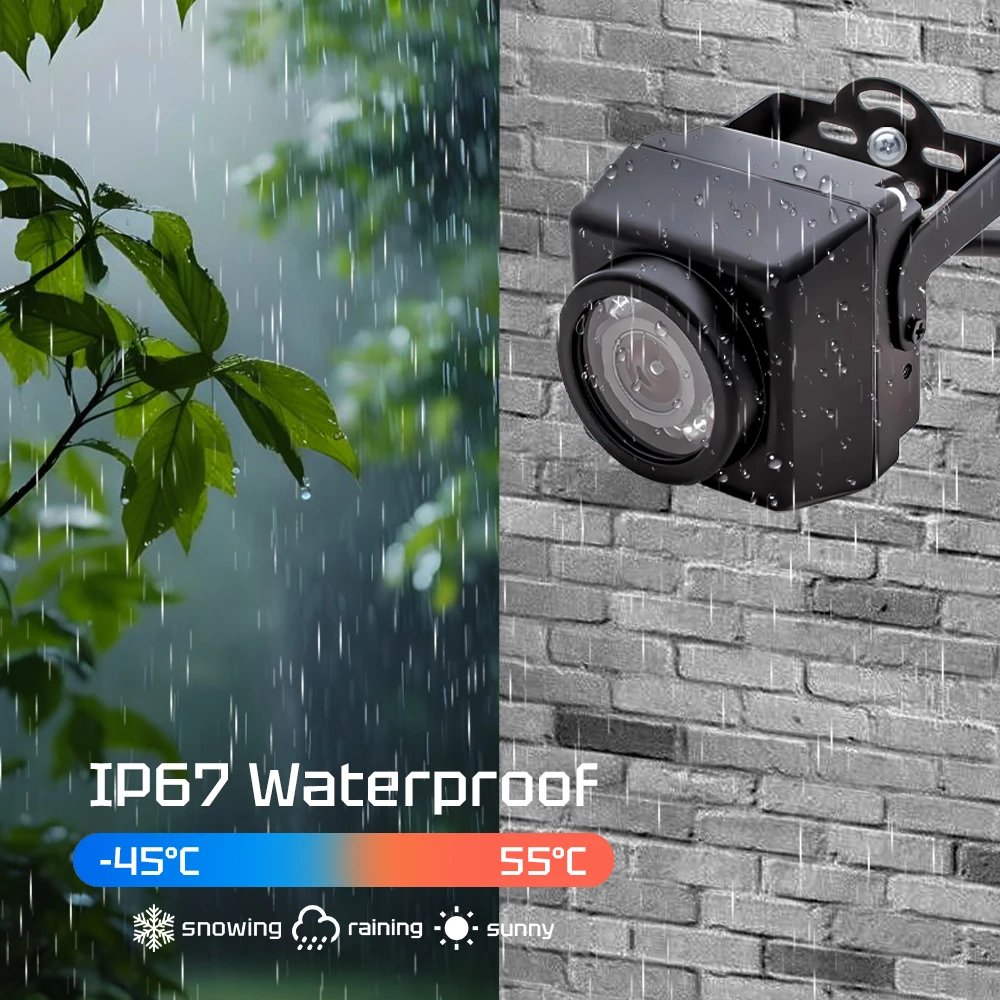
IP Rating: IP67
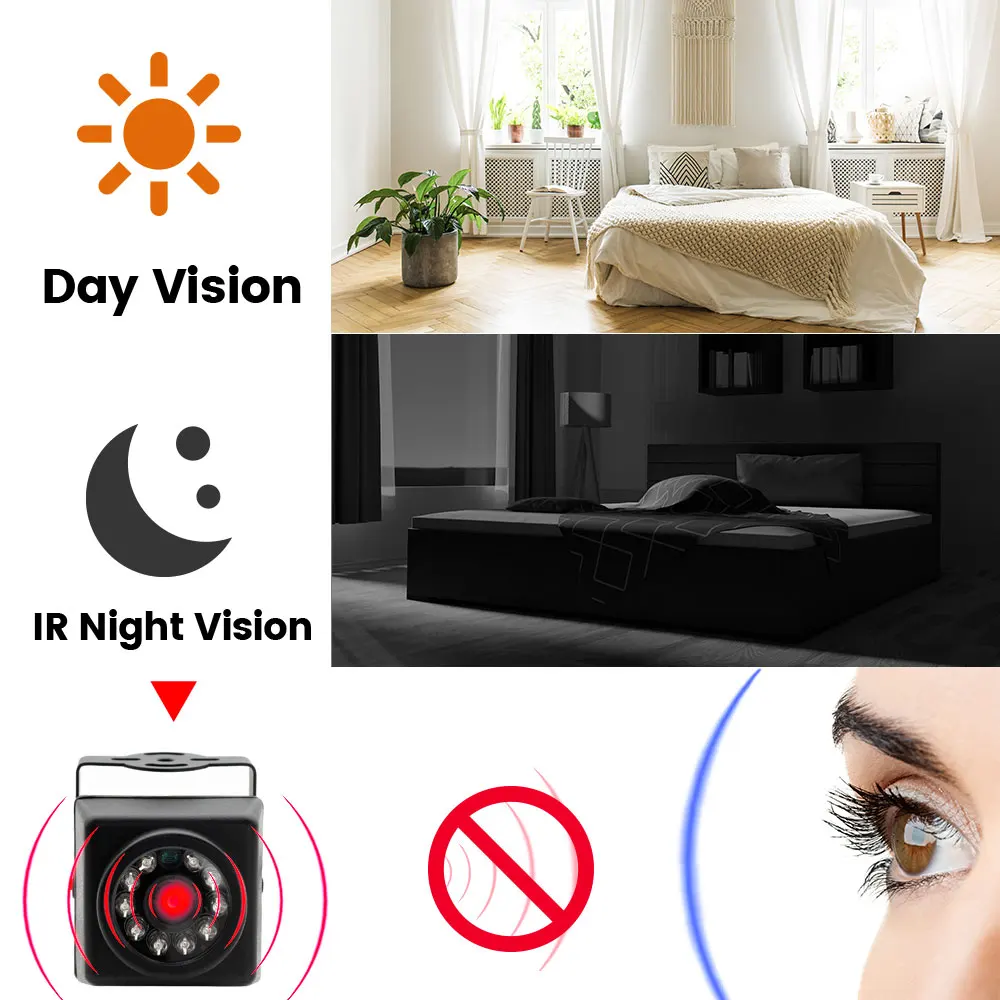
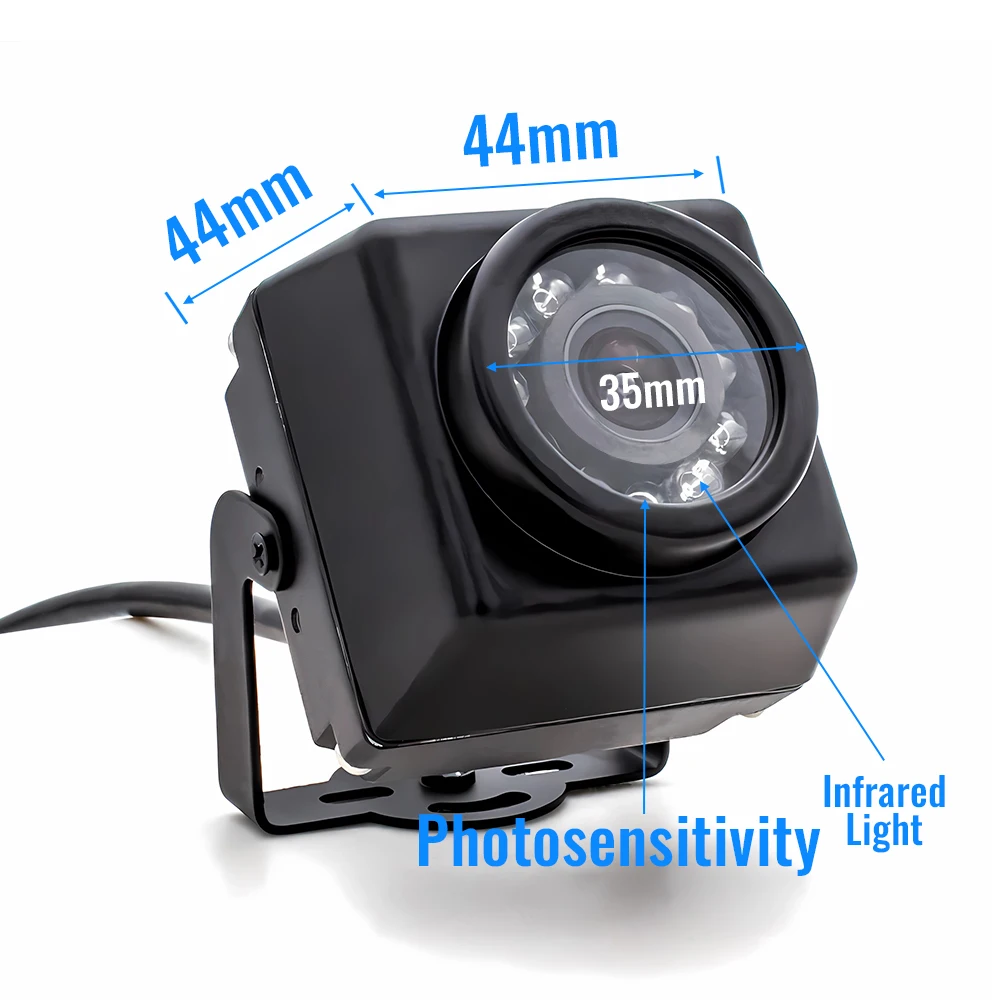
IR Distance(m): 1-10m
Installation: Ceiling,Embedded,Normal,Wall Mounted
Internal Storage: None
Lens (mm): 4mm,6mm,8mm
Lens Quantity: Single Lens
Megapixels: 8MP
Minimum Illumination(Lux): 0.001lux
Operating Temperature: -10°-60°
Power Supply: With Poe
Power Supply(V): DC12V/POE48V
Scene: Indoor and outdoor
Sensor: CMOS
Shell Material: Metal
Smart home platform: Other
Special Features: Waterproof / Weatherproof
Style: Mini Camera
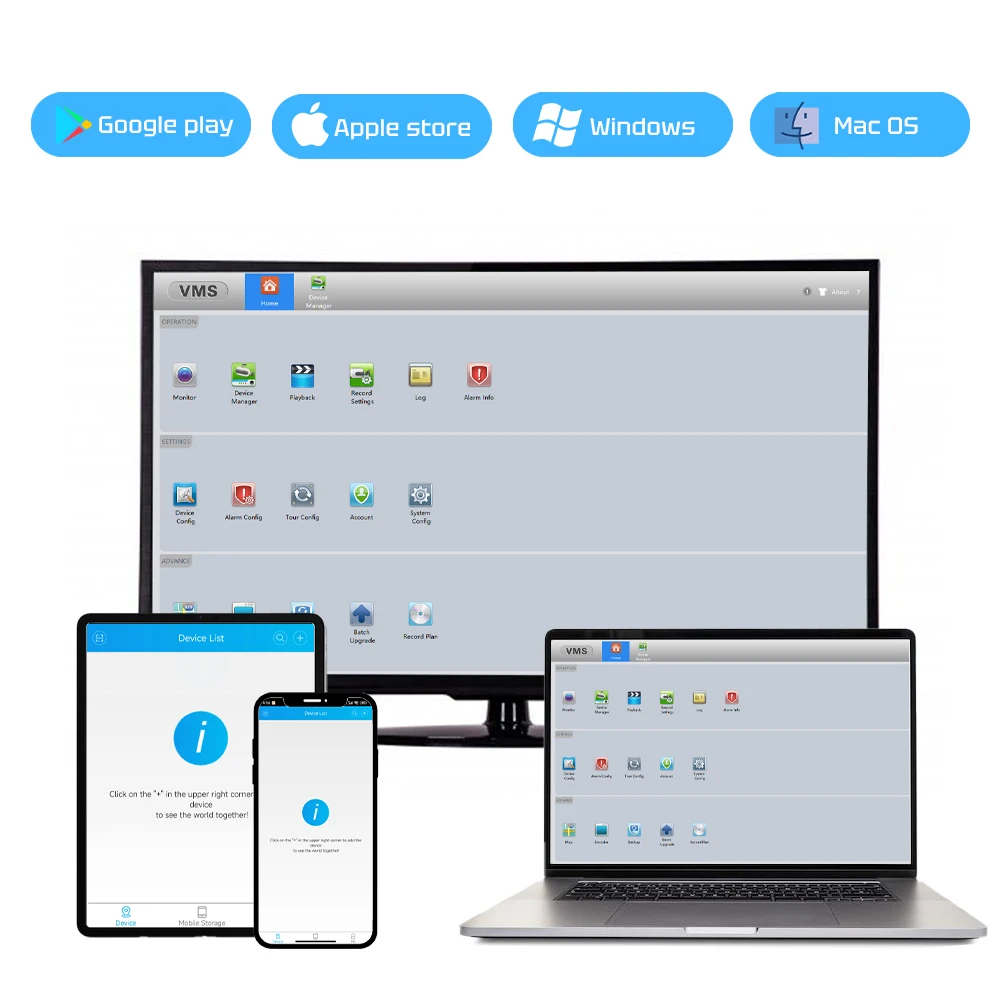
Supported Mobile Systems: Windows Mobile,Android,iOS
Supported Operating Systems: Windows 98,Windows XP,Windows Vista,Windows 7,macOS,Windows 8,Windows 10,Windows 2000,Windows 2008,Windows 2003
TF Card: None
Video Compression Format: H.265
Whether or Not 50Vac or 75Vdc or Higher Power Supply: No
Zoom: NONE
Zoom type: none
is_customized: Yes
Enhance the flexibility and efficiency of your industrial applications by choosing our customizable industrial cameras! Whether it's the housing design, cable length, lens specifications, or special features, this camera can provide you with tailored solutions.
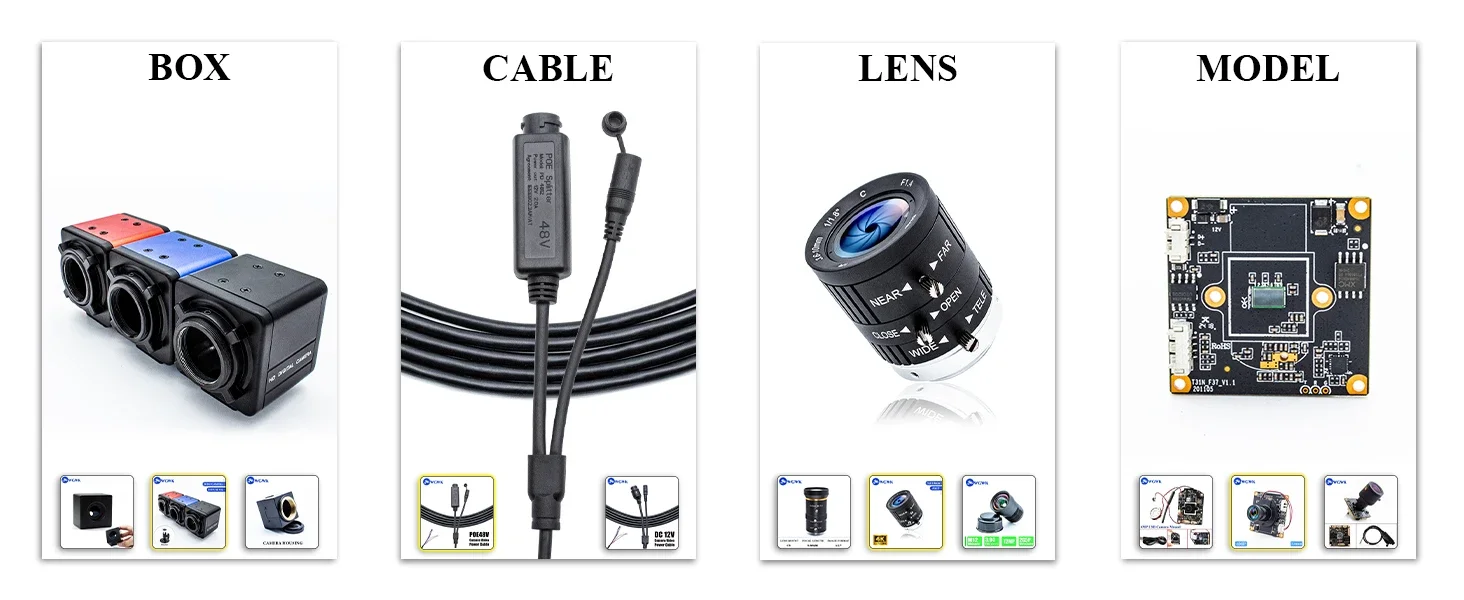
IP67 POE IP Camera 4K Webcam IR Night Vision Support Onvif RTSP H.265 Outdoor Waterproof Security Protection Industrial Camera

This network camera is the ideal choice for your security monitoring needs.
With 4K ultra-high-definition imaging, IP67 waterproof protection, flexible options for fixed-focus lenses, and convenient POE power supply, it makes your living and working environments safer and more secure!

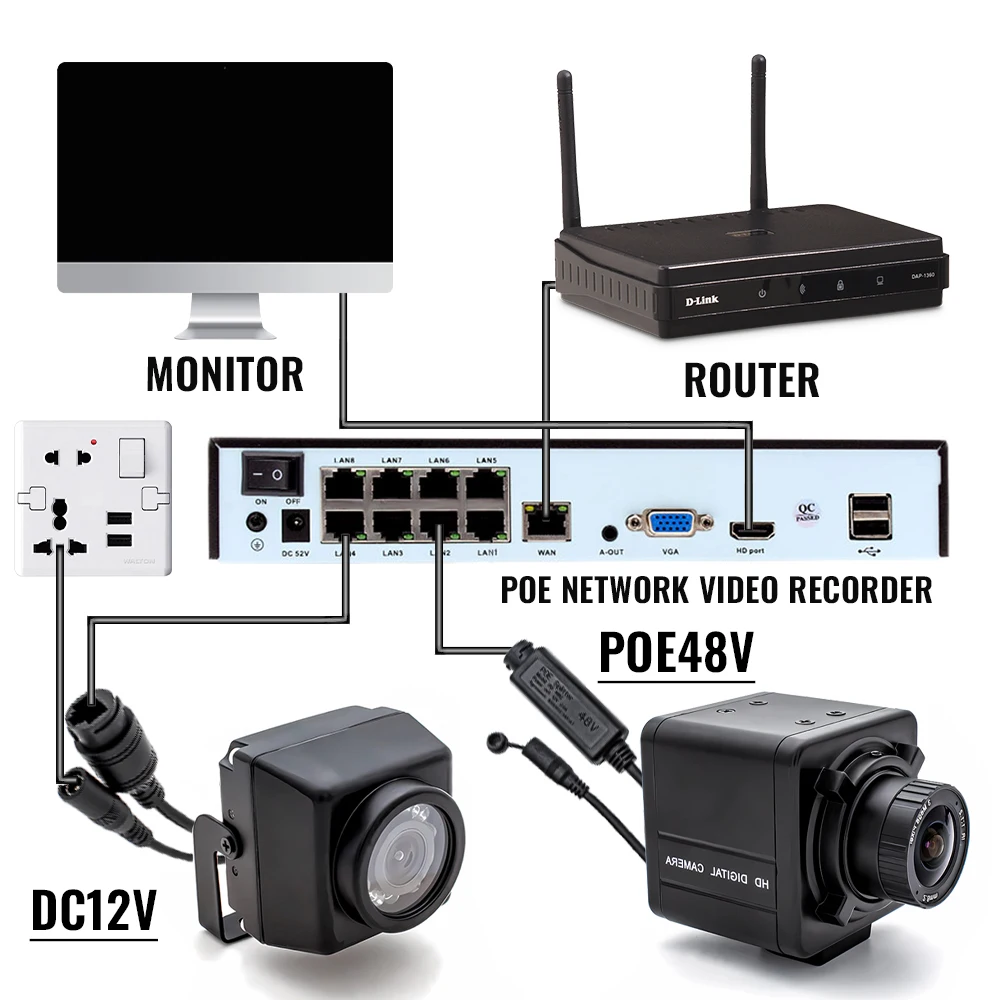
Flexible Power Supply Options
-
DC12V Power Supply - Suitable for traditional power connections.
-
POE48V Power Supply - Supplies power and transmits video simultaneously through network cables, simplifying wiring.
NOTE:
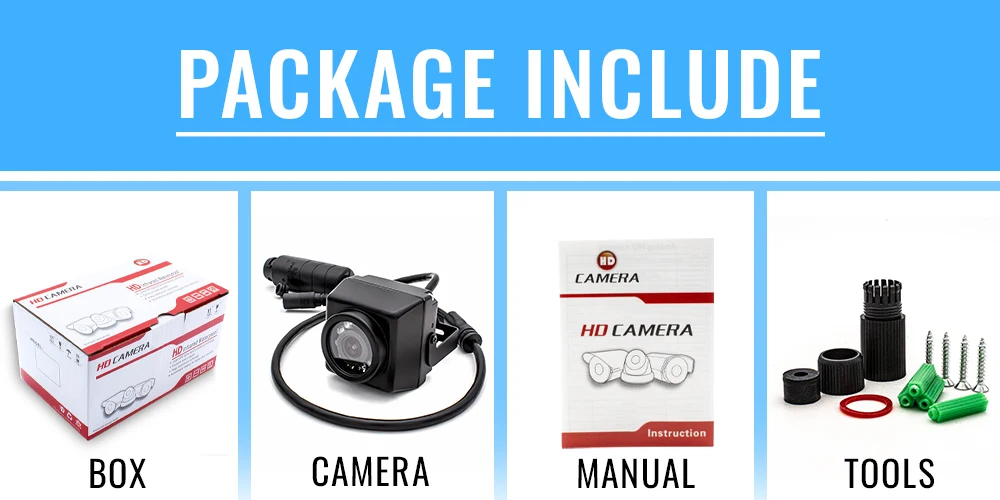
1. Not included Power Adapter, Please contact customer service if you need Power Adapter.(you can choose 48V POE to power on through Ethernet cable interface without the need for a power adapter)
2.Due to manual measurement, please allow an error of 2-3mm.

About RTSP
Address stream:
Enter the network URL in Please enter network URL:
rtsp://10.6.3.57:554/user=admin&password=&channel=1&stream=0.sdp?
10.6.3.57 This is the IP of the connected device
:554 This is the port number of the RTSP service, which can be changed in the device's network service
user=admin This is the login user name for the device
password= Password blank
channel=1 First channel
stream=0.sdp?Main code stream
stream=1.sdp?Auxiliary code stream
rtsp://192.168.1.10:554/user= admin&password=&channel=1&stream=0.sdp?
rtsp://10.6.3.57:554/user=admin&password=&channel=1&stream=0.sdp?
10.6.3.57 is the device IP address
:554 is RTSP port,can reset in device network service
user=admin is device user’s name
password= no pass word
channel=1 refer to Channel No.1
stream=0.sdp? mainstream
stream=1.sdp? substream
About computer operation and use
Make sure the camera is connected to the power supply and network
(the signal light flashes to prove that everything is normal)
Step 1 : Install VMS
Contact customer service to obtain the VMS software.
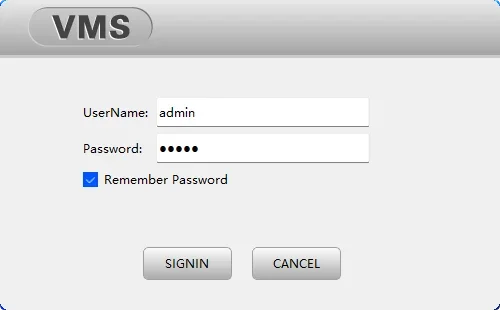
Step 2: Login VMS
UserName: admin,Password:admin
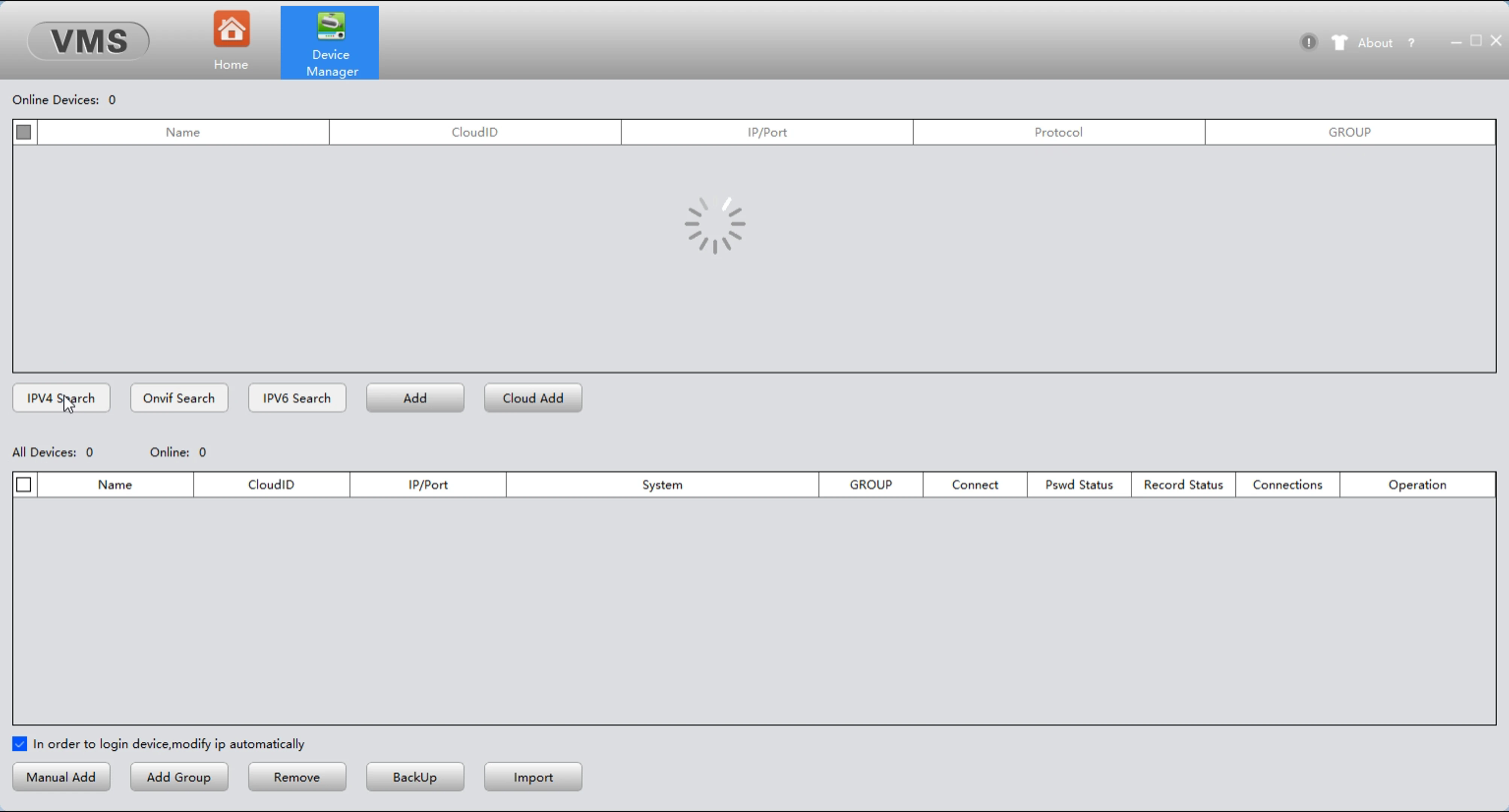
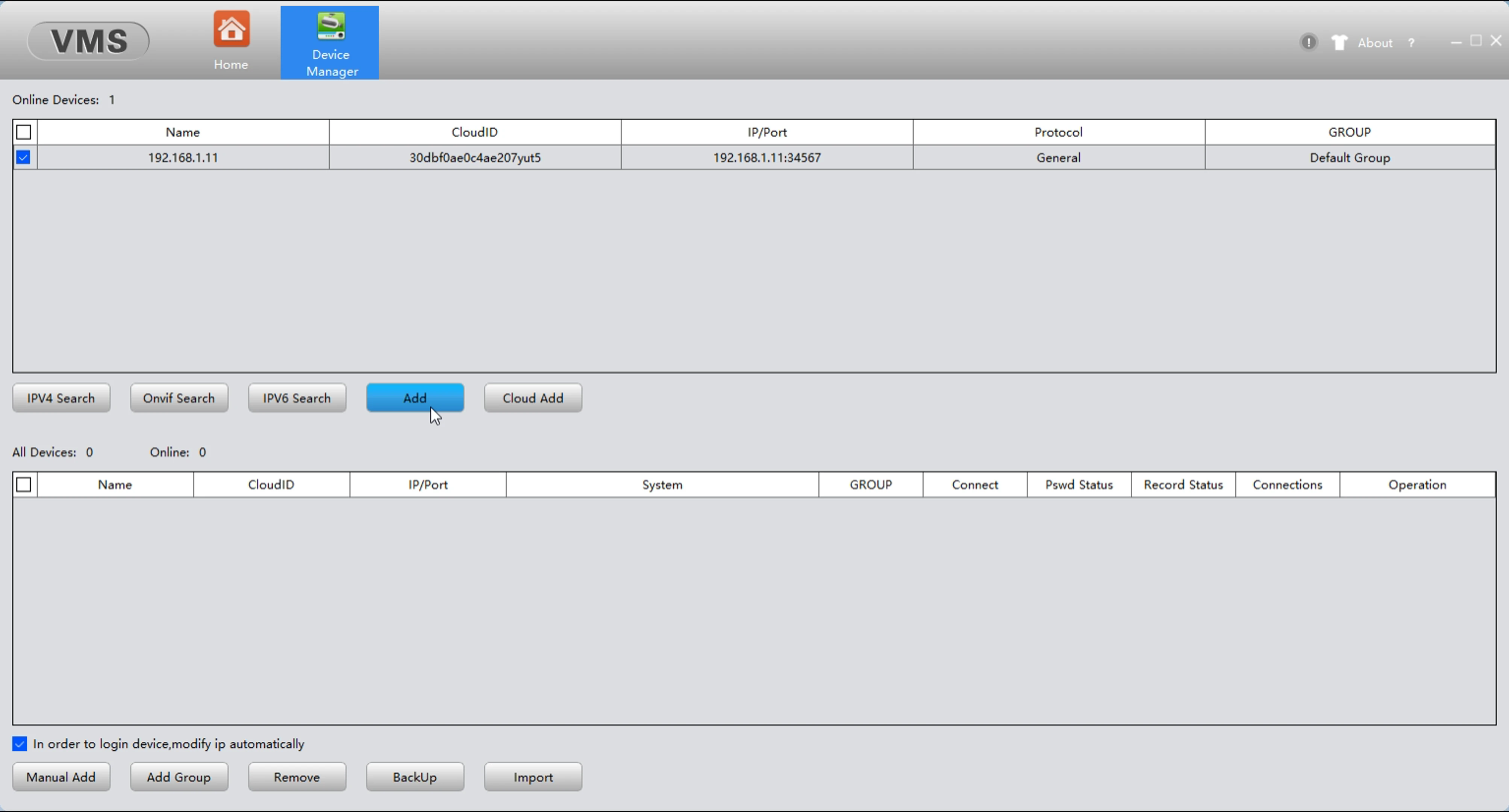
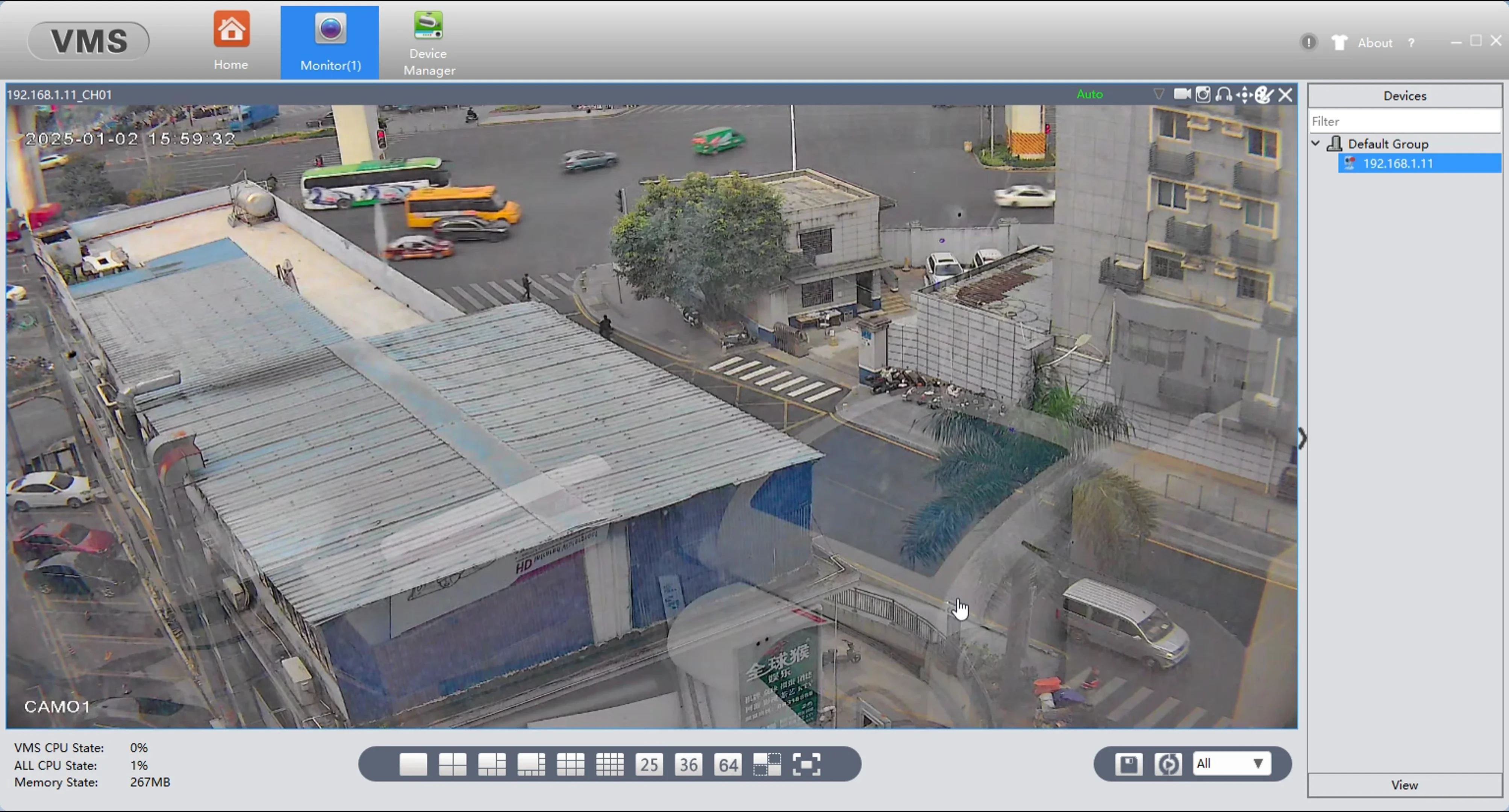
Step 3: Find your camera and add
APP download: Search XMEye in Apple Store


Couldn't load pickup availability
Your payment information is processed securely. We do not store credit card details nor have access to your credit card information.

