



Q2 Ultra Android 14 TV Stick 4K Ultra HD Dual Band WiFi 2.4G/5G Bluetooth 5.0 Quad Core Smart Media Player Dongle
Available in stock (17)
SPECIFICATIONS
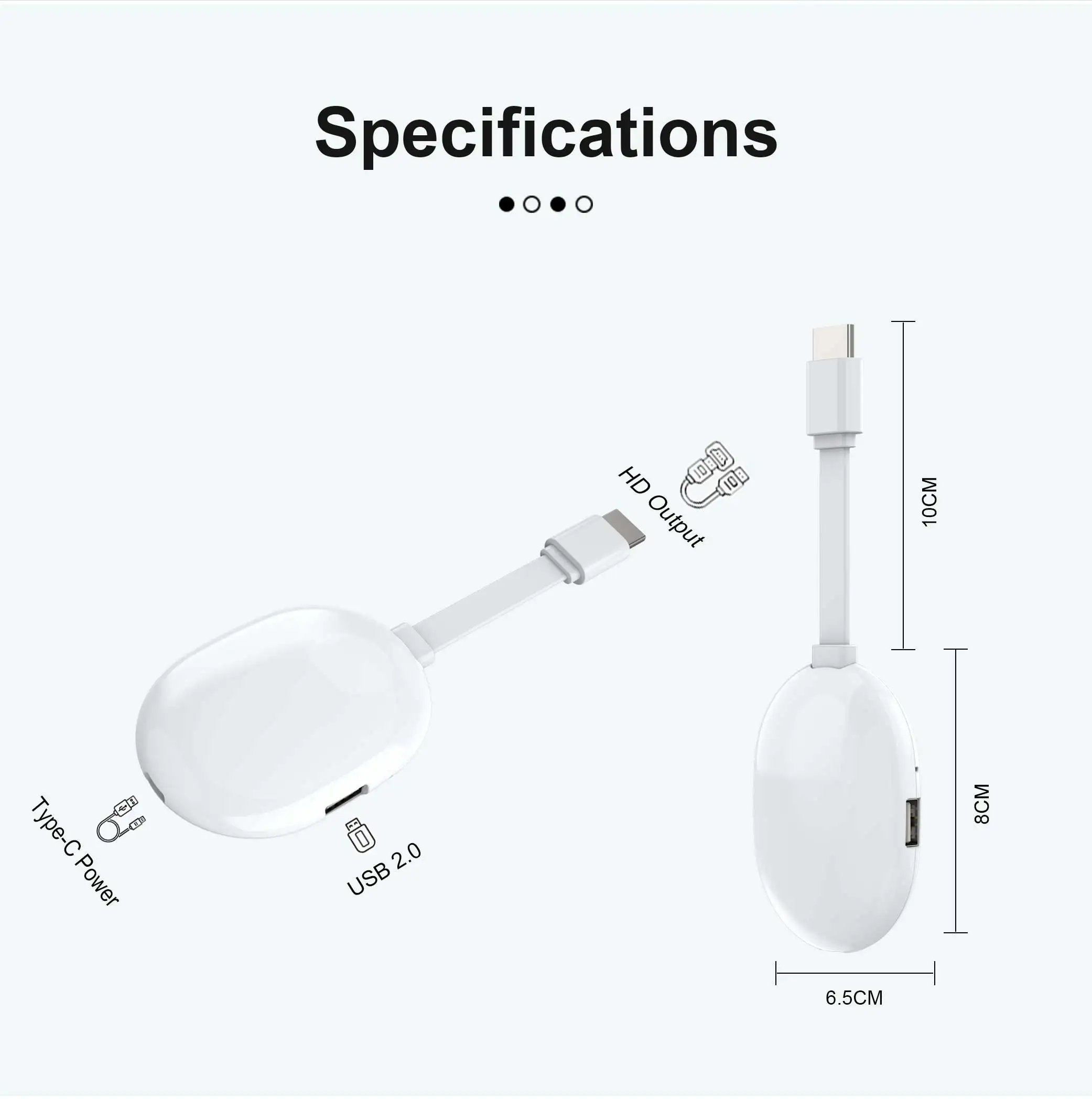
Antenna Type: Internal
Brand Name: MORTAL
Certification: CE,RoHS
Choice: yes
Connectors: HDMI-Compatible
Function: Multiple-Input Single-Output
Hard Disk Capacity: < 100GB
High-concerned chemical: none
Item Type: TV stick
Picture Format: BMP,JPEG
Remote Control: Included
Transmission distance: <50m
Type: High Definition
Wi-Fi Frequency: 5GHz
Wi-Fi Range: 10m
Q2 Ultra Android 14 TV Stick 4K Ultra HD Dual Band WiFi 2.4G/5G Bluetooth 5.0 Quad Core Smart Media Player Dongle
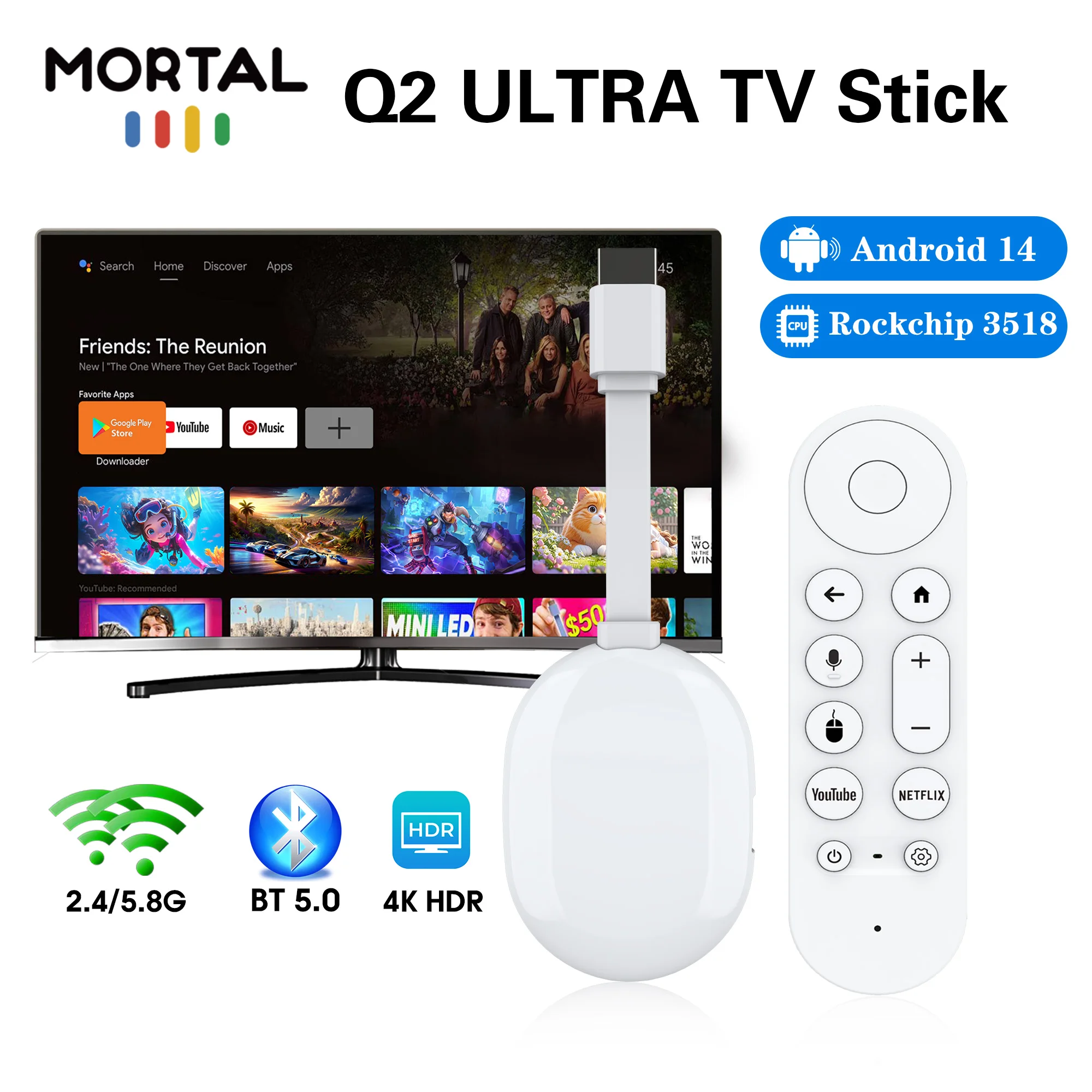
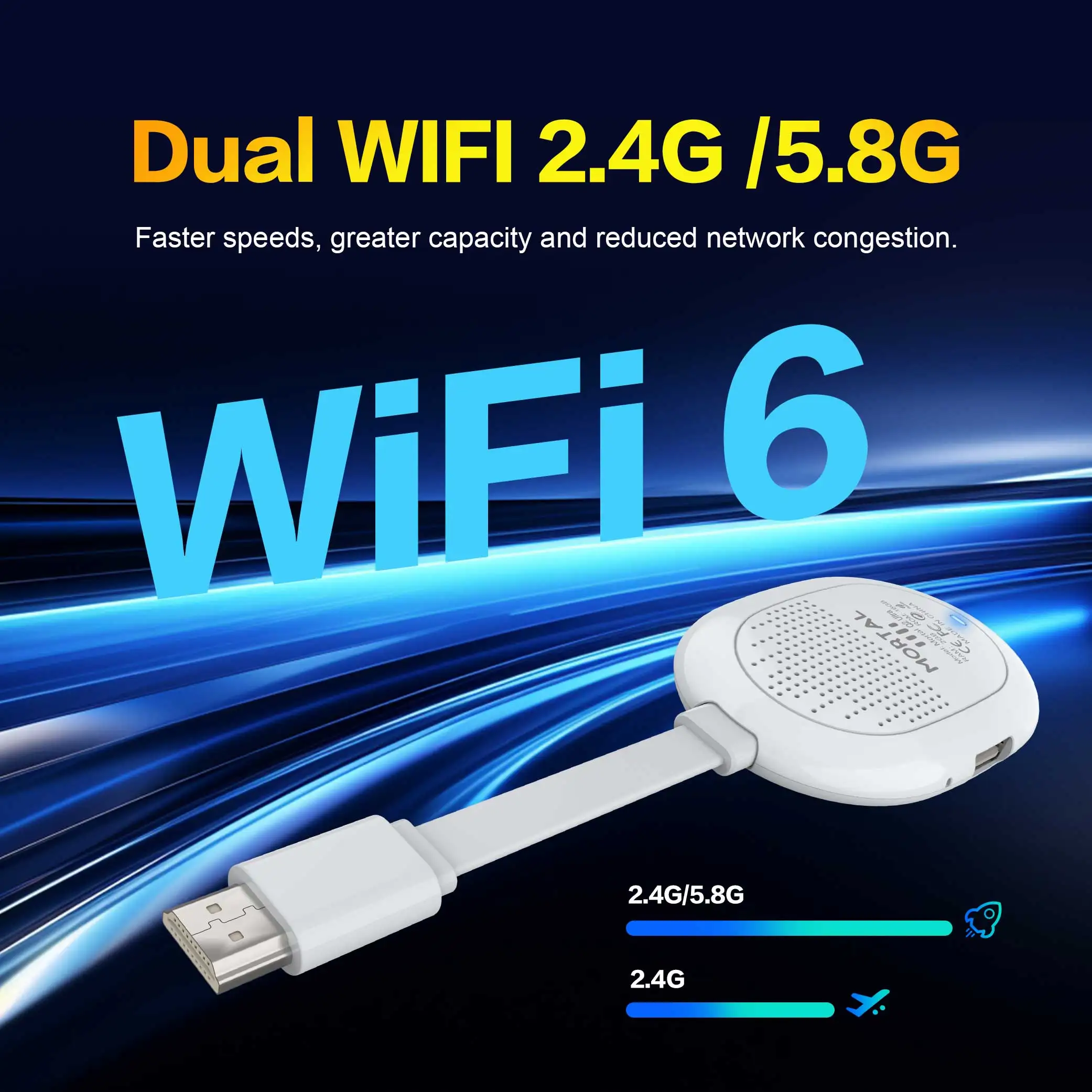
Dual WiFi 2.4G/5.8G
This new Android TV stick supports high-speed dual-band 2.4G/5.8G Wi-Fi connection, providing a secure, low-latency network to ensure that the Android TV stick runs smoothly and seamlessly, allowing you to enjoy 4K movies.
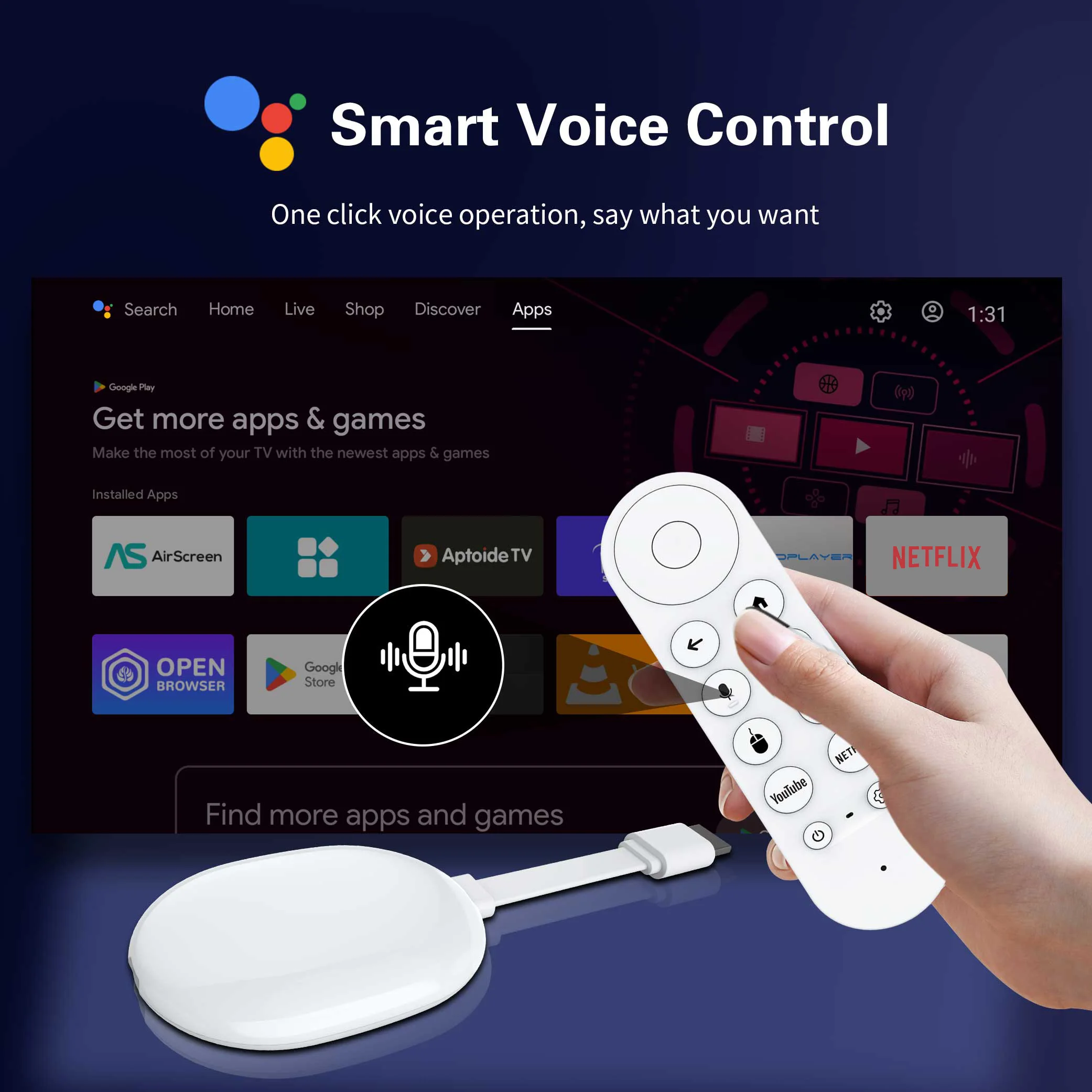
Smart Bluetooth Voice Remote
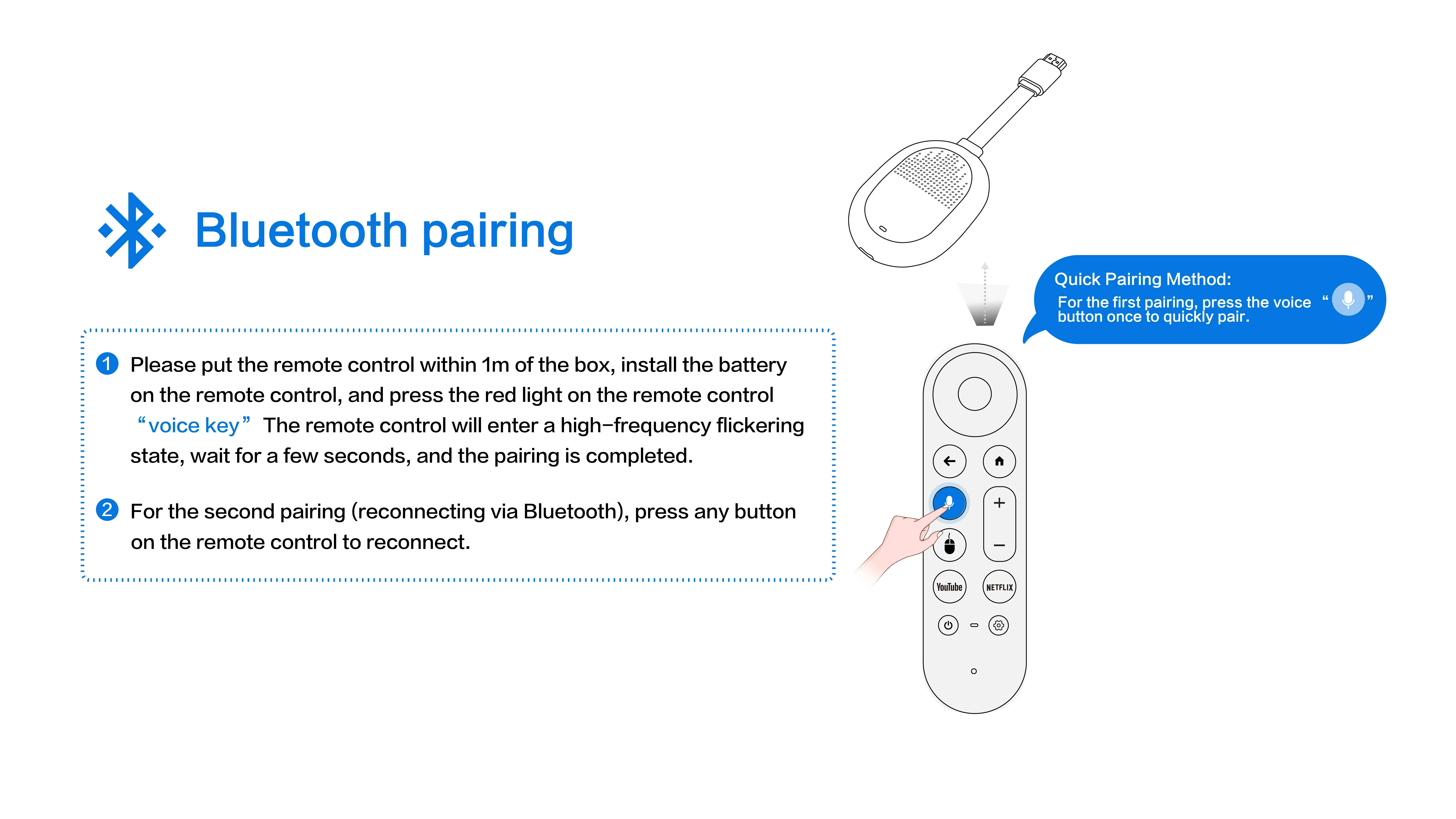
Built-in Bluetooth pairing, voice search function lets you quickly find movies & shows with just your voice, no tedious manual input anymore.
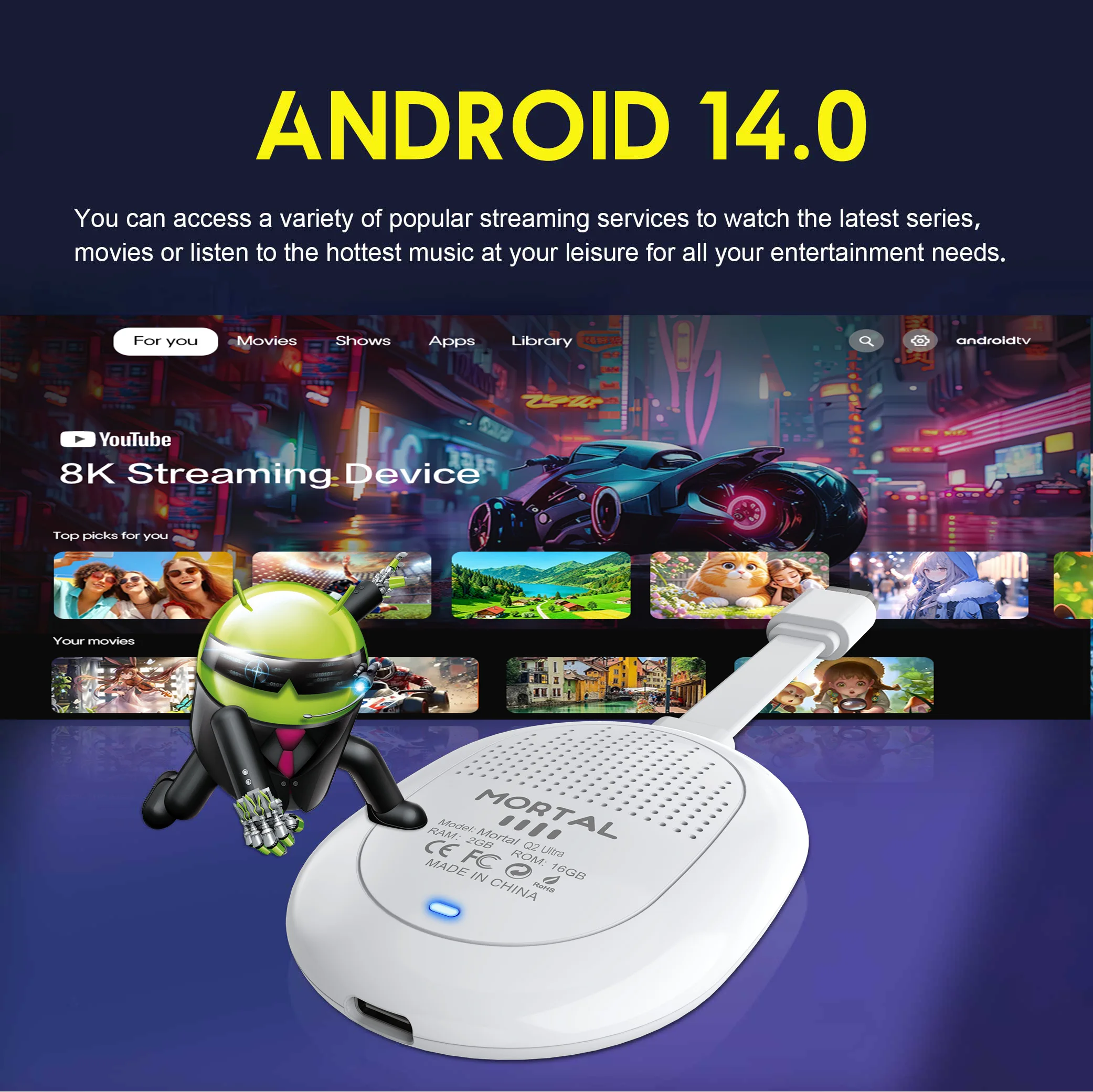
Android 14.0
✅ Pre-installed Android 14.0 | Mass apps ready on App Store
✅ Bluetooth voice remote + screen mirroring
✅ Custom home screen for effortless, intuitive control
How to install Q2 Ultra TV Stick?
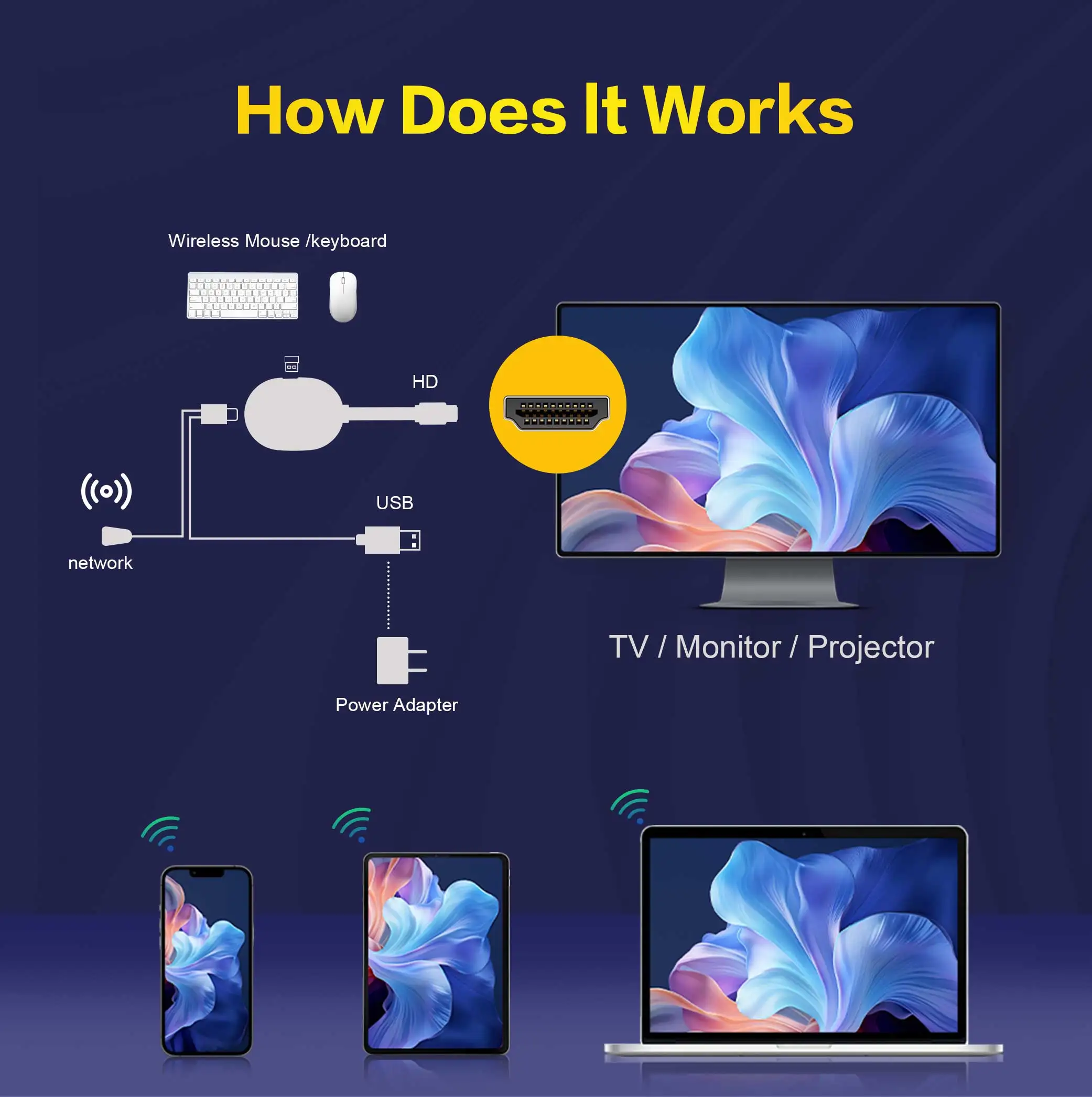
1: Connect the HDMI port of the TV Stick to the HDMI port of the TV.
2: Connect the TV Stick to a 100-240V power socket using a 5V, 2A power plug
3: Wait for the machine to start automatically, open the network settings, connect to the network, and you can surf the Internet normally.
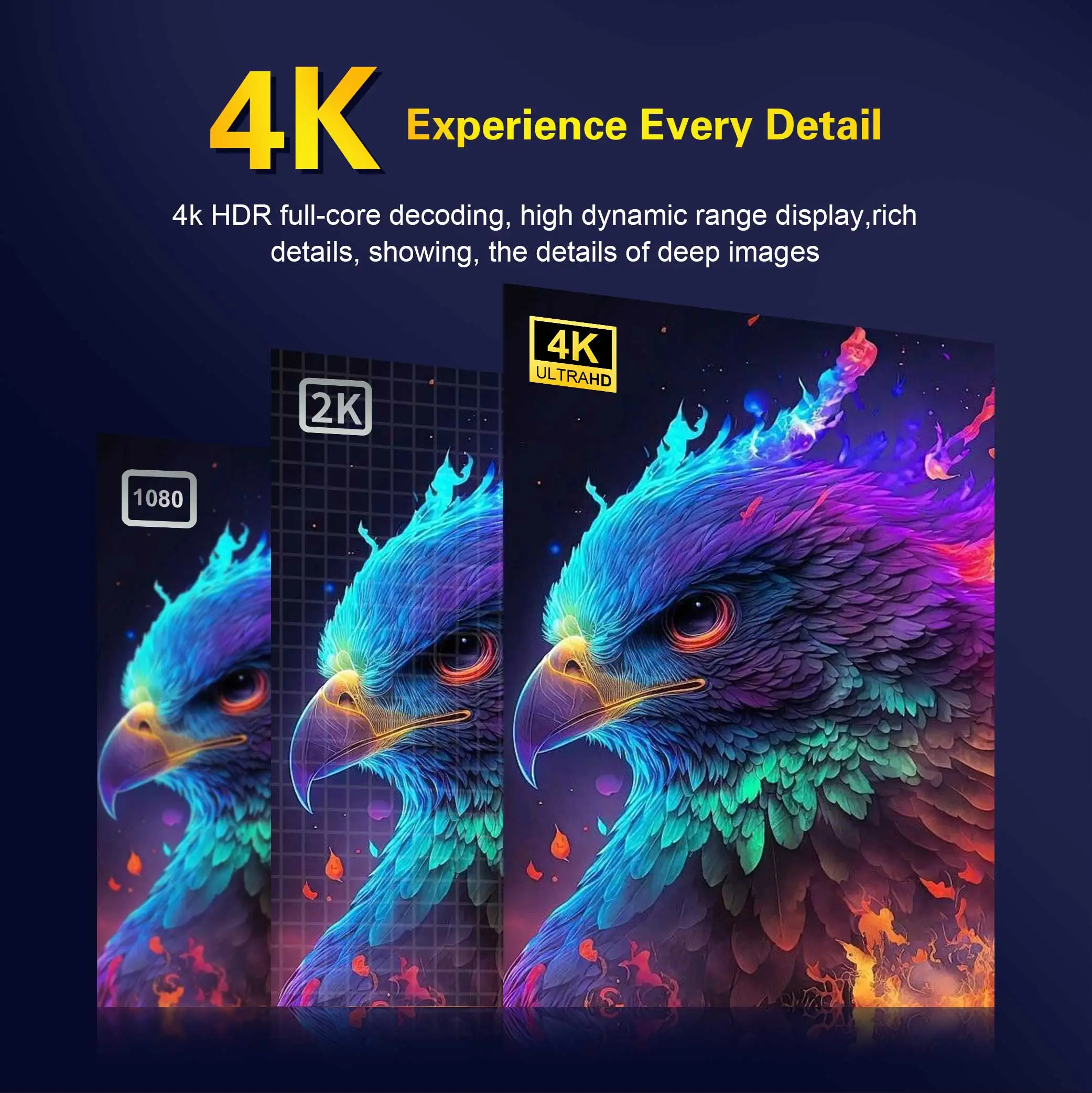
Powerful Rockchip 3518 Chipset
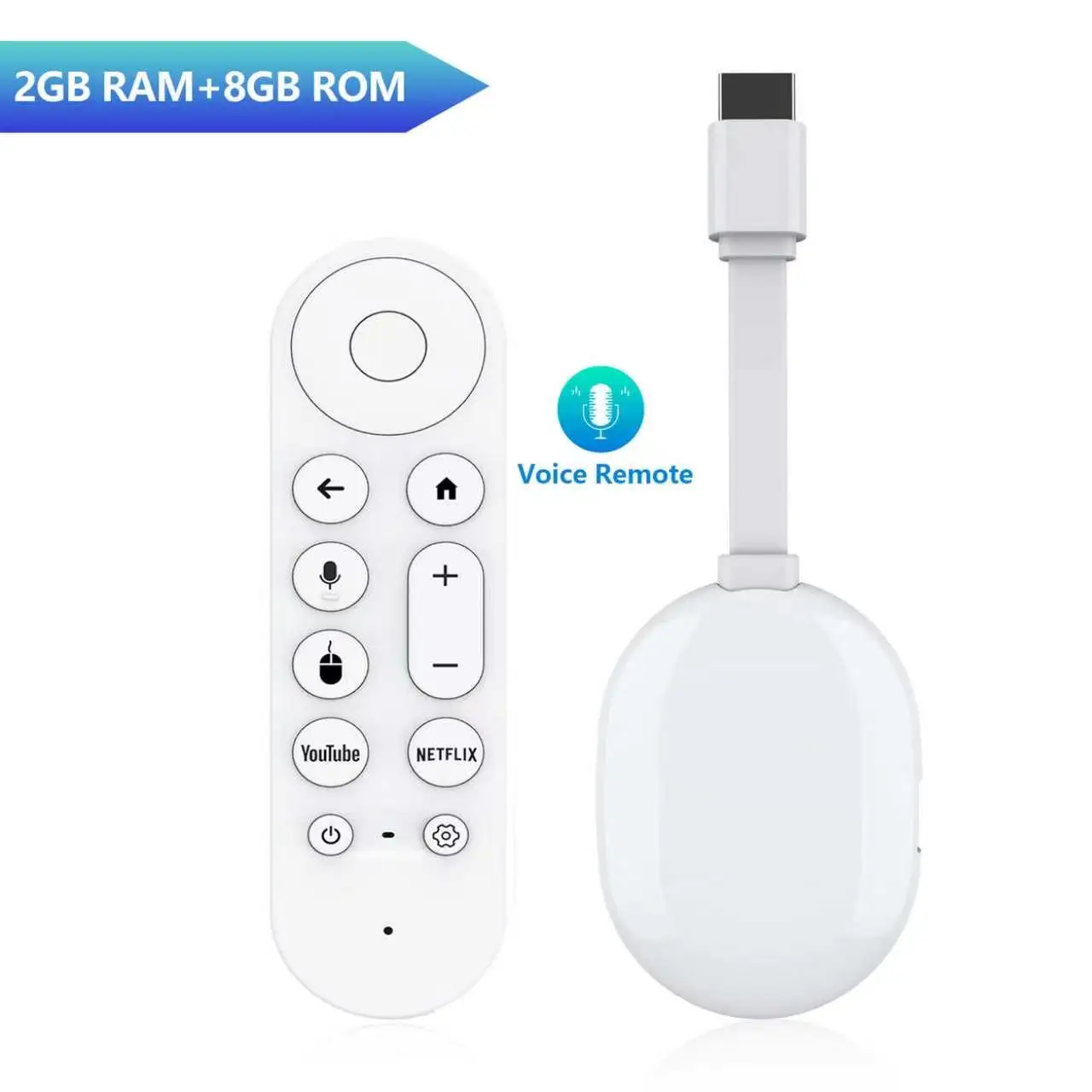
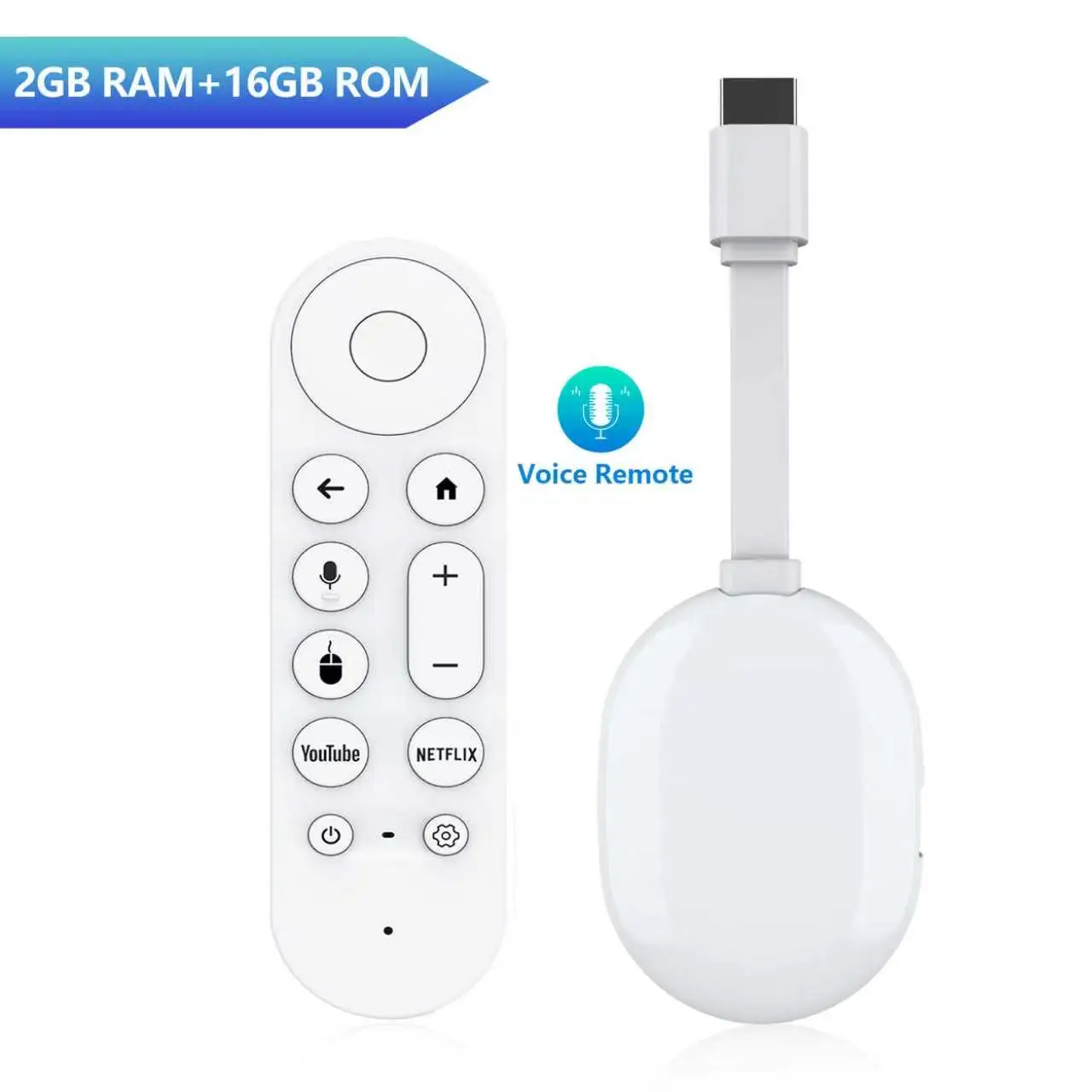
Equipped with RK3518 Quad-core A53 CPU + Mali-450 GPU, delivers fluent running speed, smooth video decoding and multitasking without lagging. Available in two memory options: 2GB+8GB / 2GB+16GB to fit your storage needs.
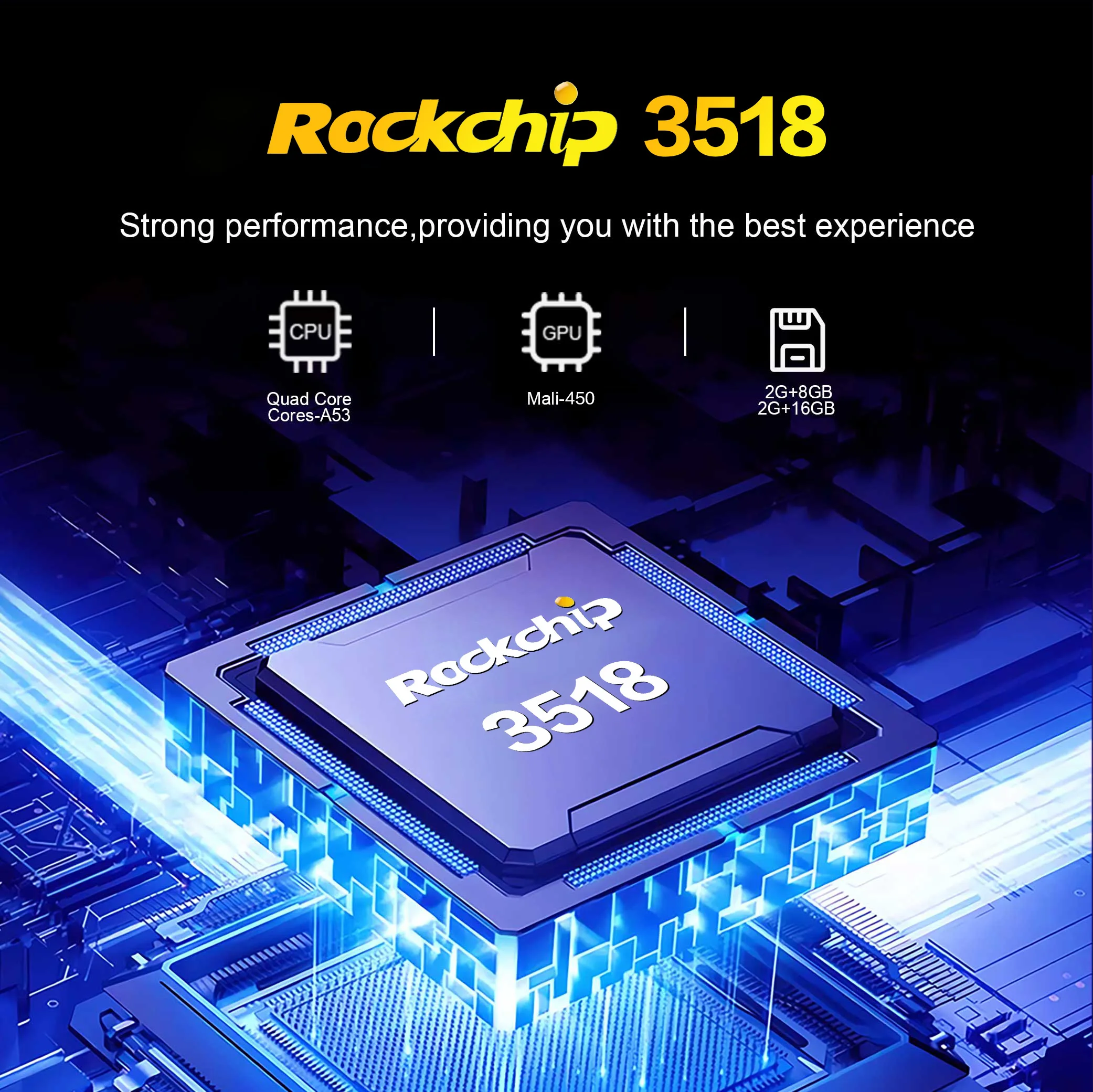
Wireless screen mirroring
You can connect iOS, Windows, and Android devices through Airplay and DLNA software to easily display videos and photos on mobile phones and tablets.
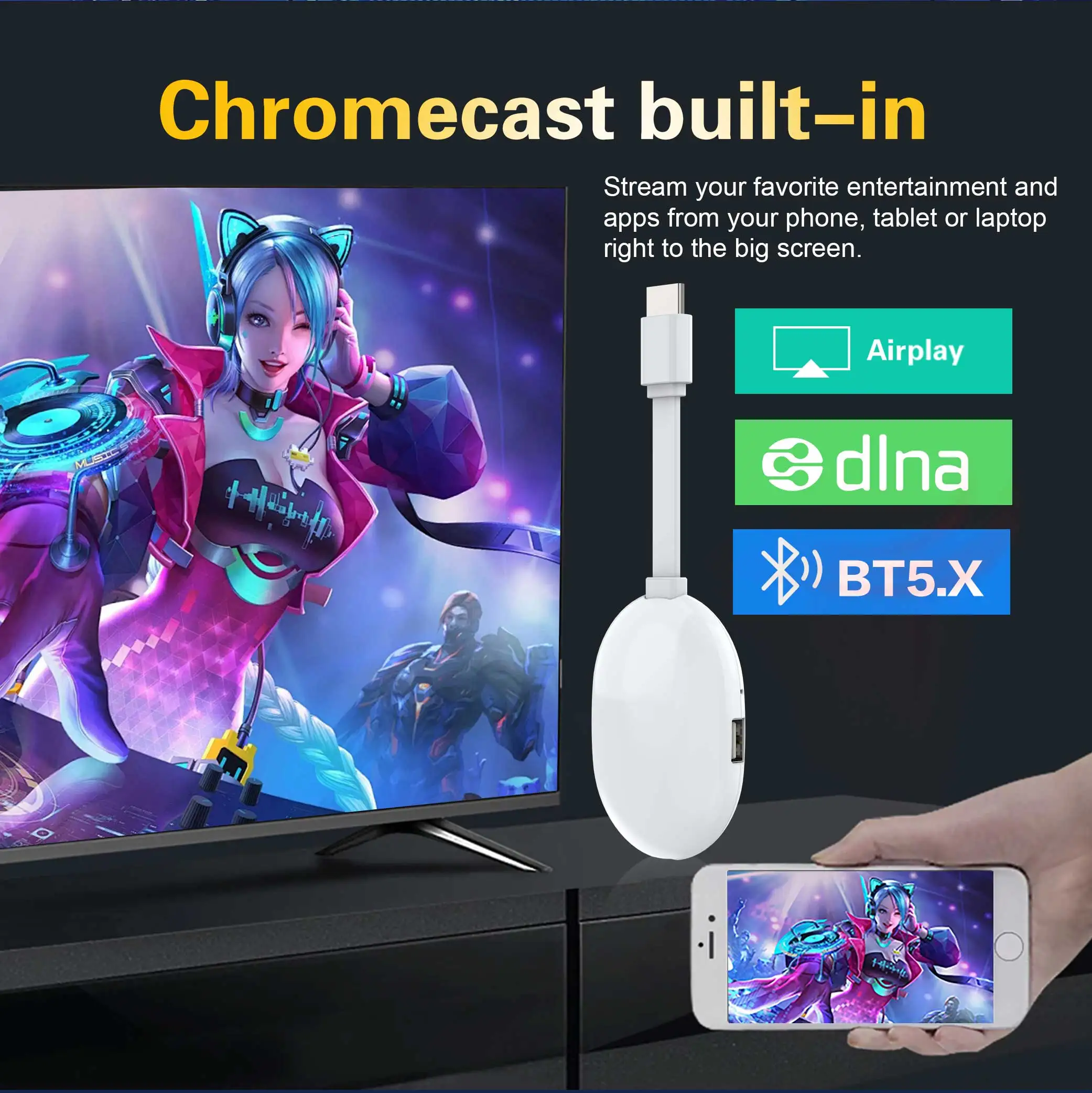
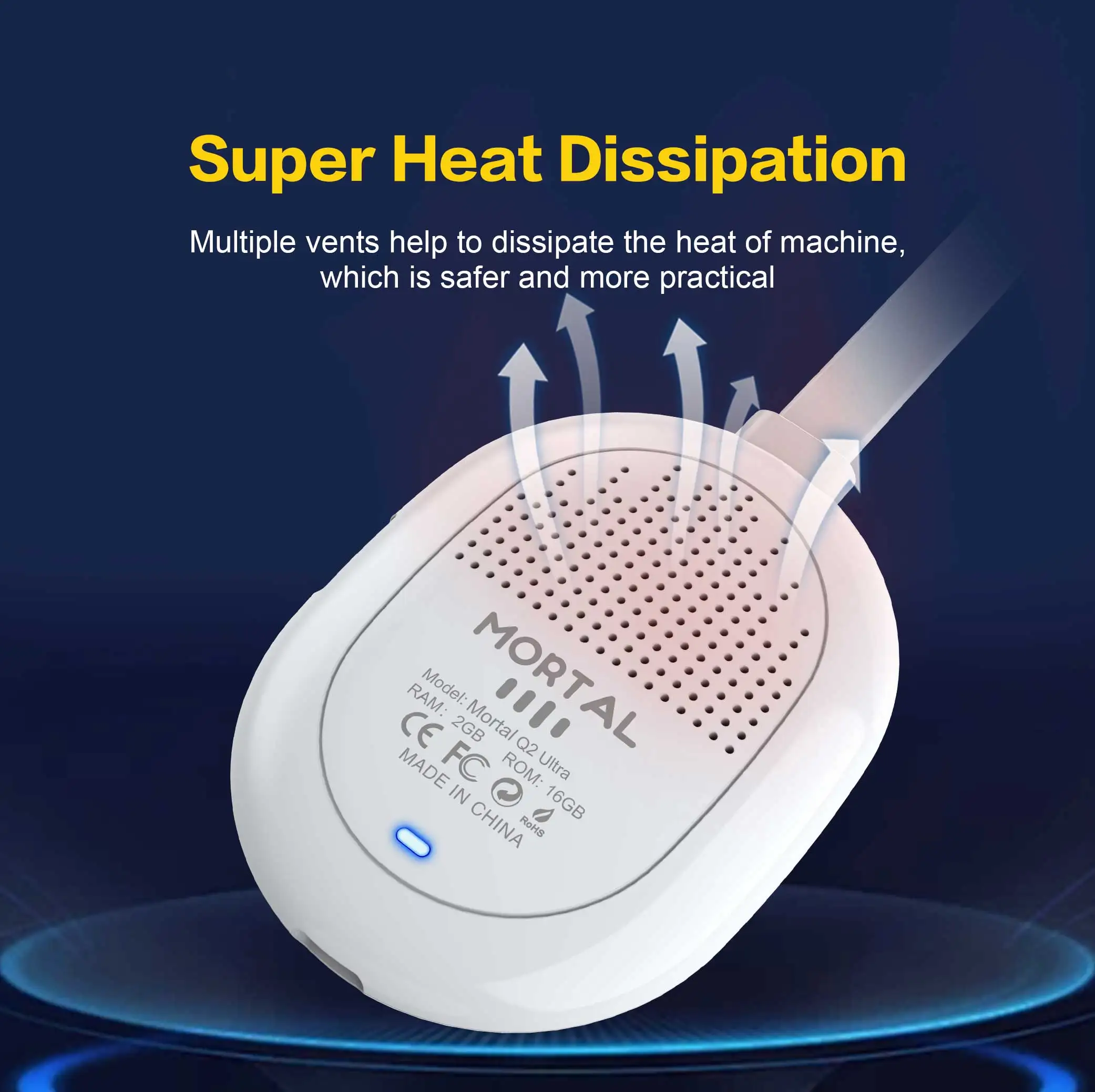
Super Heat Dissipation
Multiple vents help to dissipate the heat of machine,which is safer and more practical
What's in the TV stick
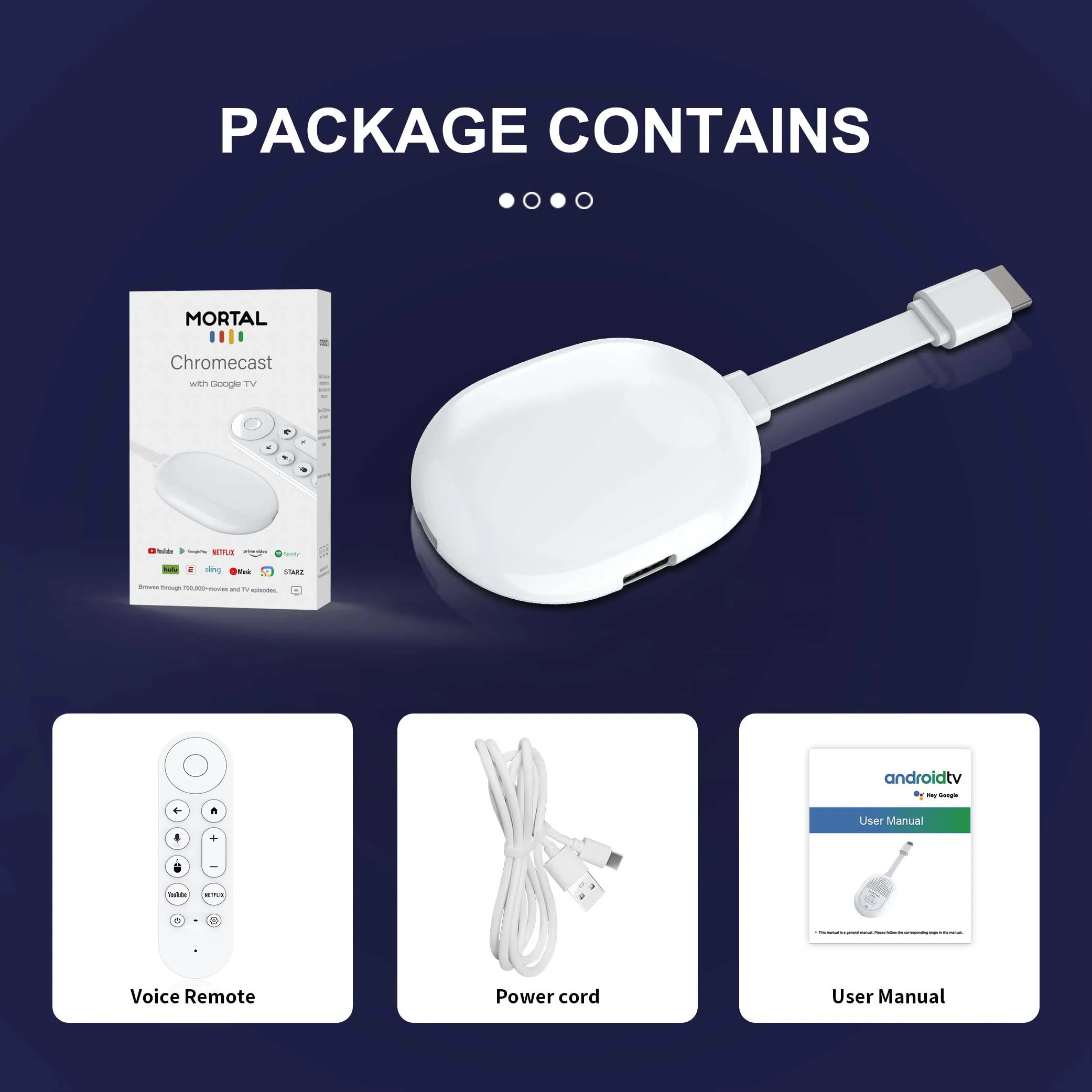
1*Mortal Q2 Ultra TV stick
1*USB power cable(5V,2A)
1*Voice remote control
1*manual
1*Packaging Box
NOTICE
1. Make sure you have installed a compatible APK. If it does not work properly after installing an APK, go to Settings, find the APK and restore it to normal mode to restore normal operation.
2. If the TV stick restarts repeatedly after a few seconds or minutes, or the front panel lights up red, the problem is that your TV output voltage and current are not 5V/2A, you can use a 5V/2A adapter to power it. It should work normally.
3. Installation steps: ➡
Step 1: Connect the HDMI on the TV stick to the HDMI port of the TV.
Step 2: Use a standard power plug to power the set-top box. (5V2A)
Step 3: Open the network settings, connect to the network, and you can surf the Internet normally.
Wrong connection may cause problems such as picture freeze, distortion or insufficient signal.
Couldn't load pickup availability
Your payment information is processed securely. We do not store credit card details nor have access to your credit card information.

