



R3+ 4/8K Ultra HD Android 16 Smart TV Box WiFi 6 BT UI Interface 8GB RAM +128GB ROM Media Player For Netflix YouTube Disney+
Hurry up, only 7 items left in stock.
SPECIFICATIONS
Antenna Type: External
Certification: CE,FCC
Choice: yes
Connectors: HDMI-Compatible
Function: Multiple-Input Single-Output
High-concerned chemical: none
Item Type: TV stick
Operation System: Android
Picture Format: JPEG
Recording: No
Remote Control: Included
Resolution: 8K
Type: Normal
Video Format: AVI,MP4
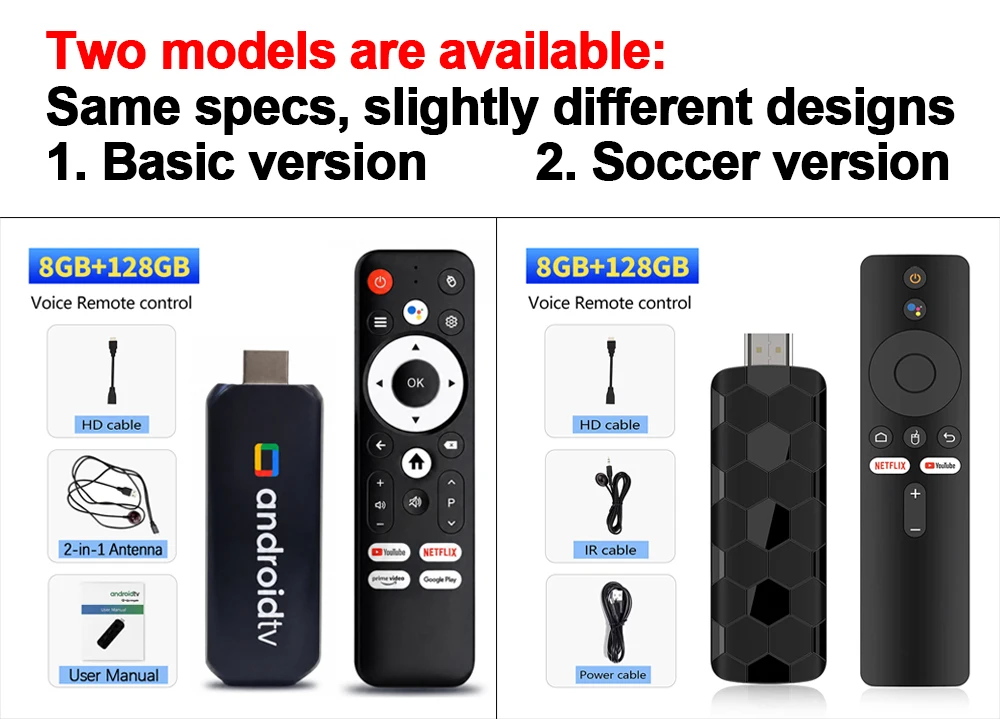
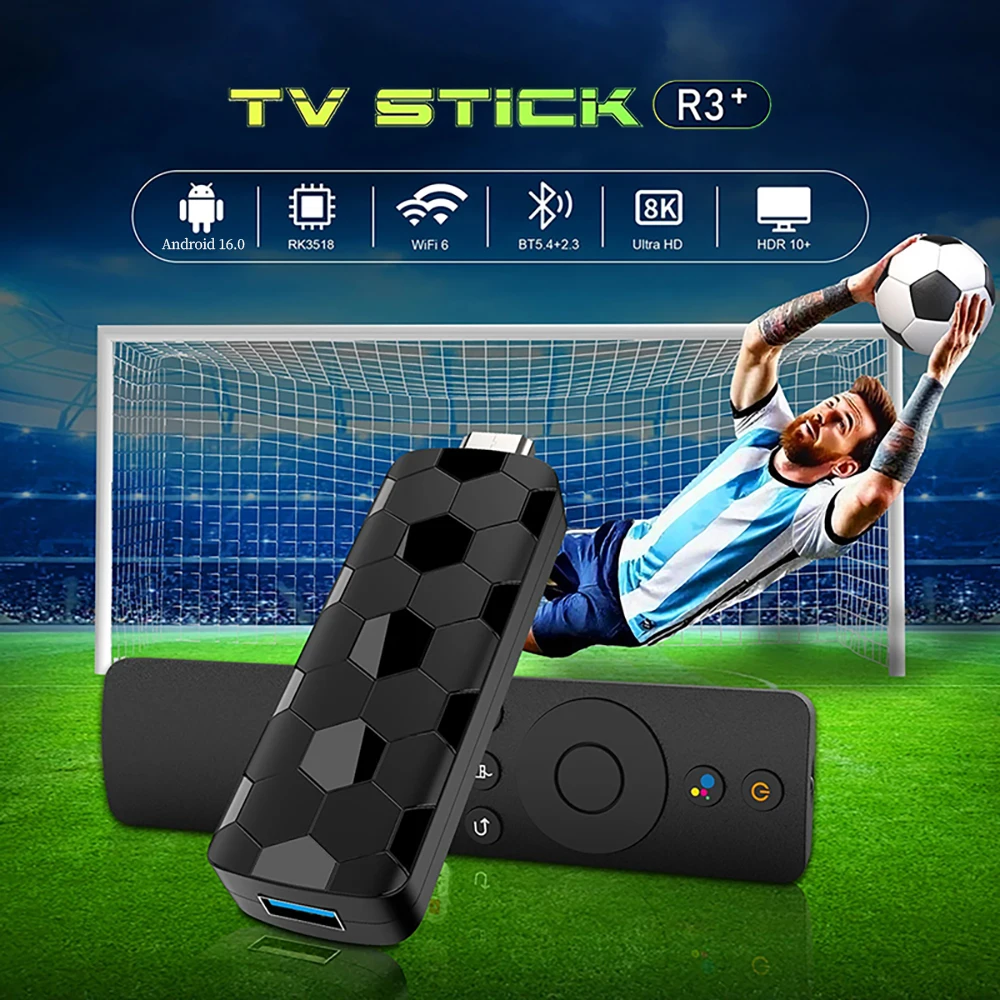
Here's what sets our product apart from the competition:
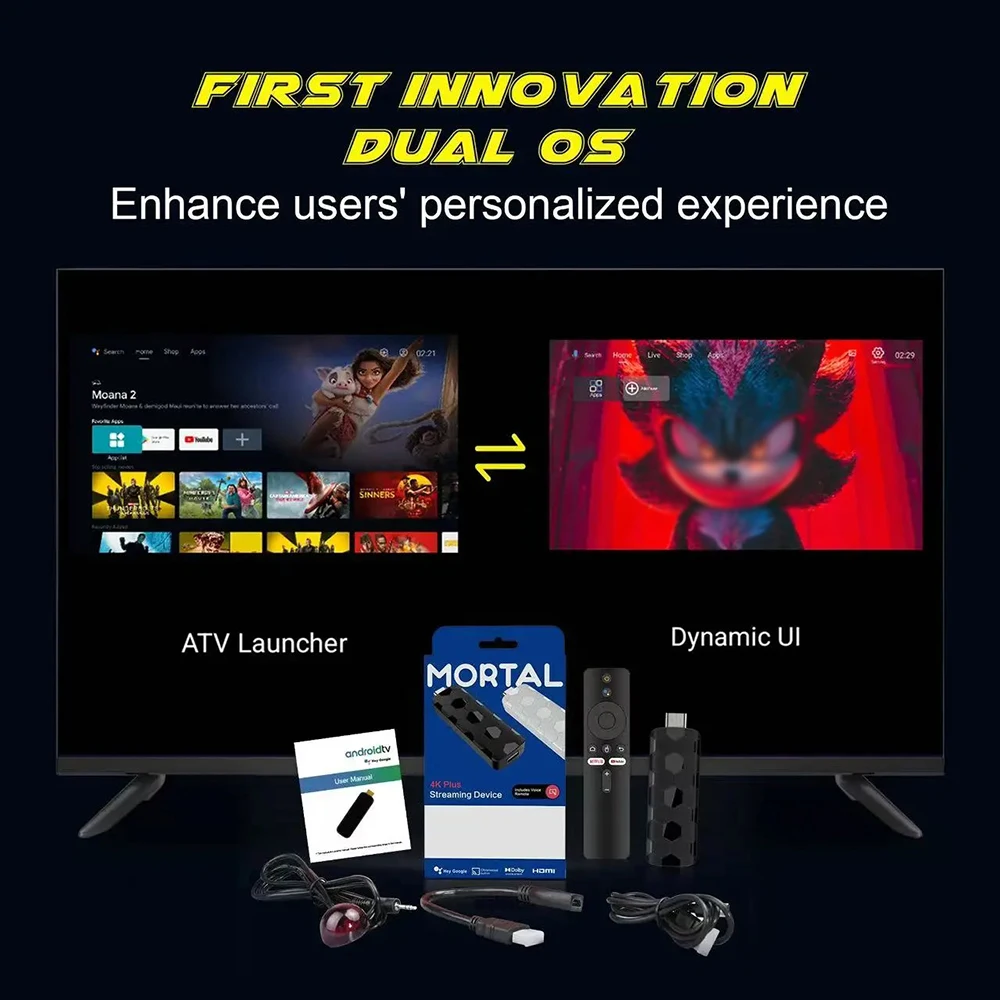
✅ Dual-system interface with seamless switching beyond imagination!
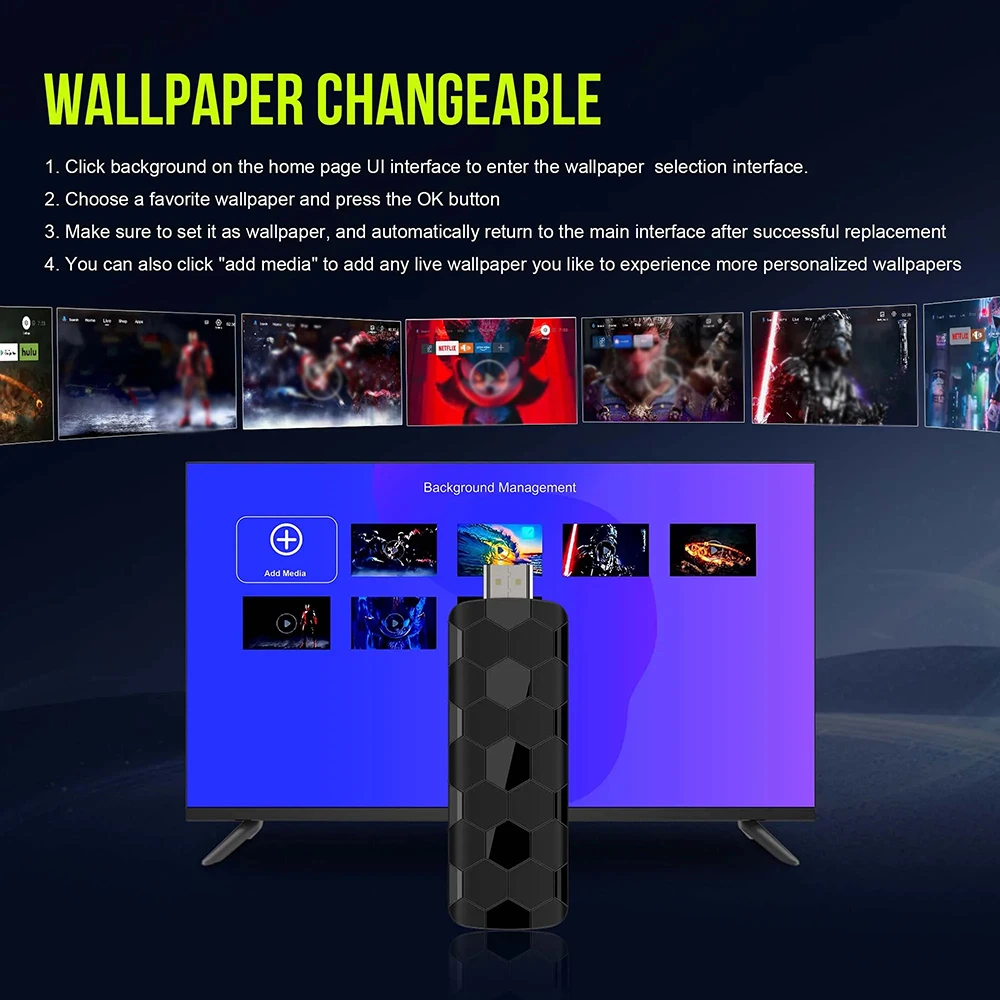
✅ Customise wallpapers with your favourite dynamic videos! Turn your TV stick into your personalised homepage!
✅ Supporting the 2026 World Cup – delivering football fans an exclusive sense of ritual and romance!
✅ APK shortcut keys enable instant app switching!
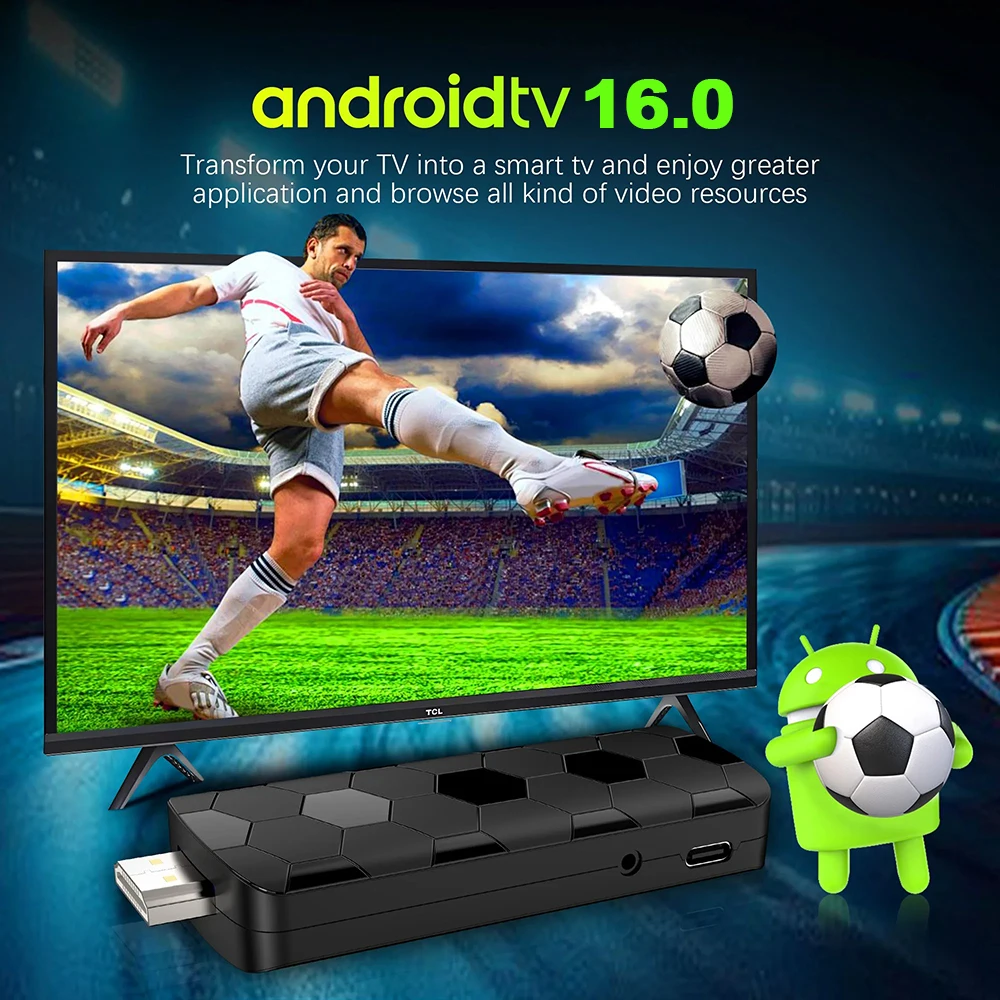
Android 16.0
Android multimedia box, you can download various video and music apps online, enjoy audiovisual experiences.
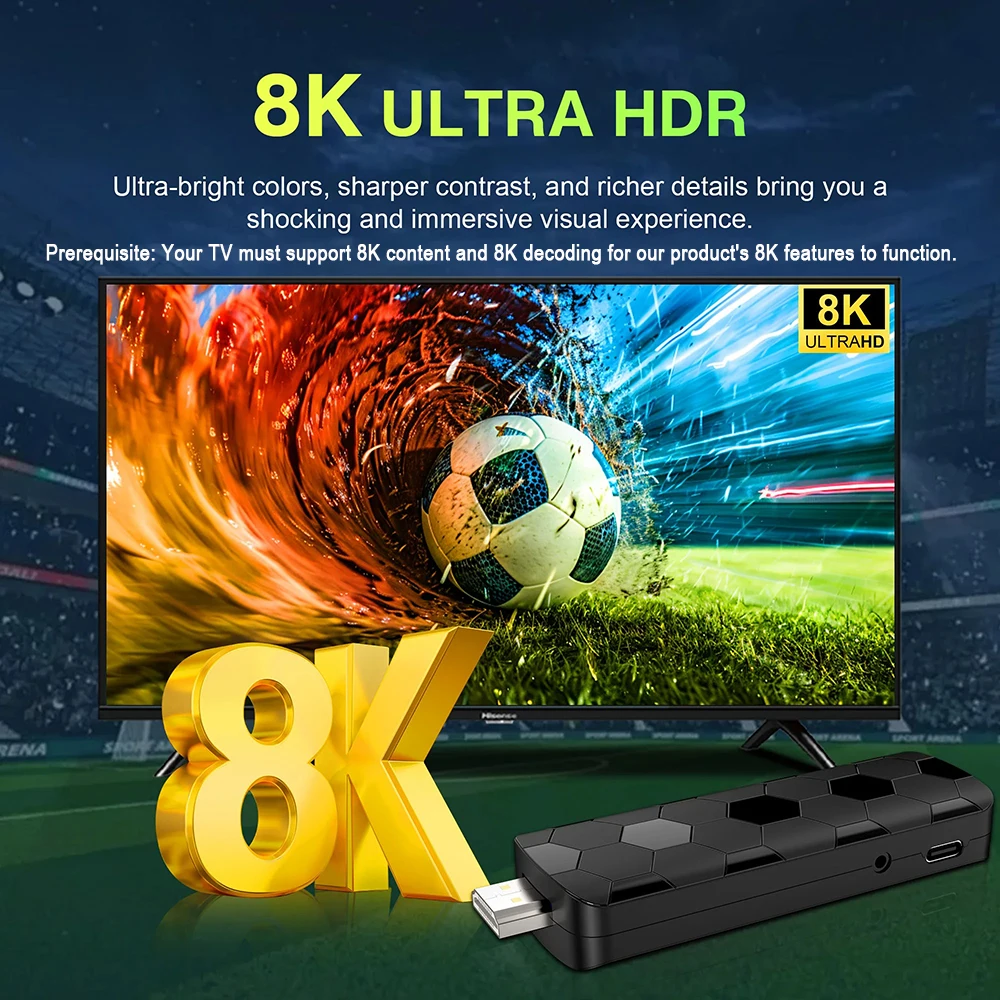
Support 8K Video Decoding
Incredibly clear and smooth playback of videos and images.
WALLPAPER CHANGEABLE
1. Click background on the home page Ul interface to enter the wallpaper selection interface
2. Choose a favorite wallpaper and press the OK button
3. Make sure to set it as walpaper, and automatically retum to the main interface after successful replacement
4. You can also click "add media" to add any live wallpaper you like to experience more personalized wallpapers
Dynamic UI
Dual UI Interface, Customizable dynamic video,Switching with unexpectedly smooth transitions
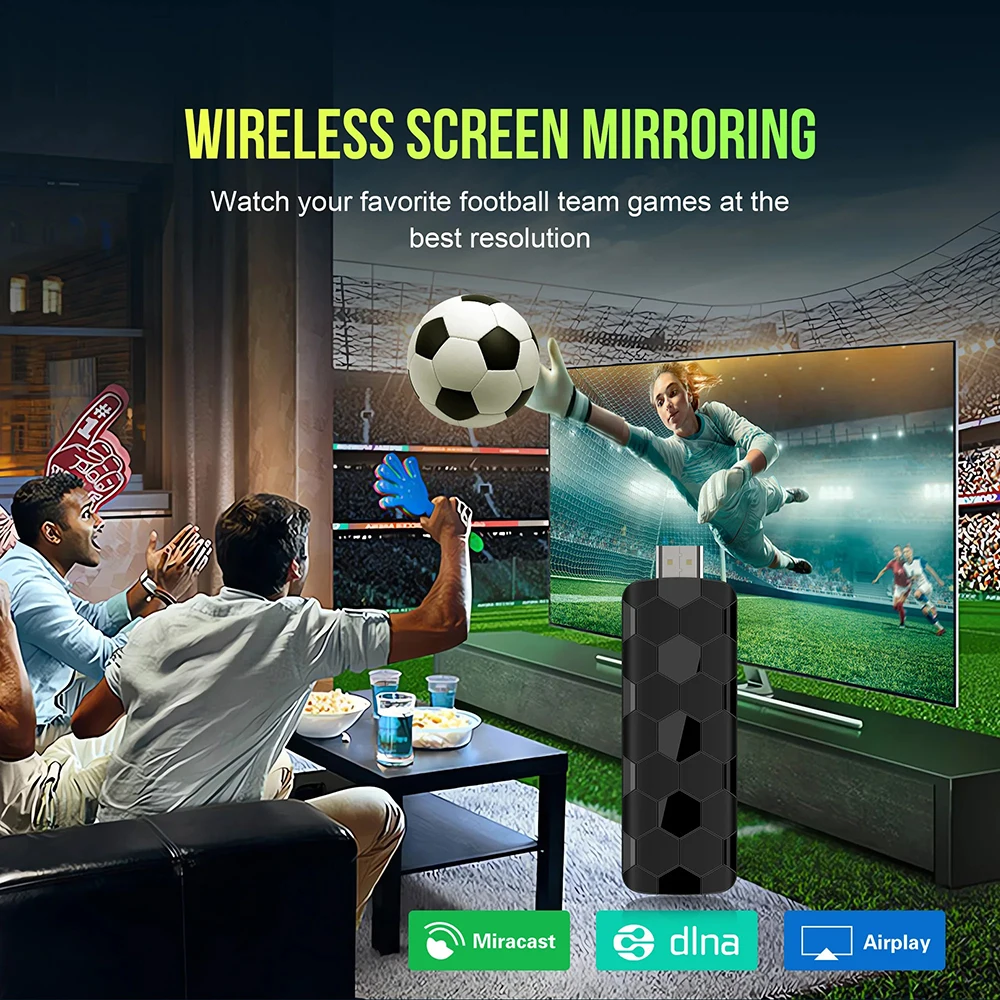
Multi Screen sharing
Easily share the small screen to the large screen. You can play games and watch movies on the big screen.
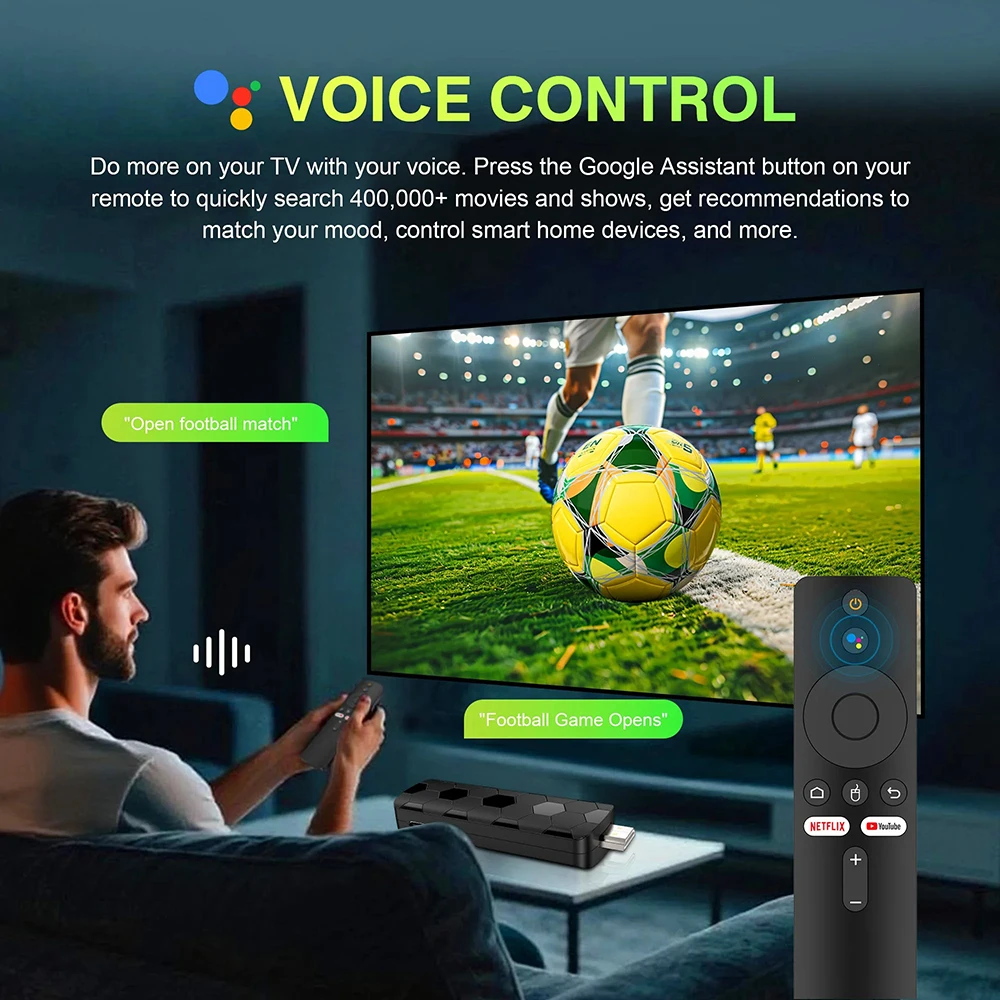
Smarter voice control
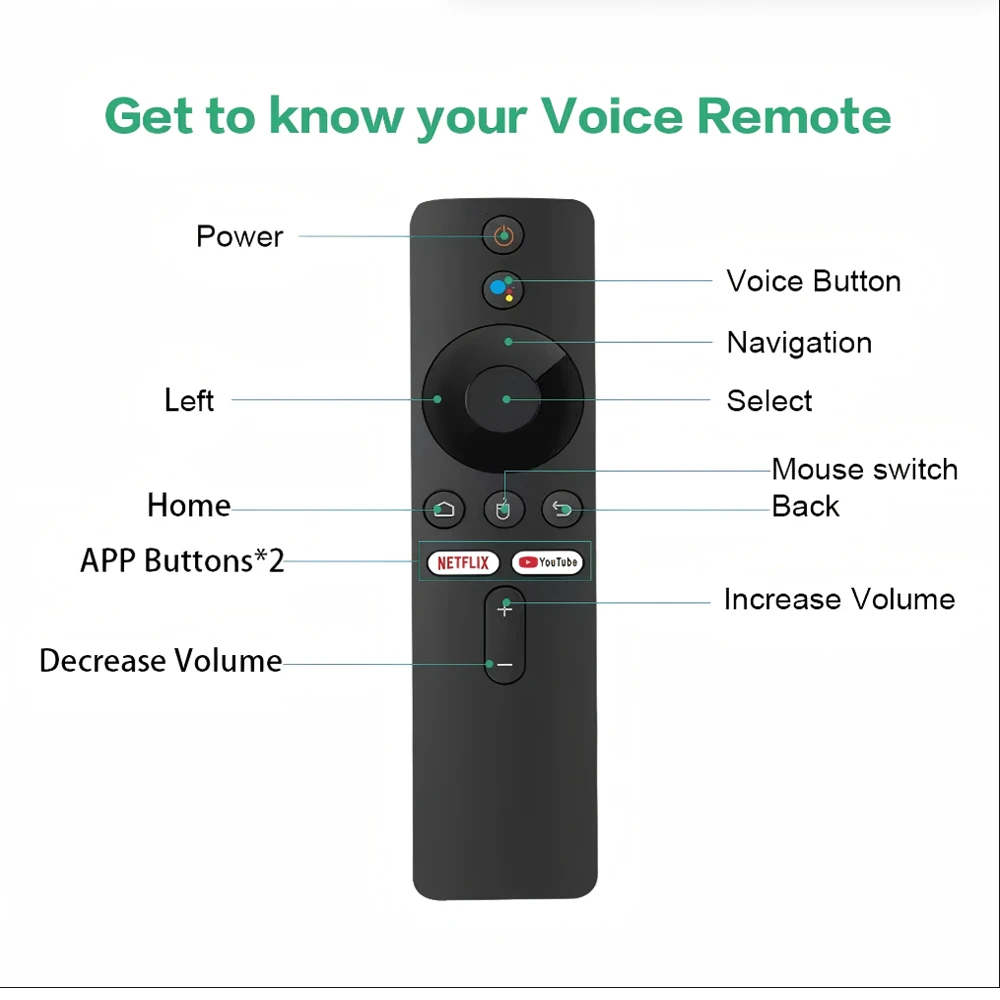
1.Click the voice button to display the pairing prompt interface.
2. Press and hold the button according to the prompt interface until the TV screen. automatically exits the pairing prompt interface before releasing the button. At this time, the Google Assistant is paired successfully.
3. Click the voice button. At this time, a voice bar prompt will appear on the screen below the TV.Then long press the voice button and say what you want to say to the remote control. You can release your hand until the TV displays the command you want to say. After releasing your hand the Google Assistant will execute your command.
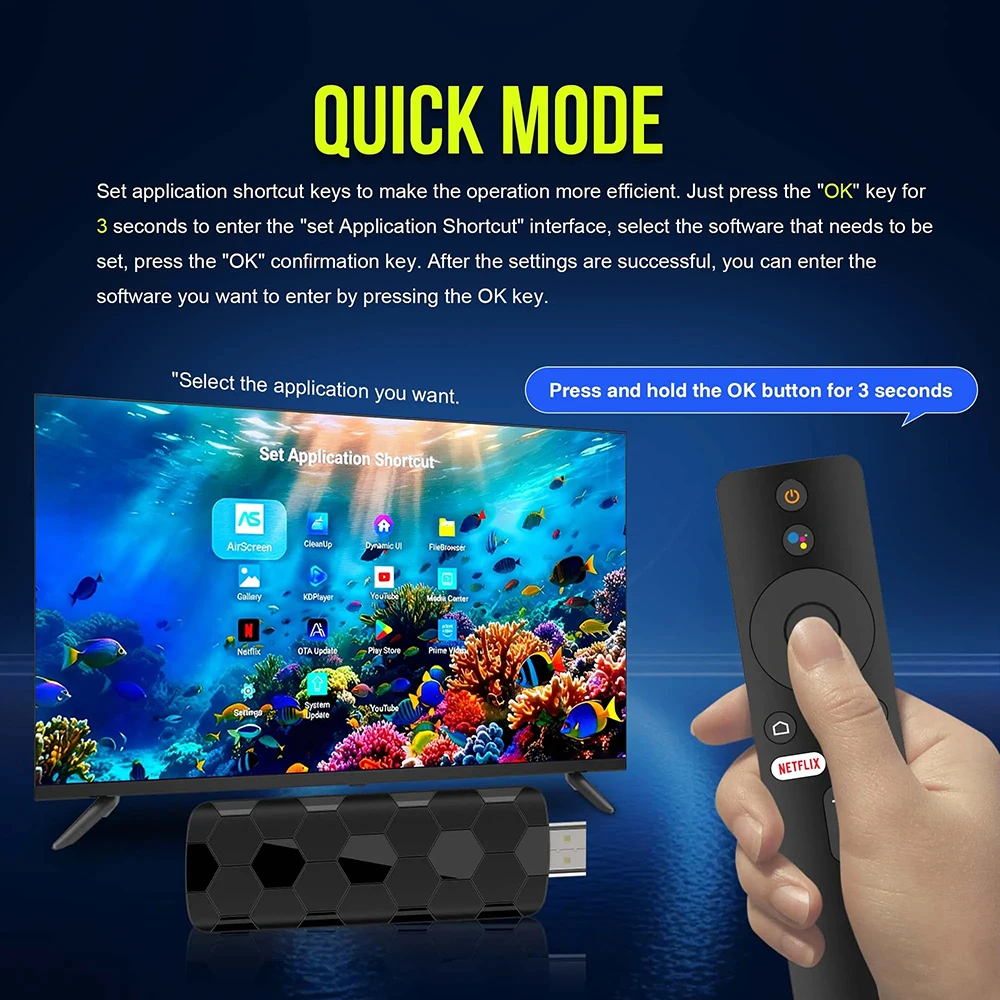
QUICK MODE
Set application shortcut keys to make the operation more efficient. Just press the "OK" key for
3 seconds to enter the "set Application Shortcut" interface, select the software that needs to be
set, press the "OK" confirmation key. After the settings are successful, you can enter the
software you want to enter by pressing the OK key.
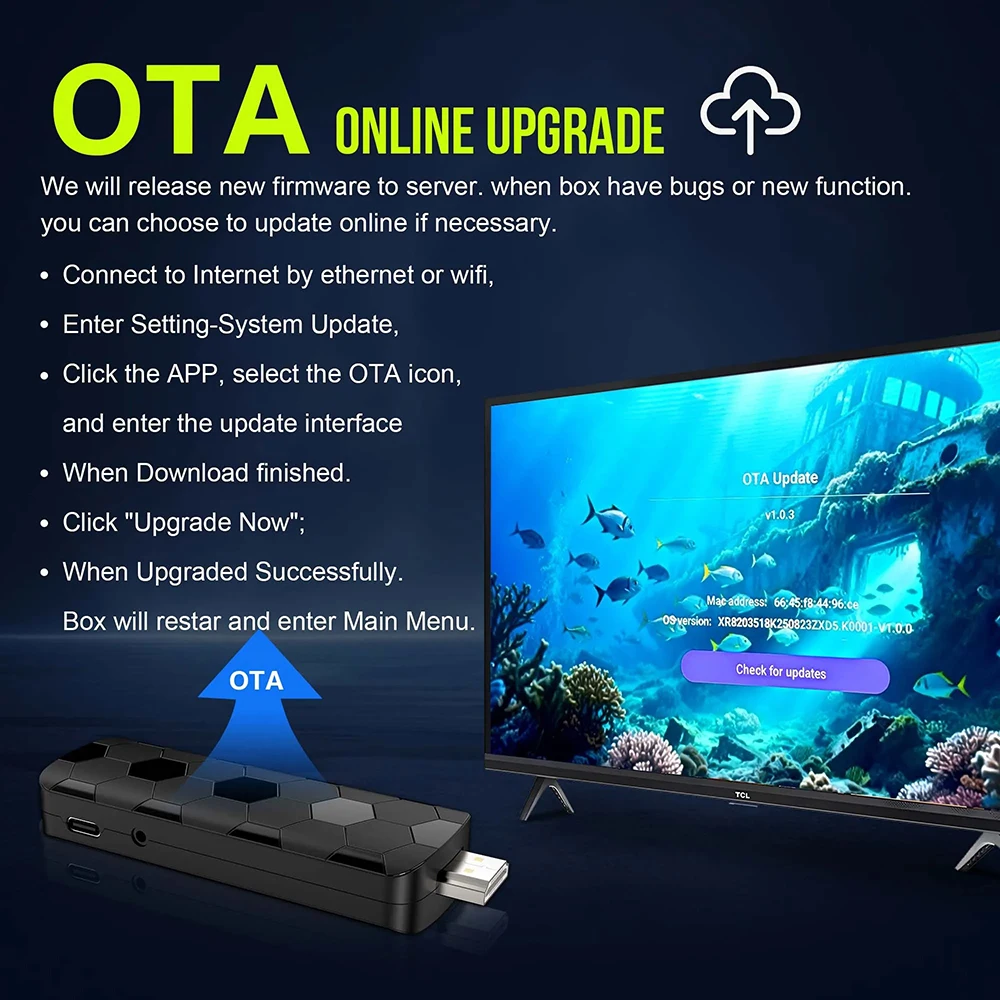
OTA ONLINEUPGRADE
We will release new firmware to server. when box have bugs or new function. you can choose to update online if necessary.
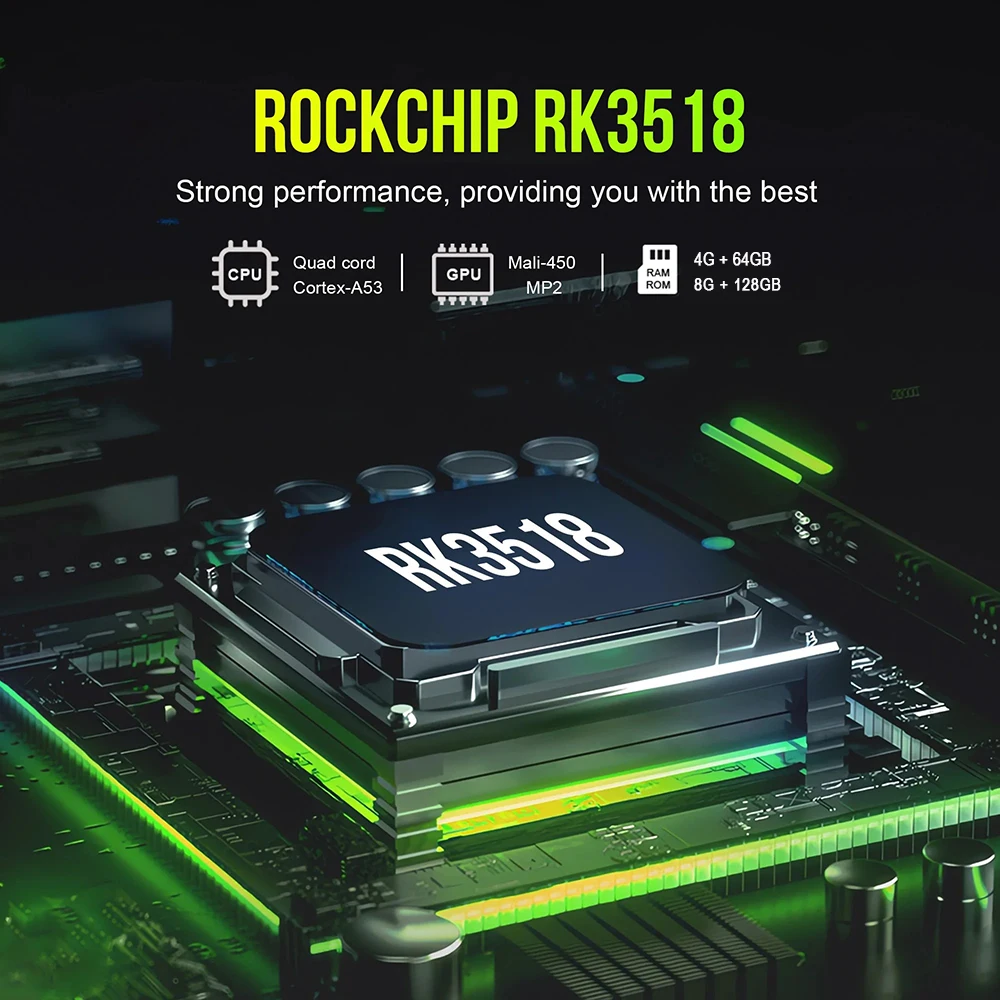
ROCKCHIP RK3518
Strong performance,providing you with the best
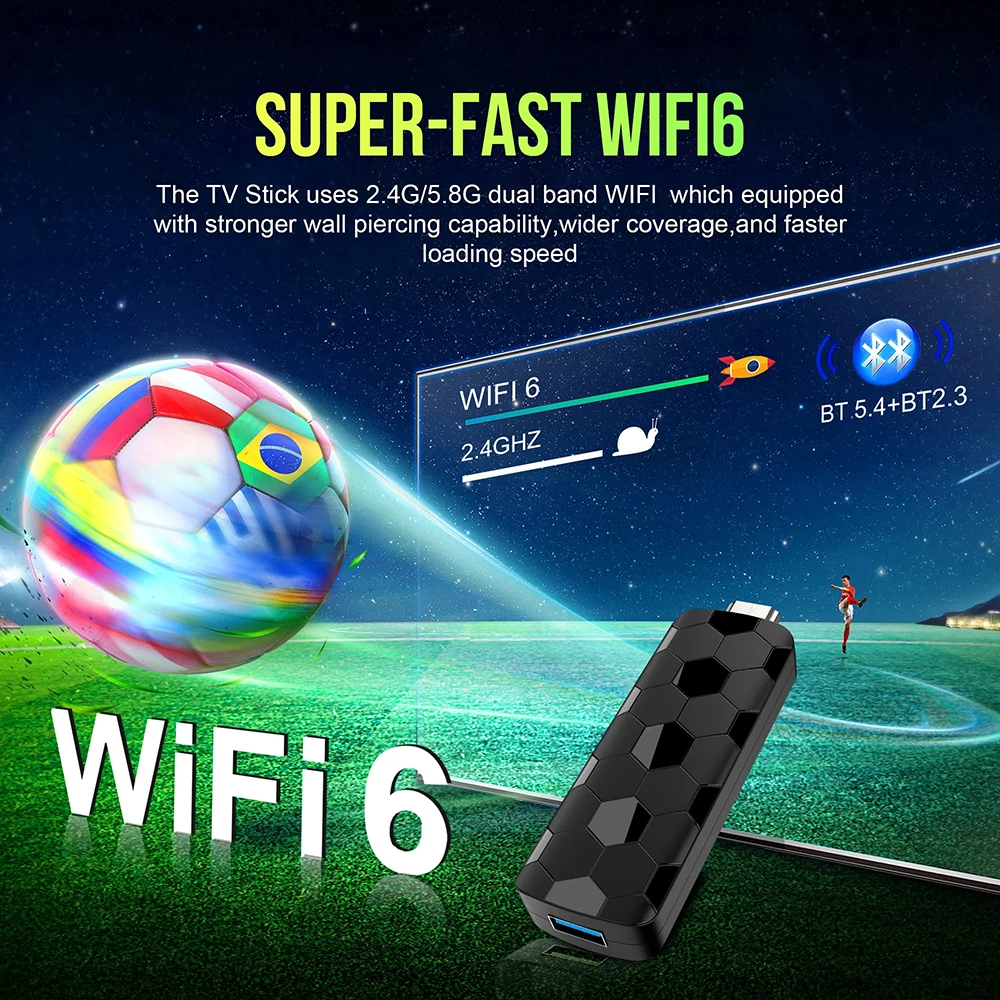
speedSUPER-FAST WIFI6
The TV Stick uses 2.4G/5.8G dual band WIFI which equipped with stronger wall piercing capability,wider coverage,and faster loading
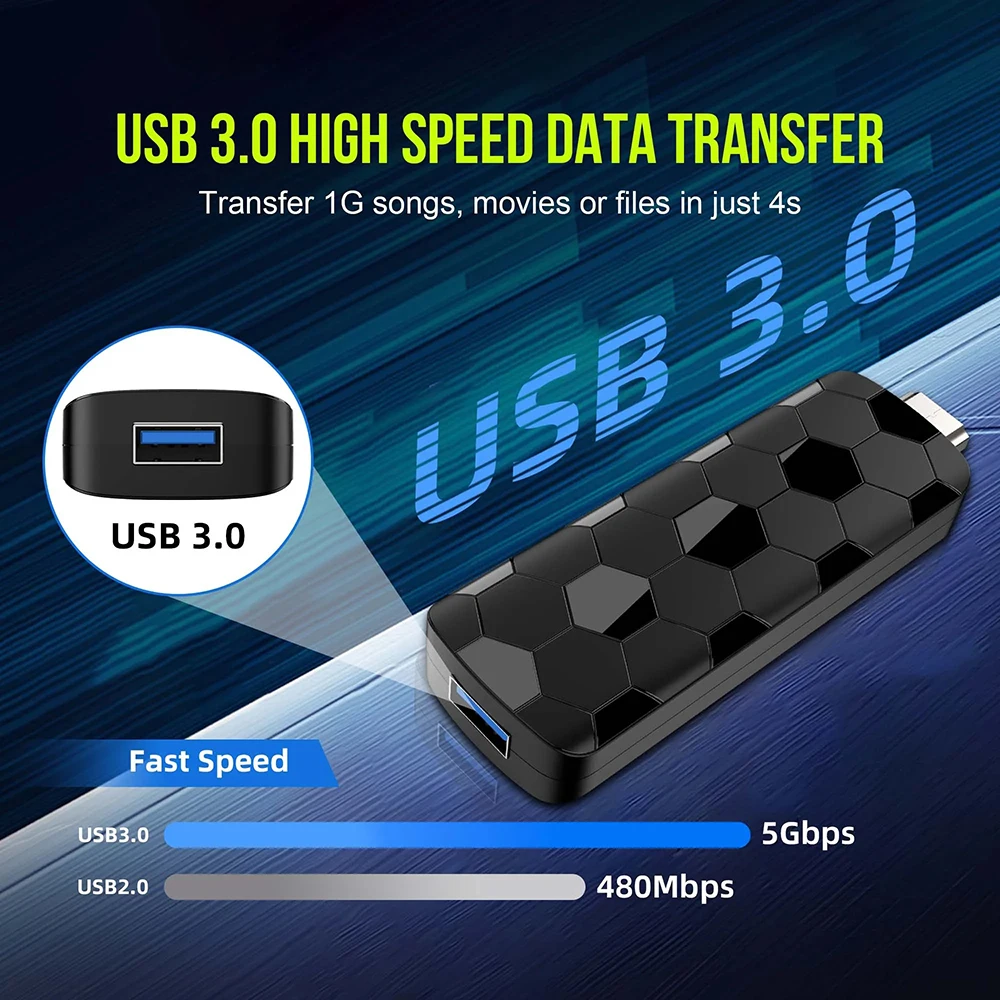
USB3.OHIGHSPEED DATATRANSFER
Transfer 1G songs, movies or files in just 4s
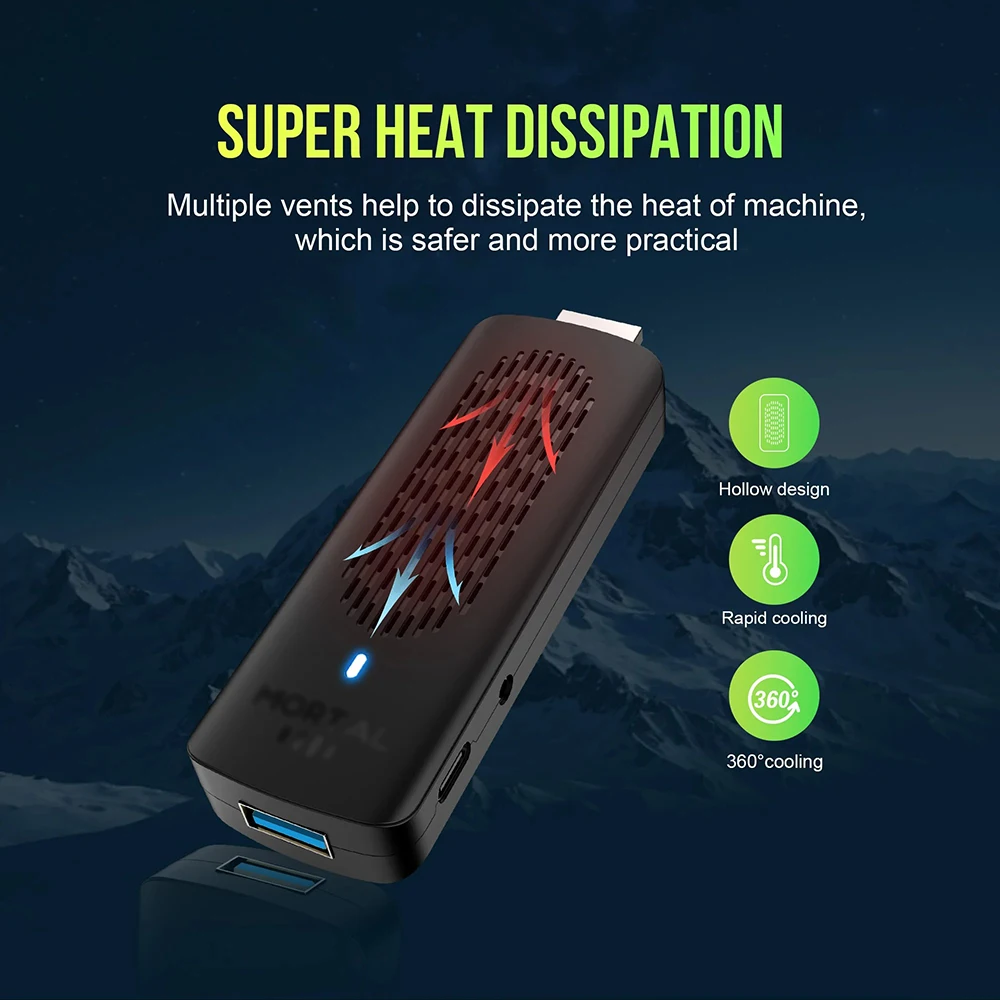
SUPER HEAT DISSIPATION
Multiple vents help to dissipate the heat of machine, which is safer and more practical
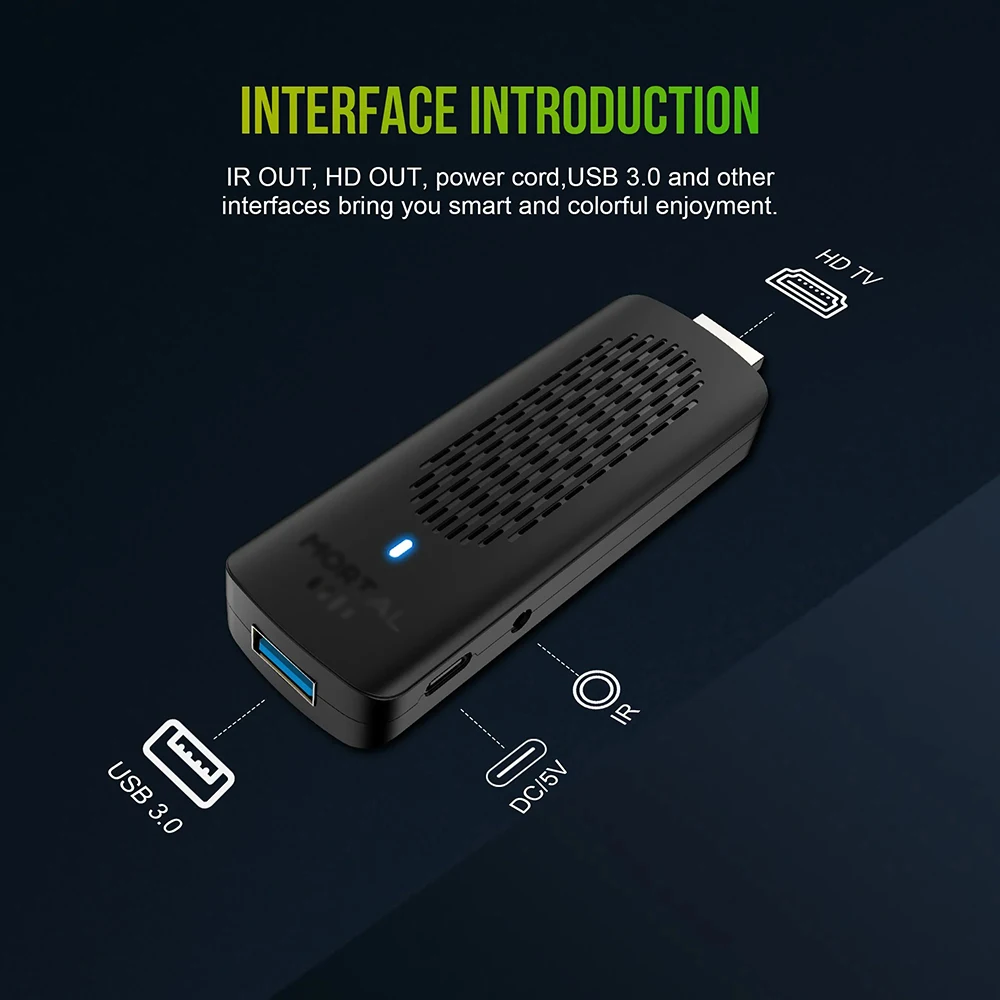
INTERFACE INTRODUCTION
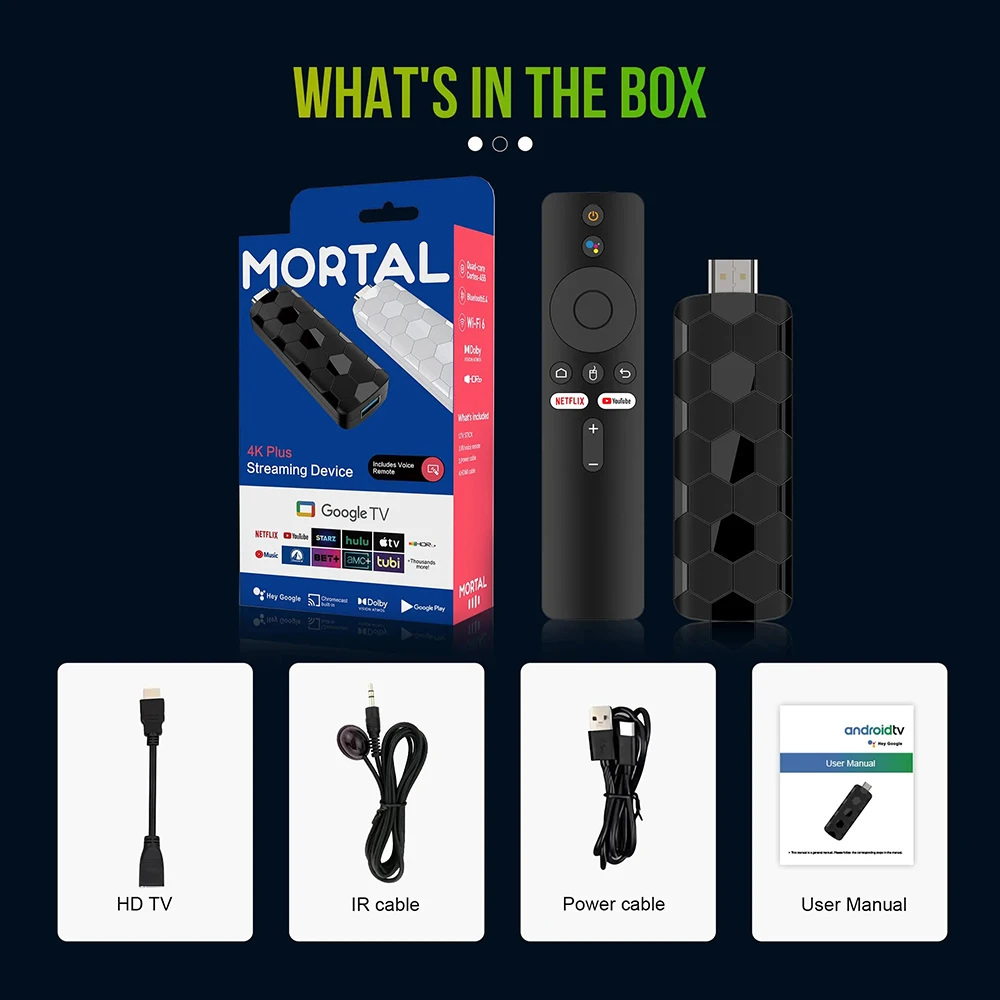
IR OUT, HD OUT, power cord,USB 3.0 and other
interfaces bring you smart and colorful enjoyment.
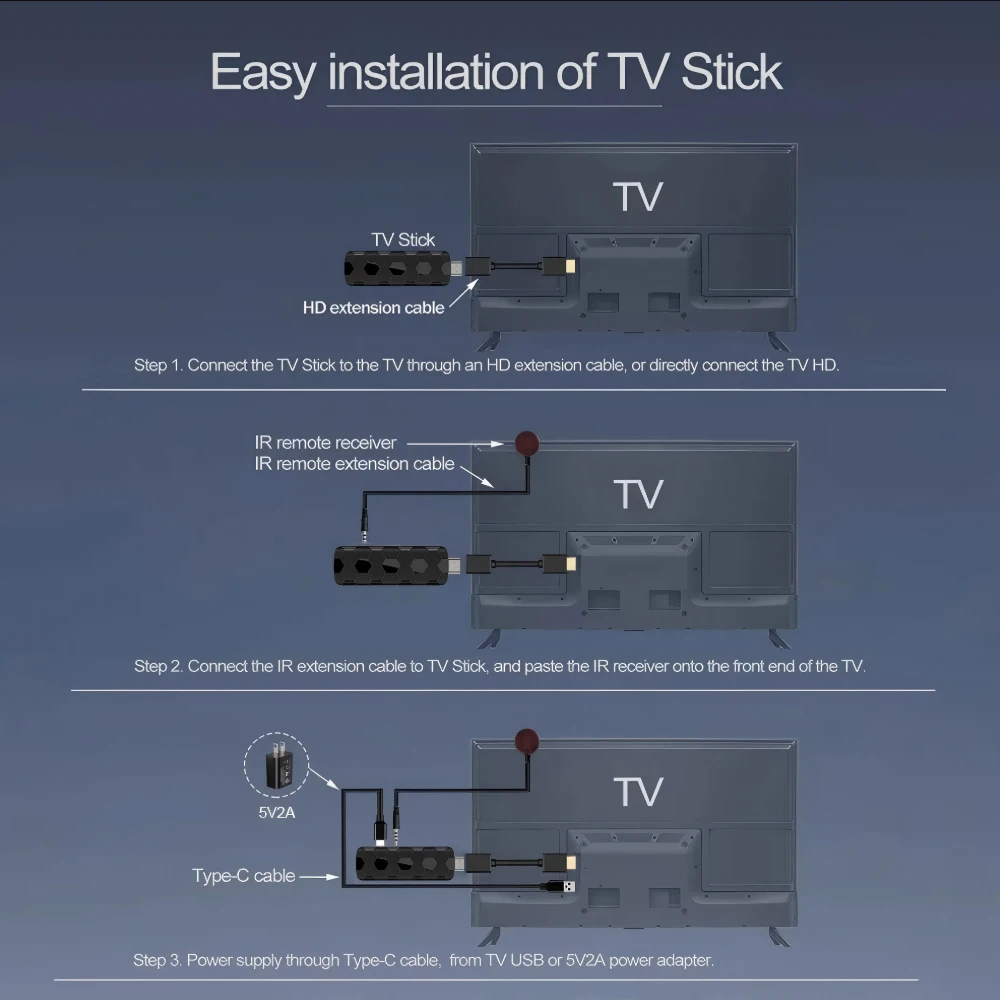
How to Install a TV Stick?
Step 1. Connect the Tv Stick to the Tv through an HD extension cable, or directly connect the TV HD
Step 2. Connect the lR extension cable to Tv Stick, and paste the lR receiver onto the front end of the TV.
Step 3. Power supply through Type-C cable, from TV USB or 5V2A power adapter
Couldn't load pickup availability
Your payment information is processed securely. We do not store credit card details nor have access to your credit card information.

