



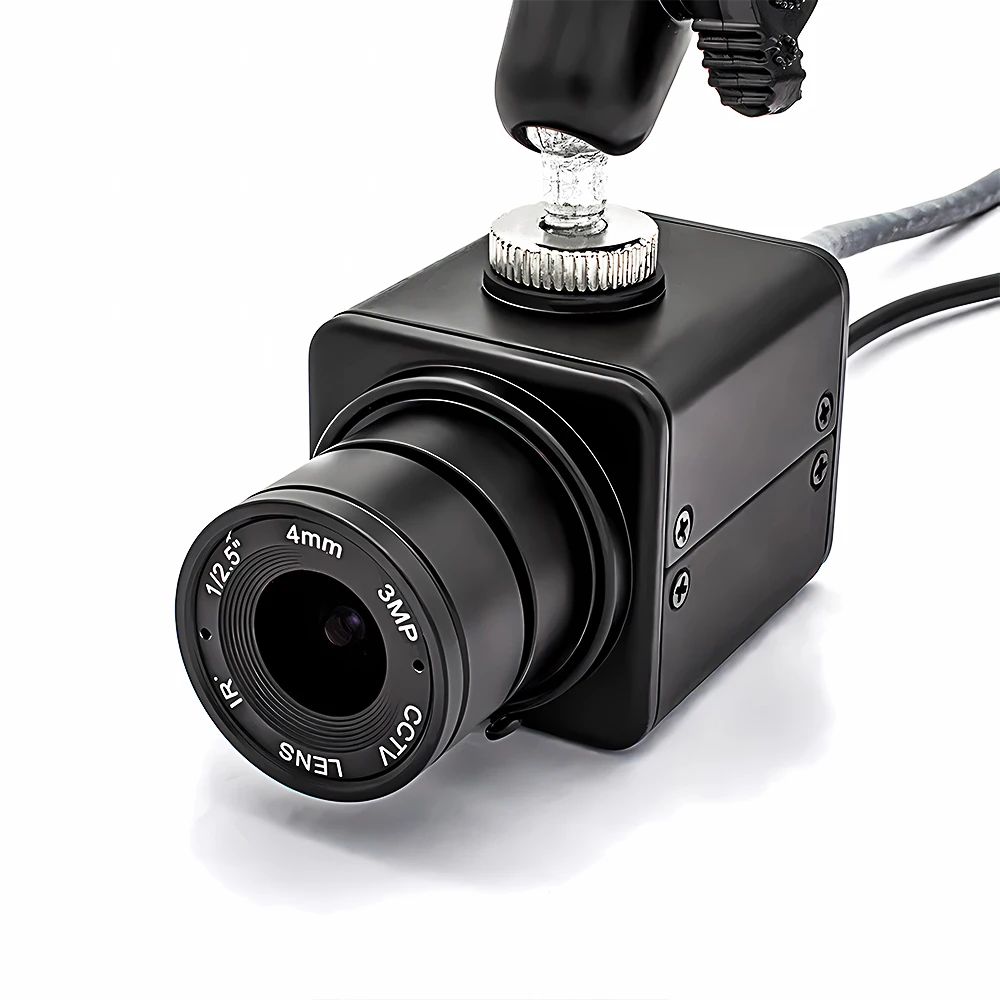
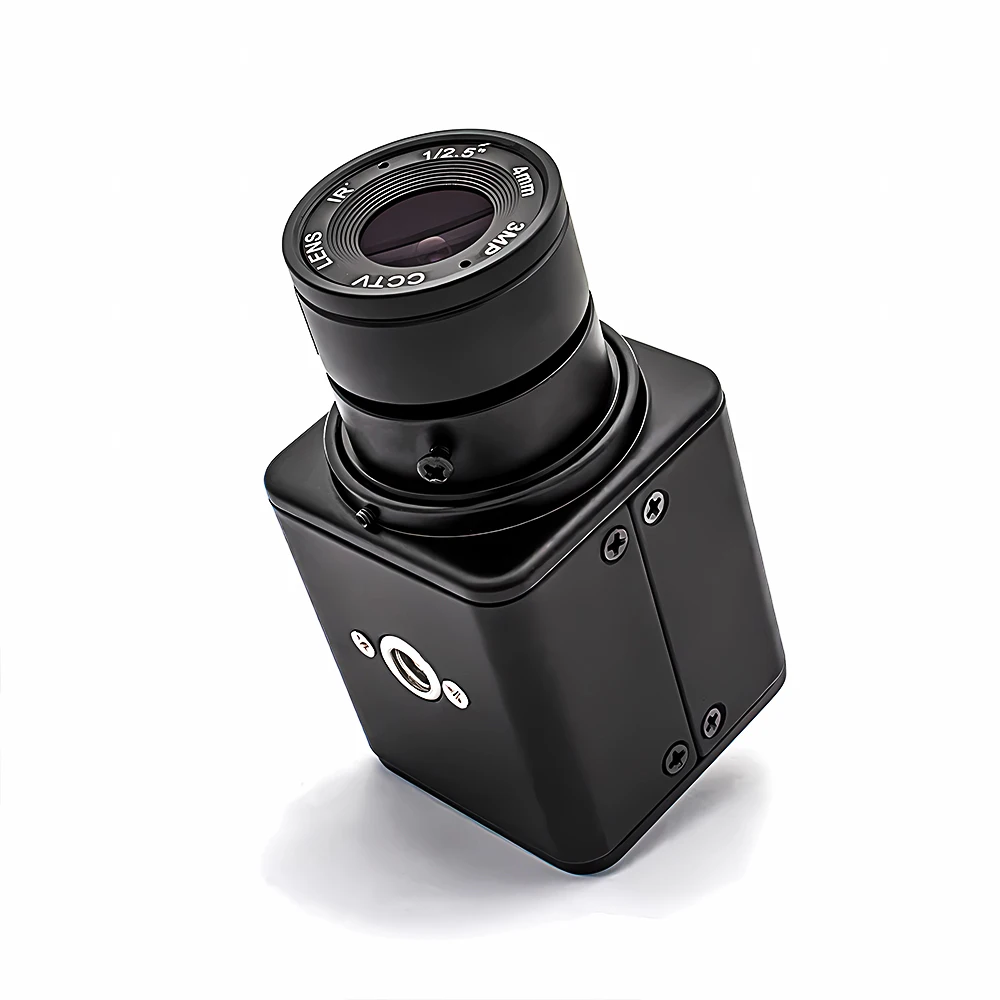
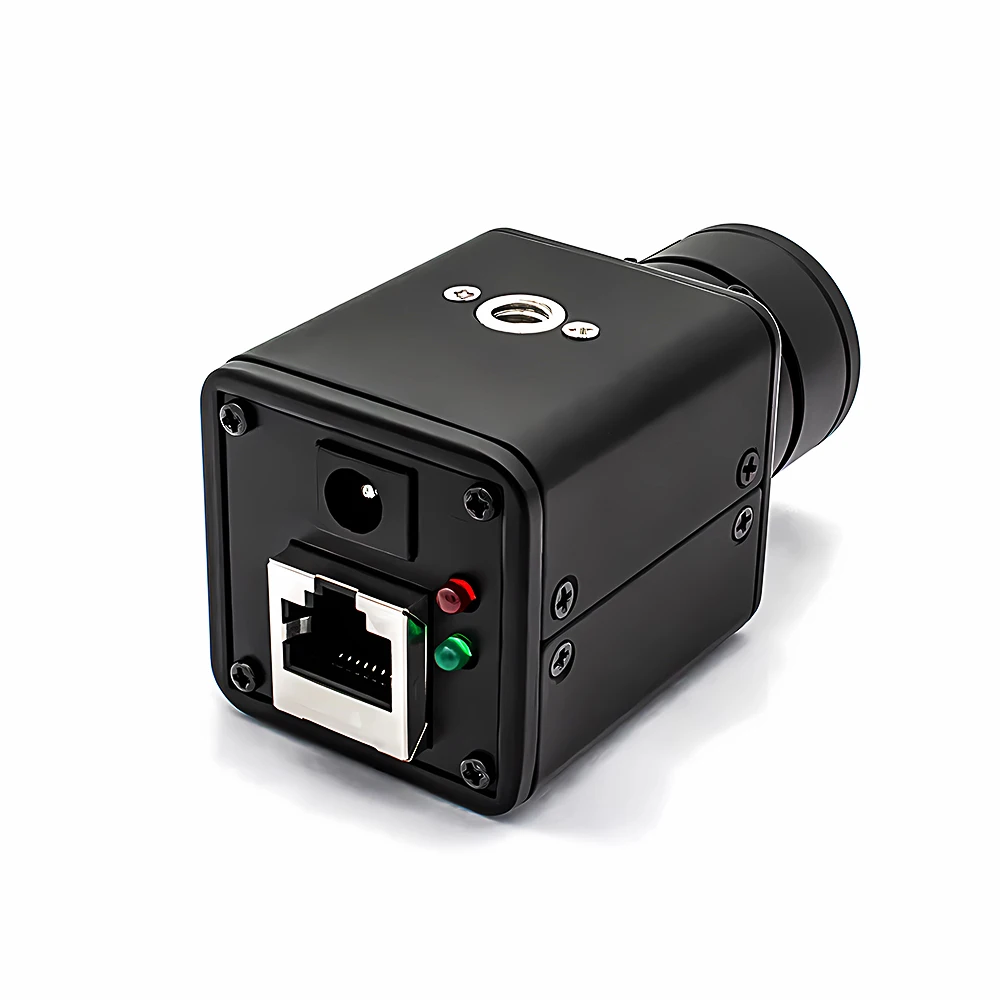
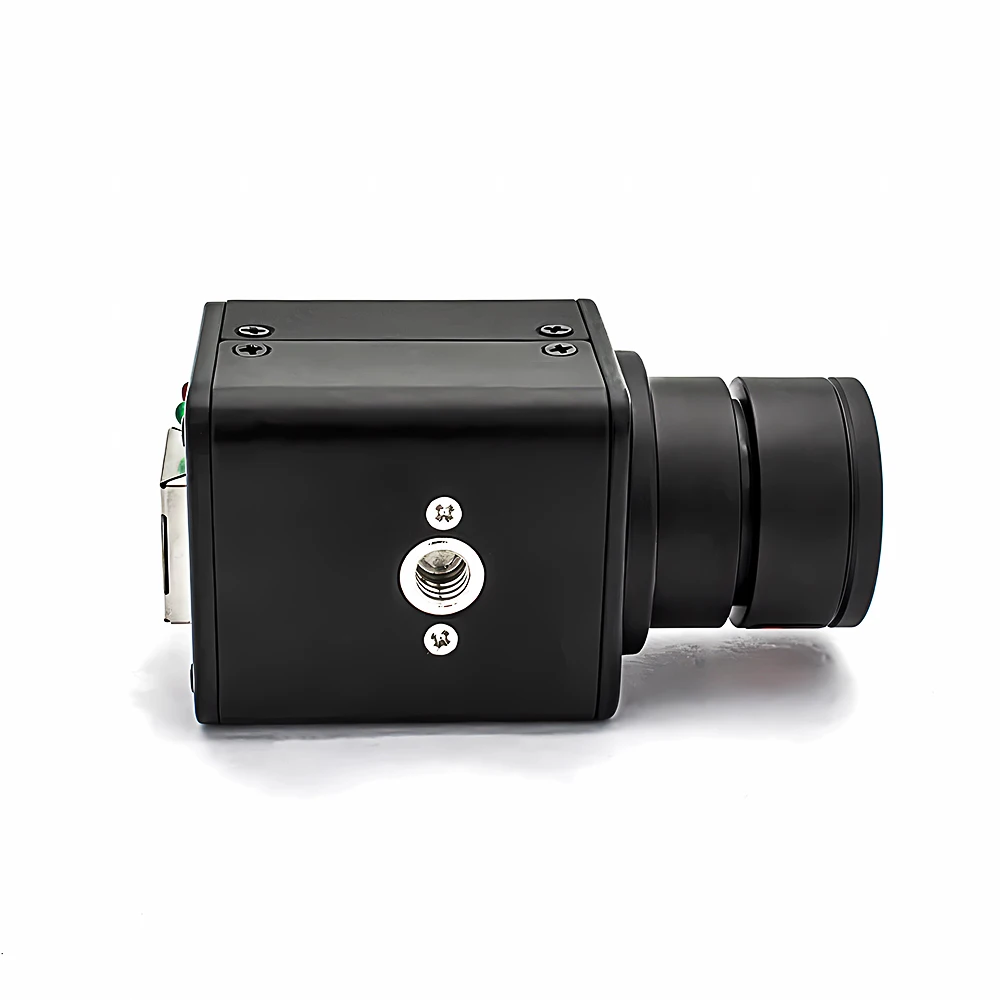
WGWK Mini 2/4MP IP Camera DC12V 4mm 82 Degree H.265 HD Security High Definition Surveillance Onvif P2P CCTV System RJ45 Webcam
Available in stock (978)
SPECIFICATIONS
AI Functions: Motion Detection
APP: XMEye
Alarm Type: telefon Alarm,FTP Photo,Email Photo
Audio Output: None
Certification: CE
Color: black
Color Night Vision: no
Connectivity: IP/Network Wired
Dimensions (L x W x D)(mm): 75.5x38x38mm
High Definition: 4.0 Megapixels
High-concerned chemical: none
Installation: Ceiling,Embedded,Normal,Wall Mounted
Internal Storage: None
Lens (mm): 4mm
Lens Quantity: Single Lens
Megapixels: 4MP
Minimum Illumination(Lux): 0.005Lux@F1.2
Operating Temperature: -10°-60°
Optical Zoom: NONE
Power Mode: Mains Electricity
Power Source: Normal
Power Supply: Normal
Scene: Indoor
Sensor: CMOS
Shell Material: Metal
Smart home platform: Other
Special Features: Vandal-proof
Style: Bullet Camera
Supported Mobile Systems: Windows Mobile,Android,iOS
Supported Operating Systems: Windows 98,Windows XP,Windows Vista,Windows 7,macOS,Windows 8,Windows 10,Windows 2000,Windows 2008,Windows 2003
TF Card: None
Video Compression Format: H.265
Viewing Angle : 80°
Whether or Not 50Vac or 75Vdc or Higher Power Supply: No
Zoom: NONE
Zoom type: none
is_customized: Yes
【New Product Launch】WGWKIndustrialCamera, click the image for direct access to the purchase channel ▶
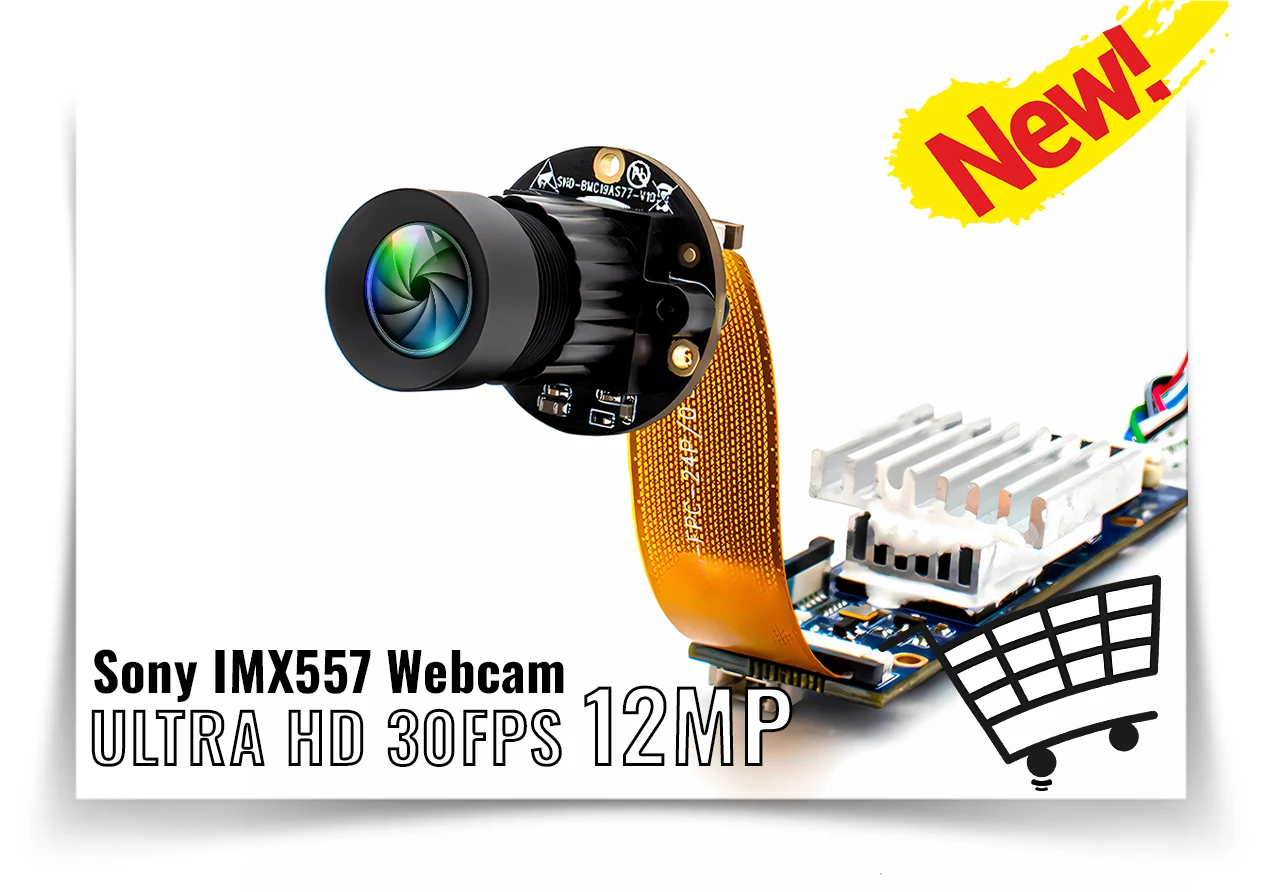
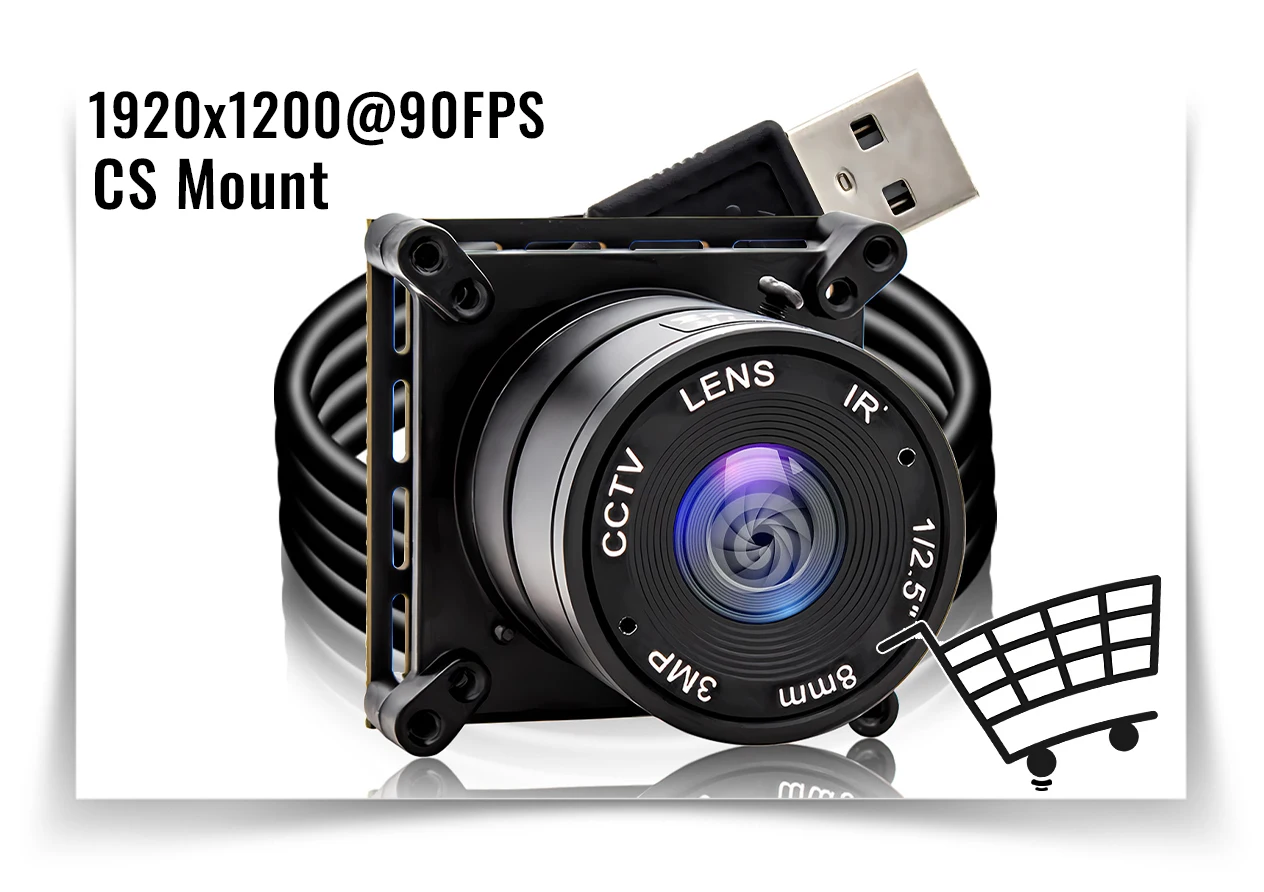
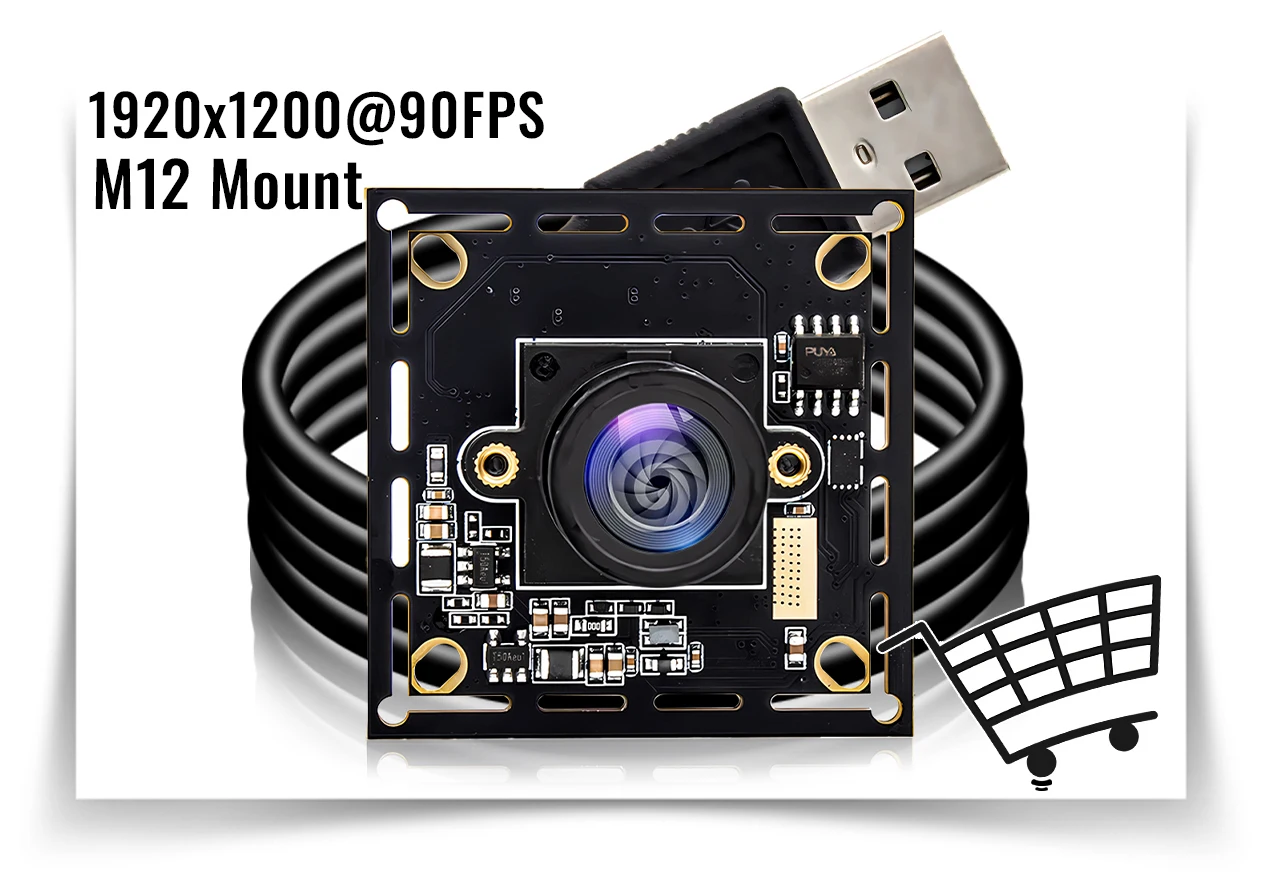
Enhance the flexibility and efficiency of your industrial applications by choosing our customizable industrial cameras! Whether it's the housing design, cable length, lens specifications, or special features, this camera can provide you with tailored solutions.

 Color: black
Material: Metal
Encoding Format: H.265+, H.265、H.264
Minimum illumination: COLOR 0.05Lux@F1.2;BLACK AND WHITE 0.005Lux@F1.2
Image Resolution: 2560*1440,1-25fps/s, 2304*1296、1920*1080、1280*720,1-30fps/s, 704*576、640*480、640*360、352*288,1-30fps/s
Lens: 4mm CS Lens
Power Supply: DC12V/120mA
(Not included Power Adapter, Please contact customer service if you need Power Adapter).

About computer operation and use
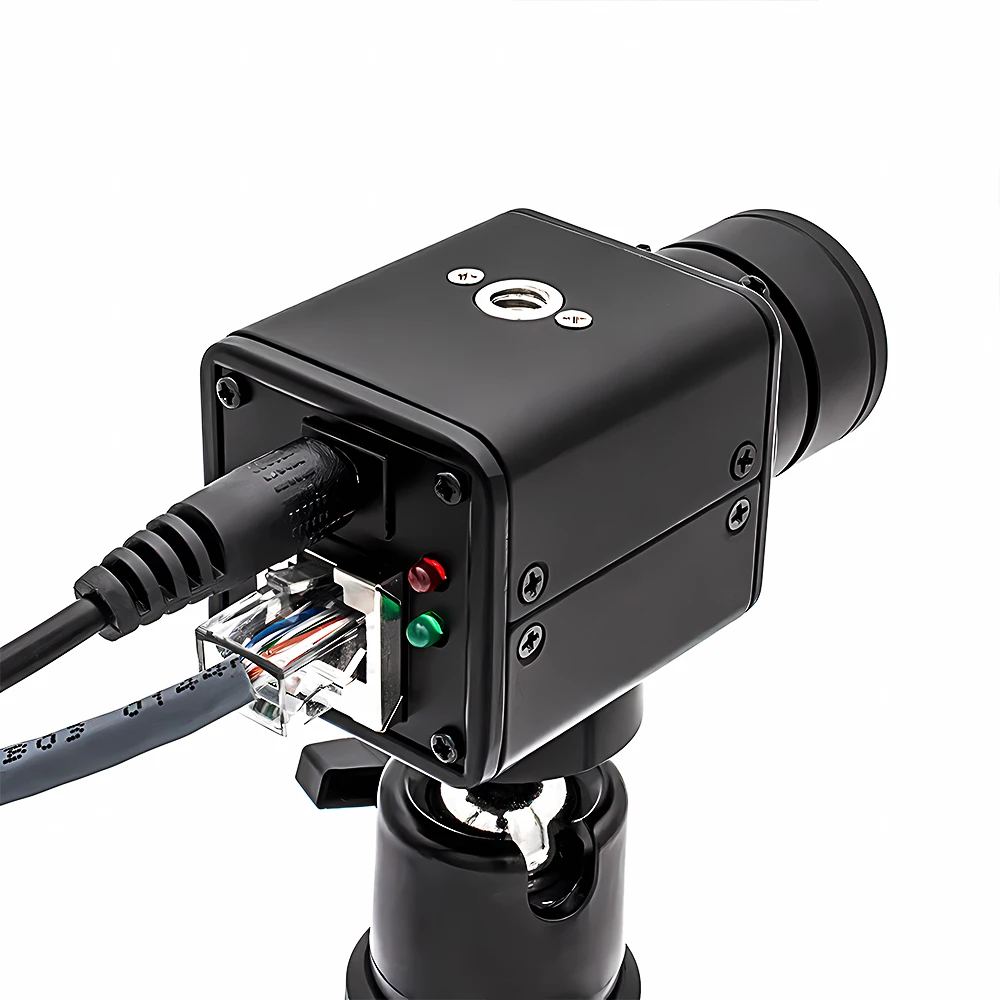
1. Make sure the camera is connected to the power supply and network
(the signal light flashes to prove that everything is normal)
2. Download the client to the computer:
(HVS) https://drive.google.com/file/d/1DOjYRWjWc5pAjmRUXs5mUwVyKx5cIlC2/view?usp=sharing
3.APP download: Search AC18Pro in Apple Store; Scan QR code download
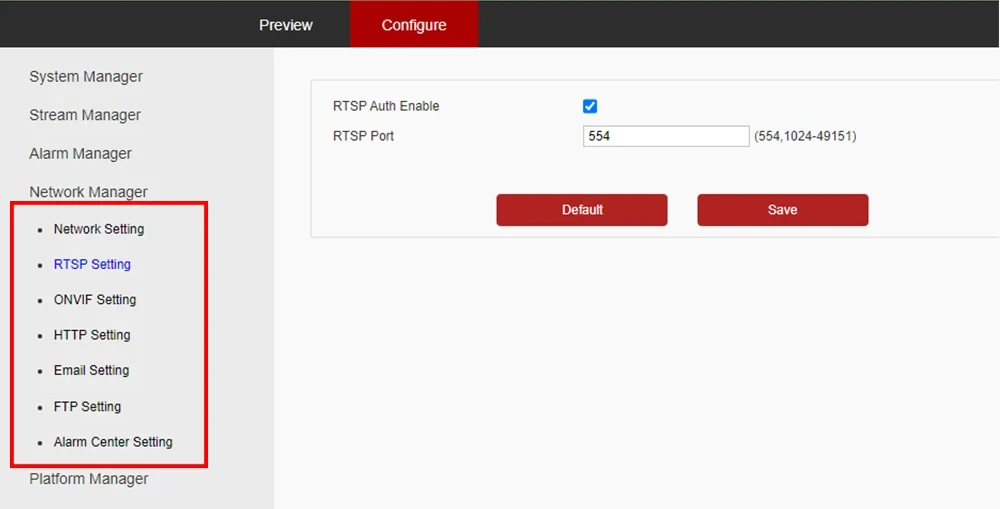
About RTSP
The RTSP URL format is as follows (assuming the IPC IP is 192.168.0.123):
Main stream: rtsp://admin:123456@192.168.0.123/stream0
Sub-stream: rtsp://admin:123456@192.168.0.123/stream1
above RTSP URL, if audio is turned on, the streaming data will contain video and audio.
If you only need video or audio data, use the following URL:
Main stream pure video: rtsp://admin:123456@192.168.0.123/video1
Sub-stream pure video: rtsp://admin:123456@192.168.0.123/ video2
pure audio: rtsp://admin:123456@192.168.0.123/audio
About Computer Software—HVS:
https://drive.google.com/drive/folders/1gHl6wqjsjIEc-RJ3ZiKbq-Mta_Xa1vgj?usp=sharing
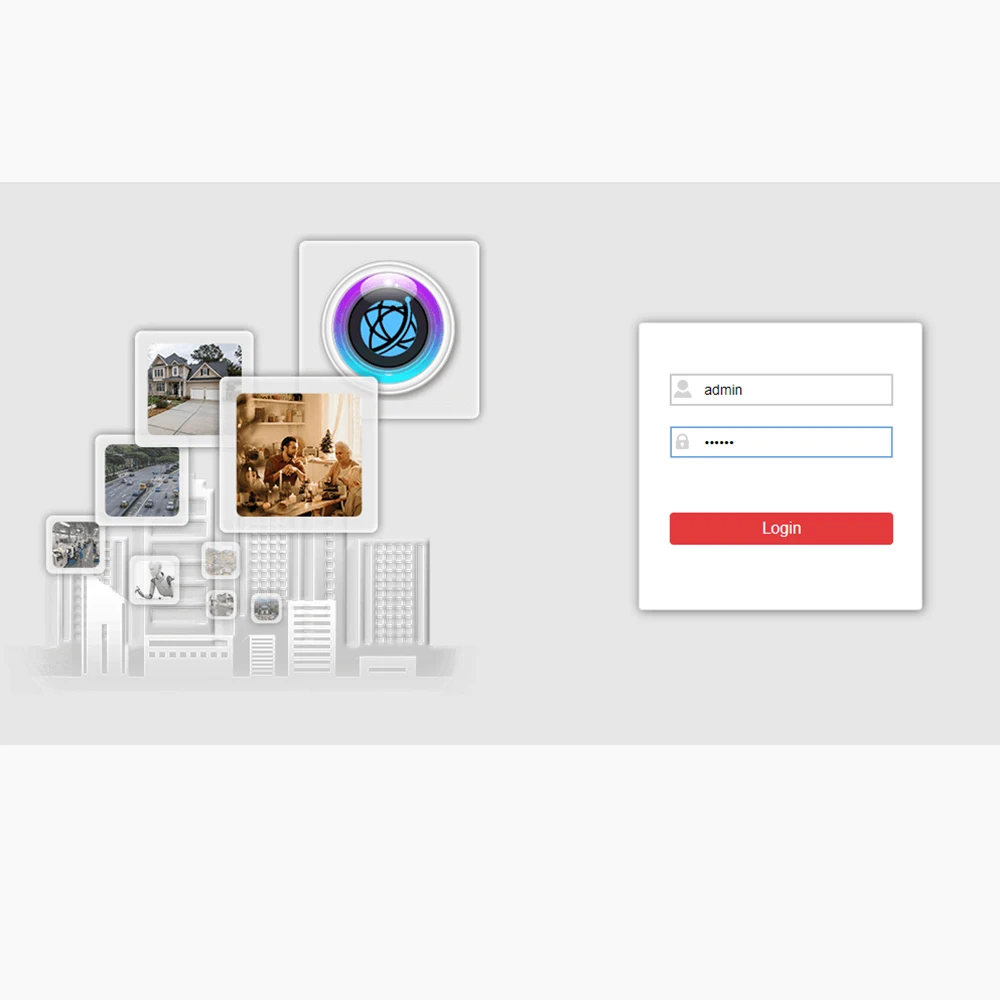
Step 2. Login HVS
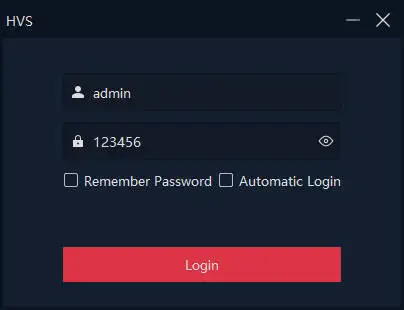
Step 3. Search for cameras connected to the local area network

Remotely configure the camera:

Couldn't load pickup availability
Your payment information is processed securely. We do not store credit card details nor have access to your credit card information.

